Weebly Free Website vs the Best Alternatives for 2026
This article evaluates the Weebly free website plan and compares it with the top free and low-cost alternatives in 2026, including Wix, WordPress.com, Squarespa…


So you have decided to build a website for your small business. Maybe a friend told you about Weebly. Or you just searched for a free option and landed on the weebly free website plan.
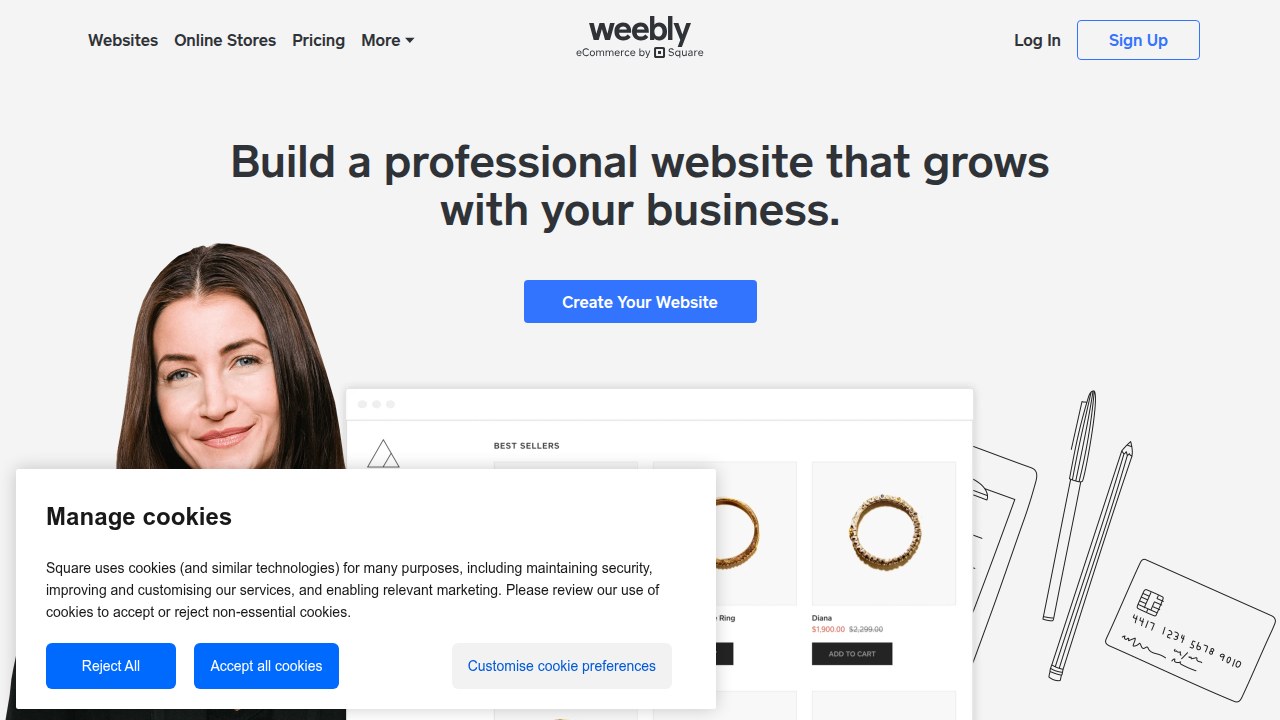
It sounds perfect, right? No upfront cost. A few clicks and you have a site live on the internet.
Here is the truth. Many small business owners start with a weebly free website and quickly hit a wall.

The plan offers a basic online presence, but it comes with real trade-offs that can actually stop you from growing. According to this detailed Weebly review, the free plan limits you to just 500 MB of storage. That is tiny. You cannot add many images, videos, or files before you run out of space. The platform also has serious limits when it comes to design flexibility and scalability, which means your site can feel stuck as your business grows.
Worse, many of these free site builders turn your website into what I call a "pretty brochure." It looks nice but does nothing to bring in customers. You put in the effort, but the phone does not ring. No leads come in. That is not a website. That is an expense with no return.
That is why in this article, I compare the weebly free website to the best alternatives in 2026. We look at platforms like a wix free website, the google sites website builder, and other smart options including a dedicated landing page builder. The goal is simple: help you pick the right tool that actually drives real customer acquisition, not just a page that sits there.
Because your business deserves more than a free plan that holds you back. If you want to learn how to turn your whole online presence into a lead machine, check out this guide on how to build a lead generating website.
Ready to stop guessing and start growing? Get Started for FREE and let Weblish help you build a site that actually brings in customers.
1. Weebly Free Features: What You Actually Get
The Weebly free plan sounds great on paper. You can build a site without paying a dime. But what exactly do you get?
Let’s look at the real features so you can see if it fits your business needs.
First, the good news. Weebly gives you a simple drag-and-drop editor. You can add text, images, and buttons without touching code. The free plan includes 500 MB of storage. That is enough for a few pages and some images, according to this Weebly review on ToolTester. You also get mobile-friendly themes, a basic contact form, and some basic SEO settings to help people find you online.
Now here is the catch. The free plan comes with real limits that hurt small businesses. You do not get a custom domain. Your address will look like yourbusiness.weebly.com. That does not scream professional. Weebly also places its own ads on your site. You cannot sell products without paying. The platform also has serious limits when it comes to design flexibility and scalability. Your site can feel stuck as you try to grow.
For a small business, your website needs to do one main job. It needs to bring in new customers.

A free plan with a subdomain and ads often hurts your credibility. If you want to learn how to turn your site into a true lead machine, read this guide on how to make your small business website convert visitors to customers.
This is exactly where a service like Weblish changes the game. Instead of fighting a free plan that holds you back, you get a professional site that works hard for you. With Weblish’s professional growth services, you get a custom domain, advanced SEO, and a real strategy focused on getting you leads. No ads. No awkward subdomain. Just results.
Ready to stop settling for a "pretty brochure" and start getting real customers? Get Started for FREE and let us build a website that actually brings your business to life.
2. The Hidden Limitations of Weebly’s Free Plan
The Weebly free website plan looks like a steal on the surface. But after you start building, the real costs show up. And they can quietly hurt your business.
Let me walk you through the biggest hidden limits.
No custom domain. Your site lives at yourbusiness.weebly.com. That URL screams "free site" to visitors. A 2026 comparison of Wix and Weebly notes that a custom domain is one of the first things professionals look for when deciding if a business is credible. Without it, people may hesitate to trust you.
Weebly places its own ads on your site. These ads can distract visitors and even send them away from your content. It’s hard to convert leads when someone else’s banner is competing for attention. Most free website builders do this, according to a review of the best free website builders in 2026. They need to make money somewhere, and your site pays that price.
Storage and bandwidth limits. You get 500 MB of storage. That’s fine for a simple text page, but the moment you add images, videos, or a blog, you run out fast. A media-rich site will load slowly or break at peak traffic. This is a major reason why many small businesses eventually outgrow free plans.
These limits add up. Instead of helping you build a professional brand, a weebly free website can actually push customers away. You end up with a site that feels stuck and unprofessional.
So what is the better path? Instead of fighting these limits, you can start with a solution that gives you a custom domain, zero outside ads, and room to grow. A platform like Weblish builds your site on proven infrastructure with unlimited storage potential and a focus on lead generation. No awkward subdomain, no distracting ads, just a clean, fast site that works.
If you are serious about turning your site into a real customer magnet, you need to move past these hidden traps. Start your FREE Trial and let us handle the heavy lifting.
3. Alternative #1: Wix Free – Feature-Rich but Ad-Heavy
If you think a weebly free website holds you back, switching to a wix free website might feel like a breath of fresh air.
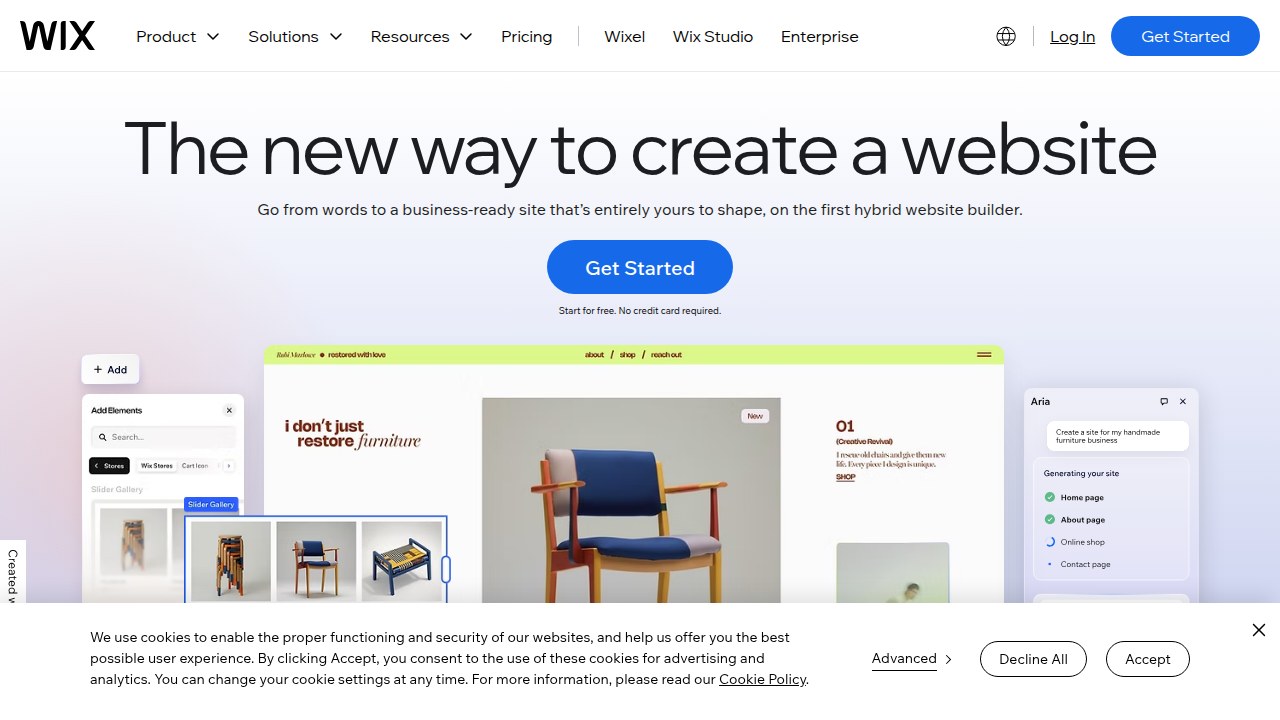
Wix gives you access to over 2,500 templates and a powerful drag-and-drop editor. You also get decent SEO tools built in, which can help your pages rank better.
But here’s the catch. Wix free still shows its own ads on your site. Those banners can distract visitors and hurt your brand. Many reviews name Wix the top free builder for design flexibility, but they also warn about the same ad problem. According to a 2026 comparison of the best free website builders, Wix provides the most design tools for $0, but those ads are part of the deal.
The storage limit is 500 MB, the same as Weebly. You also get a free Wix subdomain instead of a custom domain. So your URL looks like username.wixsite.com/site. That still screams “free” to people shopping for your service.
Bandwidth limits are similar too. If your traffic spikes, your site can slow down or stop working. And those ads can be really intrusive. One minute you are showing off your work, the next a banner is pushing visitors to a different service.
So Wix free gives you more design options. But it still holds you back with ads and space limits. It works fine for a quick hobby site. For a serious business that needs to generate leads, it may not be enough.
If you are ready for a solution that removes all these limits, consider a platform built for growth. Weblish gives you a custom domain, no outside ads, and unlimited potential to scale. It’s a smarter path than fighting with ad banners and tiny storage. Want a site that actually works for you? Start your FREE Trial and see the difference.
4. Alternative #2: WordPress.com Free – Best for Content Marketing
If a weebly free website still feels limited, consider WordPress.com Free. This plan gives you 3GB of storage and no ads on your site.
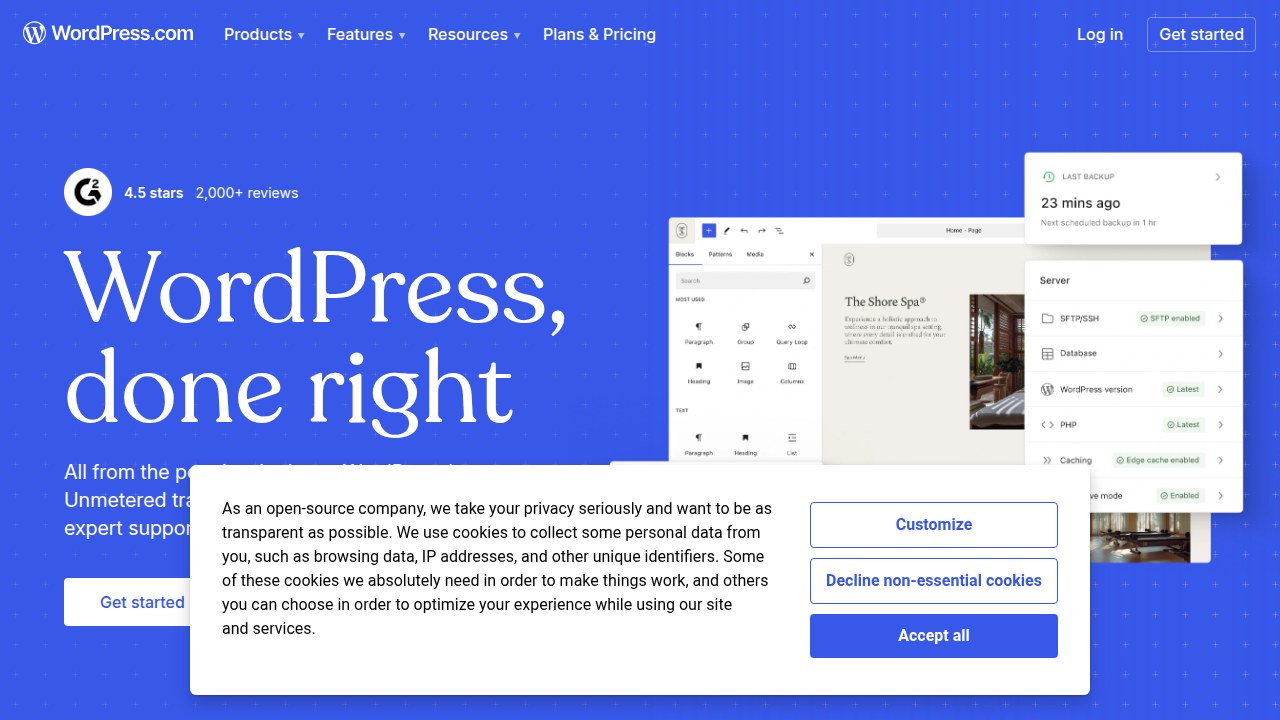
That’s a big plus over Weebly and Wix free, which both show ads. According to a 2026 review of free website builders, WordPress.com is a top choice for bloggers who want a clean, ad free experience.
But there are trade offs. You are stuck with a subdomain like yourblog.wordpress.com. That still looks unprofessional for a business. And you cannot upload custom plugins or themes. So you lose the core flexibility that makes WordPress great. If you want ecommerce features, this plan will not work.
So who should use it? If you only care about writing content and building an audience through blogging, this is a solid option. It works great for content driven lead generation. Just know that you cannot sell products or customize much.
For many small businesses, a weebly free website or WordPress.com Free is fine for testing ideas. But neither will help you grow long term. If you want a real lead generation machine, you need more than a free plan. That is where a dedicated landing page builder and ongoing growth support come in.
Ready to stop fighting free limits? See how Weblish builds a site that actually converts visitors into customers. Start your FREE Trial and get a professional site without the hassle.
5. Alternative #3: Squarespace Free Trial – Design-First Approach
Maybe you care a lot about how your site looks. If that’s you, Squarespace is often the first name people mention.
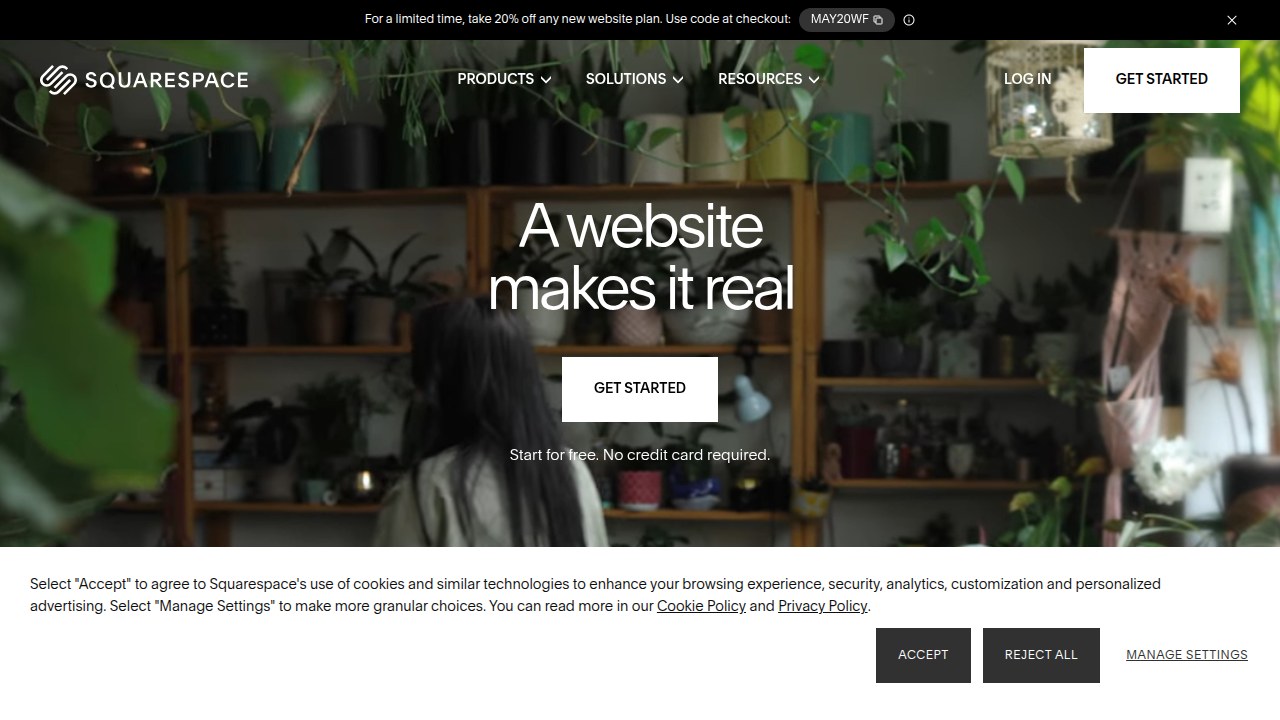
And for good reason. Their templates are modern, clean, and responsive. In fact, a 2026 comparison of website builders notes that Squarespace offers better designs than most competitors, while Wix edges ahead on tools and features.
But here is the catch. Squarespace does not have a true free plan like a weebly free website does. Instead, they give you a 14 day free trial. You have to enter your credit card to start it. After those two weeks, you must pay. So you cannot keep a free site running long term.
If you just want to test the design quality and see how the editor works, the trial is fine. You can build a beautiful site in that time. But you will not have time to build real traffic or test lead generation. And if you forget to cancel, you get charged.
For small business owners who want a landing page builder that works without time pressure, Squarespace can feel rushed. You might be better off with a wix free website or google sites website builder if you need something that stays free.
Still, design matters a lot for making a good first impression. If you want to learn more about using design to convert visitors, check out our guide on graphic design principles that turn your website into a lead generator.
But for a site that grows your business month after month, a free trial is not enough. You need ongoing support and optimization. That’s why many owners switch to a done-for-you service.
Ready for a site that works hard for you, not just for 14 days? Get Started for FREE and let Weblish build a conversion focused site without the trial clock.
6. Alternative #4: Carrd – Lightweight for Simple Pages
Maybe you just need a simple landing page for a new product idea. Or a one page portfolio to showcase your work. You do not need a blog, ecommerce, or complex SEO tools. That is exactly where Carrd shines.
Carrd offers a free plan that lets you build up to three static pages. You get a carrd.co subdomain, and the pages load fast. It works great as a landing page builder for quick projects. Many creators use it for personal sites or event pages.
But here is the thing. Carrd is different from a weebly free website or a wix free website. Those platforms give you more features like drag and drop editors and app markets. Carrd keeps things minimal. You cannot add a blog, sell products, or do much SEO. There is very little room to scale. As one 2026 comparison notes, Carrd is best for lightweight projects, not growing businesses.
So if your goal is to test a simple idea, Carrd works fine. But if you want a site that actually brings in leads month after month, you will hit a wall fast. That is why many small business owners eventually look for something more powerful.
Want a site that can grow with you without the limits? Start your FREE Trial and let Weblish build a conversion focused site that does more than just sit there.
7. How to Choose the Right Free Website Builder for Your SMB
So you have seen the major free options: a Weebly free website, a Wix free website, Google Sites website builder, Carrd as a landing page builder, and a few others.
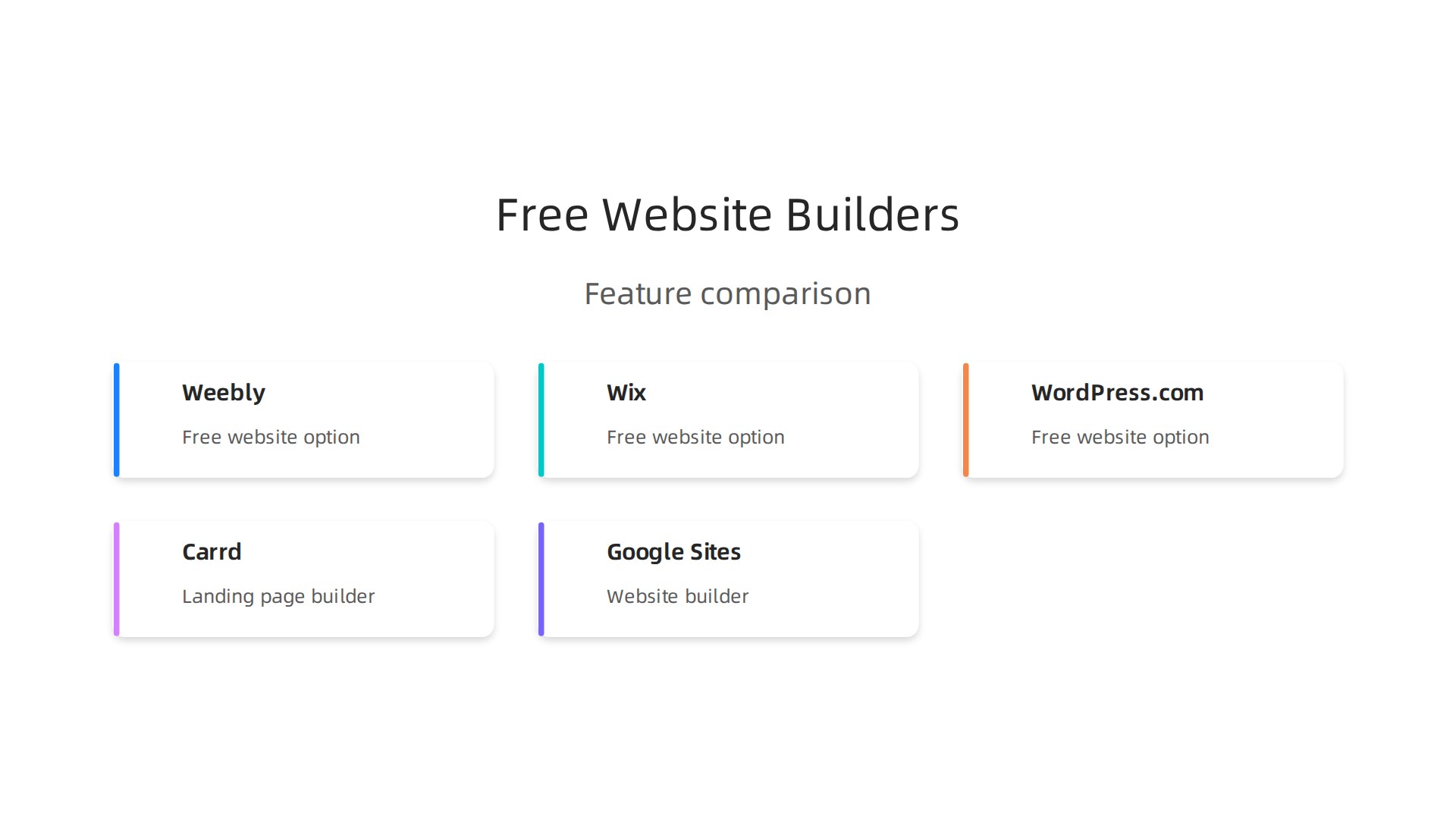
Now the hard part picking the one that actually works for your small business. Here is a simple framework to decide.
Match the platform to your main goal. Are you trying to generate leads? Or just show off your work? In 2026, 90.7% of marketers use their website to generate leads and sales. If lead capture is your priority, choose a builder with built-in forms, email marketing integration, and good SEO tools. A Weebly free website or Wix free website offers those features. A Carrd landing page works only if your goal is a single, simple page.
Think about future growth. Free plans often lock you in. Will you need to add a blog, sell products, or run ads later? Check how easy it is to upgrade or migrate. Many free builders use their own closed systems. Moving your content to a more powerful platform like WordPress or a done for you service can be a headache. One 2026 study found that 97% of buyers research a vendor on its website before buying. So your site needs to grow with you.
Watch for hidden costs. Free sounds great until you need premium templates, remove branding, or unlock SEO features. Those extras add up fast. Some builders charge for basic things like connecting a custom domain or adding a contact form. Compare the total cost for the first year, not just the free tier.
If you are serious about turning your website into a lead generation machine, you might outgrow free builders quickly. Instead of piecing together tools, consider a service that handles everything for you.

Start your FREE Trial with Weblish and let a dedicated team build and manage a website that actually converts visitors into customers.
8. Migration Guide: Moving from Weebly Free to a Better Platform
So you started with that Weebly free website. It got you online fast. But now you are hitting limits. No custom domain. No real SEO tools. And those Weebly ads make your site look unprofessional. You are ready to move up. Here is how to do it without losing your content or search rankings.
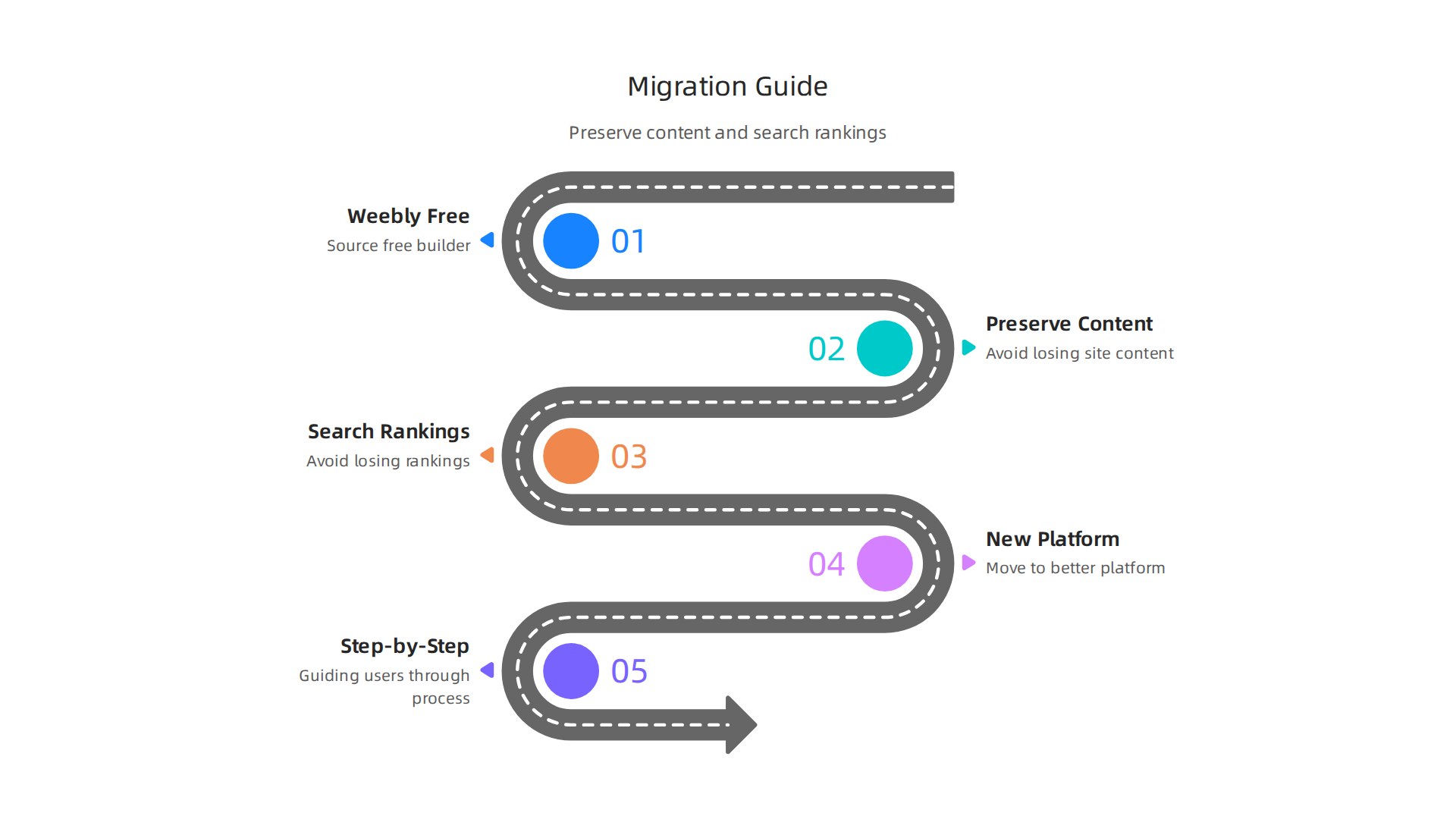
First, export your content manually. Weebly does not offer a clean one click export. You will need to copy and paste your page text into a document. Save your images by downloading each one from your media library. This takes time but keeps your work safe.
Choose your new home carefully. You could move to a Wix free website but you will face the same limits later. Many businesses jump to WordPress for full control. Others prefer a done for you service that handles everything. A professional site costs anywhere from $200 per year with a DIY builder to over $3,000 for a custom build. The right choice depends on your growth plans.
Rebuilding is mostly manual. Importing your Weebly content into WordPress or another platform requires rebuilding pages from scratch. Some automation tools exist but expect to recreate layouts and formatting by hand.
Protect your SEO during the move. Set up 301 redirects from your old Weebly URLs to the new pages. This tells Google your content moved. Without redirects, you lose all the search equity you built. Plan for a few hours of downtime and double check every page after launch.
If all of that sounds like a headache, you are not alone. Many business owners skip migration because it feels too hard. Instead of wrestling with exports and redirects yourself, let a team handle it. Start your FREE Trial with Weblish and get a professionally built site that keeps your traffic and grows your leads.
9. Cost Comparison: Free vs. Paid Plans – What’s the True Cost?
When you use a weebly free website, it feels like you are saving money. No monthly bill, right? But the true cost hides in plain sight.
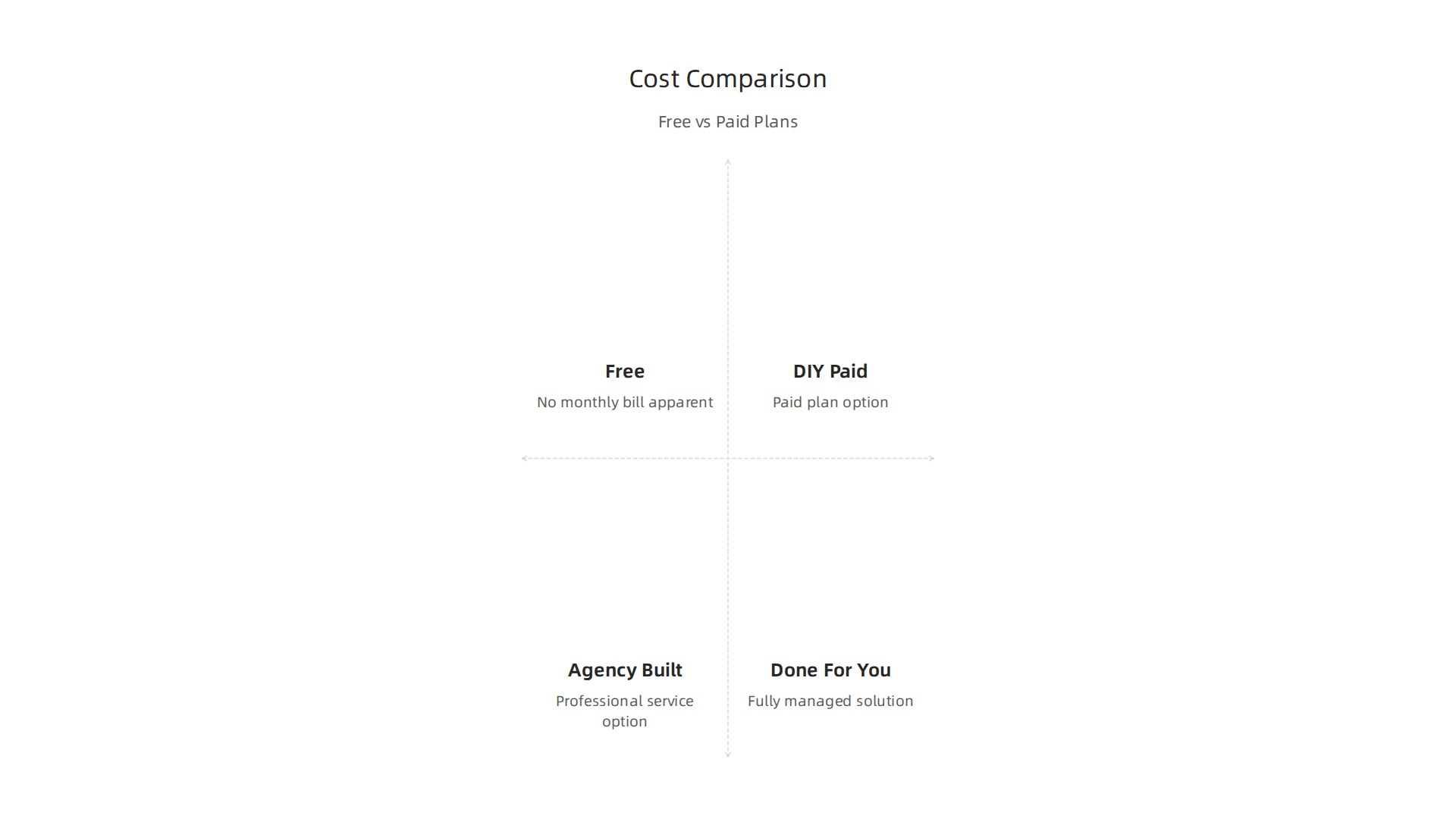
You need a custom domain, which runs $10 to $50 per year. Removing Weebly ads costs extra. And if you want more storage or ecommerce features, you have to upgrade anyway.
A small business website using a DIY builder like Wix or Squarespace costs about $200 to $600 per year for a basic paid plan. That covers a custom domain, no ads, and better tools. Some estimates show monthly costs between $16 and $50 for popular builders. Over two years, you are looking at $400 to $1,200.
Now compare that to a professional website built by an agency. In 2026, a simple business site with 5 to 10 pages runs from $3,000 to $8,000 with a designer. That is a big upfront cost. But a done for you service like Weblish gives you professional design without the huge bill.
So what is the real cost of staying free? You lose leads, waste time wrestling with limits, and miss out on revenue. A wix free website or google sites website builder also has hidden costs like branded URLs and limited features. Meanwhile, a landing page builder that is paid can actually pay for itself with just one new customer.
| Plan Type | 1 Year Cost (Approx) | 2 Year Cost (Approx) | Hidden Costs |
|---|---|---|---|
| Free builder (Weebly, Wix) | $0 (plus domain fees) | $20-$100 domain only | Lost leads, ads, limited features |
| Paid DIY builder | $200-$600 | $400-$1,200 | None if chosen wisely |
| Professional agency build | $3,000-$8,000 one time | Same + ongoing hosting | Can be high upfront |
| Done-for-you service (Weblish) | Subscription based | Predictable monthly | Includes design, SEO, support |
Instead of guessing which plan saves you money, learn how to turn your current website into a lead machine. Then see how Weblish removes the guesswork for a flat monthly fee.
Get Started for FREE and stop paying the hidden cost of free.
10. SEO Considerations: Do Free Website Builders Harm Your Rankings?
You might think any website can rank on Google. But here is the hard truth. A weebly free website actually hurts your chances of being found. And that is a problem you cannot afford.
Let me explain why.
You get a subdomain, not real authority.
When you use a free plan, your web address looks like yourname.weebly.com instead of yourname.com. Google treats subdomains differently. They carry less SEO authority. So even if you write great content, you start the race a step behind everyone else. The same goes for a wix free website or a google sites website builder. They all use branded subdomains on their free tiers.
Ads and slow speed kill your user experience.
Free plans force ads onto your site. Those ads make your pages load slower. And in 2026, load speed and ad clutter directly affect how users feel about your brand.

Google notices when people leave quickly because of a bad experience. Your rankings drop as a result.
You miss out on essential SEO tools.
Free plans often block you from using advanced SEO plugins, schema markup, and SSL certificates. Without SSL, Google flags your site as not secure. Without schema, search engines struggle to understand your content. And without proper plugins, you cannot even edit meta descriptions or alt text the way you should.
If you really want to rank, you need a solid SEO setup. That is why many business owners switch from a free landing page builder to something more professional.
If your website feels invisible on Google, it might be time to fix the foundation. Here is a practical guide on why your business website is useless and how to fix it.
Start your FREE Trial and see what happens when your site is actually built to rank.
Summary
This article evaluates the Weebly free website plan and compares it with the top free and low-cost alternatives in 2026, including Wix, WordPress.com, Squarespace (trial), and Carrd. It explains the real trade-offs of free plans—500 MB storage, Weebly ads, and a subdomain—that limit credibility, SEO, and scalability for small businesses. The piece walks through practical choices: which free option fits simple testing versus content marketing, when a landing page tool is appropriate, and when to upgrade or migrate to a paid platform or a done-for-you service. You’ll also find a migration checklist (export content, rebuild pages, set 301 redirects), a cost comparison across one and two years, and specific SEO reasons free sites underperform. By the end you’ll know how to match a builder to your goal, what hidden costs to watch for, and when it makes sense to move off a free plan or hire professionals to build a lead-generating site.