
UI UX Design and Development Services Transform SMB Websites for Growth
This article explains why professional UI/UX design and development services matter for small and mid-sized businesses and how a website can become a 24/7 lead-…


Why UI/UX Design and Development Services Matter for SMB Growth
Many small and mid-sized businesses (SMBs) have a website, but often, it’s just like a digital brochure. It looks nice, perhaps, but it doesn’t really help them get new customers. It just sits there, waiting for someone to call, which rarely happens enough. In 2026, a website needs to do more than just exist; it needs to be a powerful tool that brings in new business every day.
This is where expert ui ux design and development services come into play. They change a simple website into a money-making machine. Think of it this way: User Interface (UI) design is about how your website looks. It’s the colors, the buttons, the pictures, and the fonts. It makes the site pretty and easy on the eyes. If you want to understand more about what is UI design, it’s all about that visual appeal. User Experience (UX) design, on the other hand, is about how your website feels to use. Is it easy to find what you need? Does it guide you smoothly to contact the business or buy something? Good UX makes people happy to use your site, so they stay longer and take action.
Many SMBs face big problems because their websites aren’t built for success. They often have very low conversion rates, meaning not many visitors actually turn into leads or customers. For example, some studies show that a good user experience can lift conversion rates by 200% to 400% 40+ UX Statistics: ROI, Design Impact & Career Data (2026). Also, figuring out prices for web work can be confusing, and many small businesses simply don’t have people on staff with the right skills to build a truly effective website. This is where a dedicated ui ux design agency or experienced ux design firms can make a huge difference. They offer the skills and clear pricing that SMBs need.
By combining great UI/UX design with strong technical development, your website stops being just a brochure. Instead, it becomes a well-oiled lead-generation engine that works for your business 24/7.

It helps new customers find you, understand what you offer, and easily reach out.
If you are ready to stop losing leads and start turning your website into a powerful growth tool, consider a service that can help you with your digital presence.
Start Your Free Trial and see how expert design can boost your business. You can also Grow Your Traffic on Autopilot with smarter web solutions.
Core UI/UX Principles Every SMB Should Know
Now that we know why UI/UX design is so important, let’s look at the basic ideas that make a website great. When people talk about good UI/UX design and development services, they often mean making things "user-centered." This just means putting the person who uses your website first. You want to make sure your website is clear, easy to navigate, and useful for everyone, even if they aren’t tech experts.
Here are some key ideas that any small business should know:
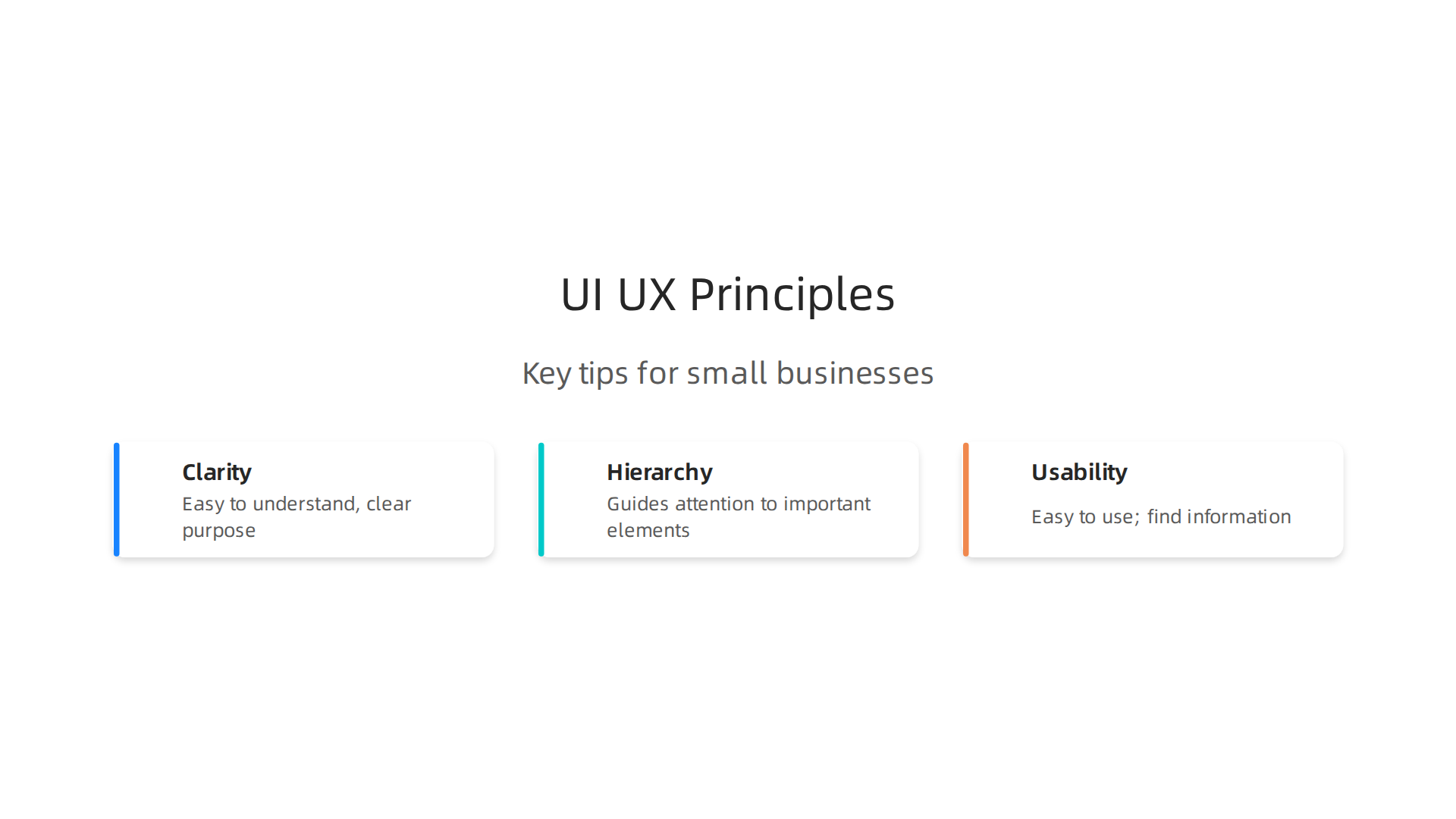
- Clarity: Your website should be easy to understand. When someone lands on your page, they should instantly know what your business does and what they can do next. Is it clear how to buy your product or ask a question? Good UI/UX design services make sure there’s no confusion. Every button, every picture, and every piece of writing should have a clear purpose.
- Hierarchy: Think of hierarchy as a guide for the eyes. When you look at a website, your eyes should be led to the most important things first. Big headlines, important buttons, and key messages should stand out. This helps people quickly find what they need and encourages them to take the right steps, like filling out a form or calling your business.
- Usability: This means your website is easy to use. Can people find what they’re looking for without getting frustrated? Do the forms work simply? Can they read the text easily? A website that is hard to use will make people leave fast. You can even test how easy your website is to use by watching real people try to complete tasks on it. This is called usability testing, and it helps find problems before they become big issues for your customers Usability Testing on a Budget: DIY Methods for Small Businesses.
Even small changes to your website’s UX can make a huge difference. For example, making your "Contact Us" button bigger and brighter, or simplifying a long signup form, can lead to many more people becoming leads. When your website is designed with these principles in mind, visitors feel more comfortable and trusting. They know they can easily find information and get help. This trust makes them more likely to become customers.
Working with a company that offers full ui ux design and development services helps ensure your website uses these core ideas. They can build a site that not only looks good but also feels right and works well for your customers. This is how you turn website visitors into loyal clients, building trust and encouraging more leads. Learning how to create a website that earns trust is key for turning visitors into customers Designing UX for trust transforms website visitors into customers.
Building a great website that works well for your customers and helps your business grow takes a clear plan. It’s not just about making things look pretty. It’s about a step-by-step process that starts with understanding people and ends with a website that truly helps them. This is what good UI/UX design services are all about.
Getting Started: The Discovery Phase
Before any design work begins, a good ui ux design agency needs to learn about your business and your customers. This is called the "discovery" phase. For small businesses, you can do this in simple ways:
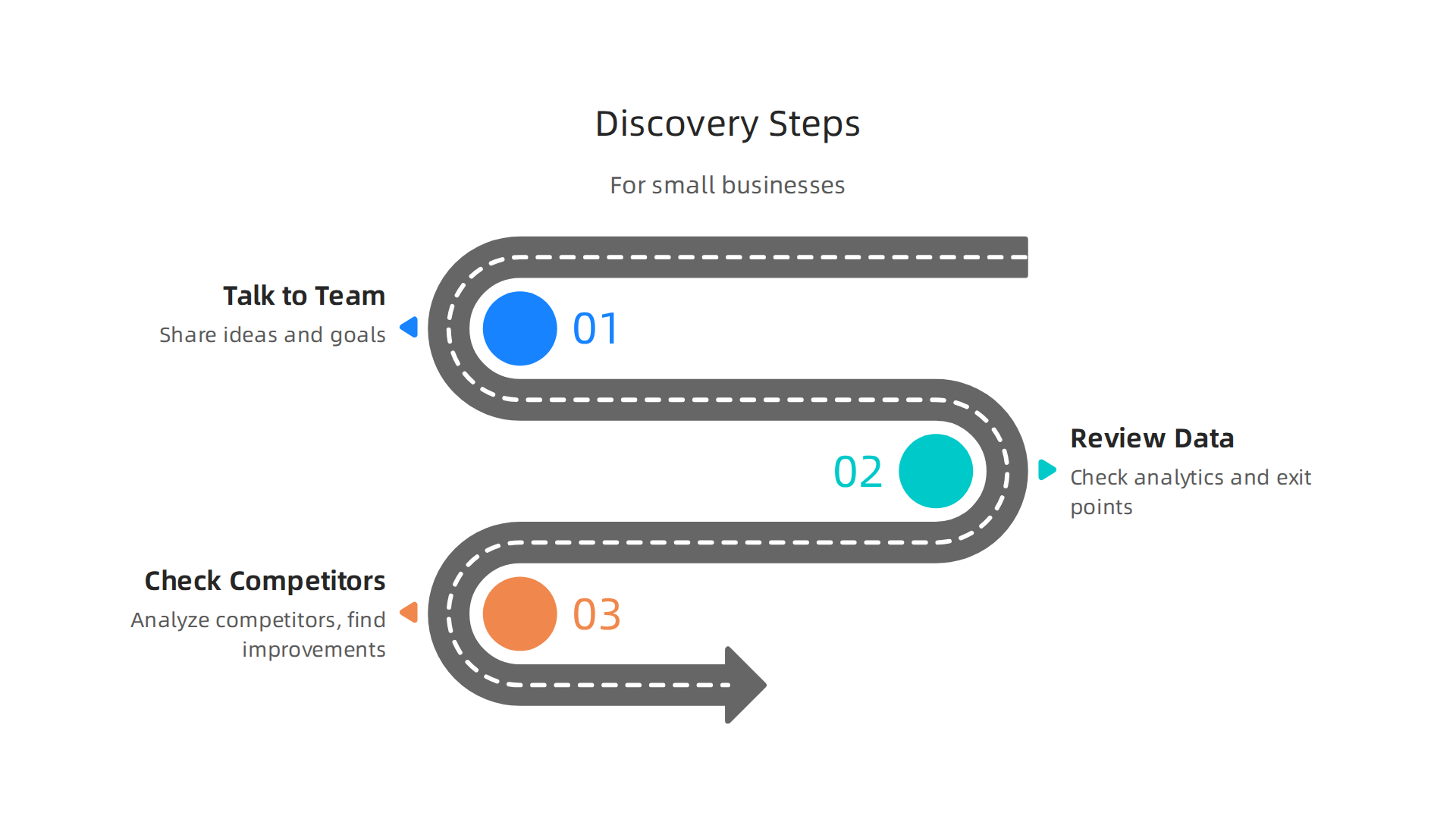
- Talk to Your Team: Sit down with your employees and even some trusted customers. Ask them: What problems do our customers have? What do they love about our business? What do they wish our website could do? These "stakeholder interviews" help everyone share their ideas and goals.
- Look at Your Website Data: If you already have a website, check its analytics. Tools like Google Analytics show you what pages people visit most, how long they stay, and where they leave. This data gives you clues about what’s working and what’s confusing for your visitors. It’s like finding footprints to see where people are going.
- Check Out Your Competitors: Look at websites of other businesses like yours that are doing well. What do you like about their sites? What seems easy or hard to use? This helps you see what’s expected in your industry and find ways to stand out. Good ux design firms often start here to gather ideas.
These steps help you understand your users and set clear goals for your website. This deep understanding is important for defining what is UI design aiming to achieve for your specific audience.
Building Fast: Prototypes and Testing
Once you know what your website needs to do, the next step is to create a "prototype." Think of a prototype as a simple, early version of your website.

It might look like sketches, wireframes, or a clickable mock-up that feels like a real website but isn’t fully built yet.
Why use prototypes? It’s like building a model airplane before you build the real thing. You can test it out and find problems when they are easy and cheap to fix. This is much better than fixing a problem after the whole website is built. Working with experienced ui ux design and development services will ensure this vital step is done right.
After making a prototype, you do "usability testing." This means having real people try to use your prototype to complete tasks, like finding a product or filling out a form. Watching them helps you see what works well and what confuses them. Usability testing with prototypes involves observing how users interact with an early, interactive version of a product to spot problems before they are fully coded into the final design Prototype Testing: Methods, Steps & Best Practices in 2026.
There are many ways to test prototypes, even in 2026. Some tests check if your website’s navigation is clear, while others look at whether the layout guides users to the right buttons Prototype Testing: 6 Methods, When to Use Each (UX 2026). You can even use prototypes to test if people want your idea at all before you spend a lot of time building it. The main idea is to get feedback quickly so you can make changes and improve the design. This continuous cycle of building and testing is key to creating a website that truly serves your customers.
After testing your prototypes and making sure everything feels right for your users, the next big step is to prepare the final designs for the people who will build your website. This means creating "design deliverables" and making sure the "development handoff" is smooth.
Design Deliverables: What to Expect
Design deliverables are like a detailed blueprint for your website. They show developers exactly what to build and how it should look and work. When you work with good ui ux design and development services, you will get clear documents and files.
Here are some common things you’ll see:
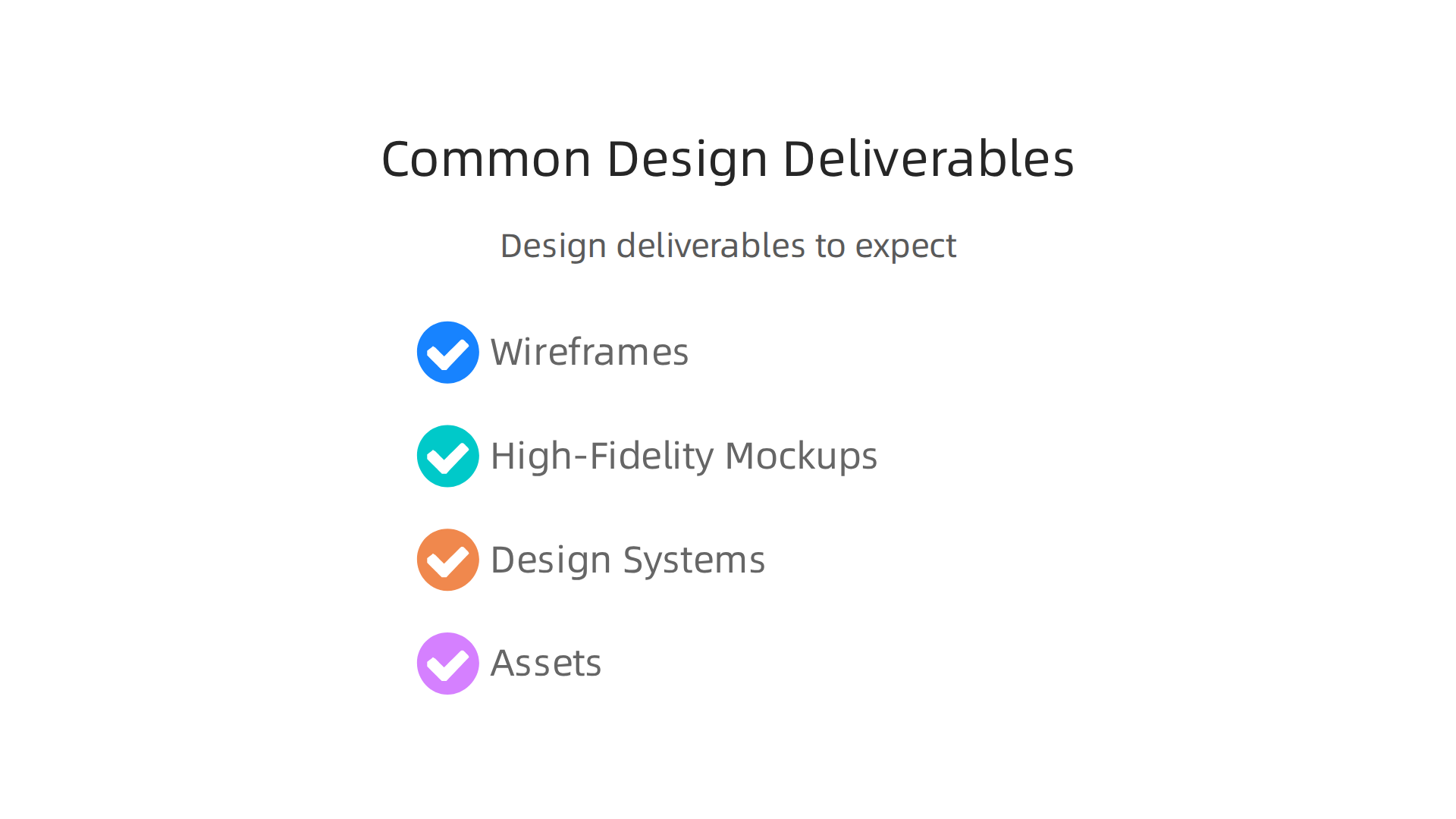
- Wireframes: These are simple drawings that show the basic layout of each page. Think of them as a skeleton. They show where text, pictures, and buttons will go, but without any colors or fancy details. They help make sure the structure is correct.
- High-Fidelity Mockups: These are the polished, final designs. They show exactly what your website will look like, with all the right colors, fonts, images, and buttons. It’s like seeing a perfect picture of your website before it’s built. These mockups guide the developers to create the visual appeal.
- Design Systems or Style Guides: This is a collection of rules for your website’s look and feel. It includes things like the exact colors to use, the fonts, how buttons should look, and even how much space should be between elements. A good design system helps keep your website looking consistent and makes it faster for developers to build new pages or features.
- Assets: These are all the separate pictures, icons, logos, and graphics that your website needs. They are provided in the right sizes and formats so developers can easily add them to the site.
Why do these deliverables matter so much? They act as a clear roadmap. When designers give very detailed plans, developers can build the website faster and with fewer mistakes. This saves you time and money, reducing the chance of having to go back and fix things later. Clear designs mean less guesswork for the development team.
Development Handoff: Making it Smooth
The "development handoff" is when the design team gives all these deliverables to the developers. A good handoff is key to reducing hidden costs and rework. Here are some best practices:
- Clear Communication: Designers should walk developers through the designs, explaining choices and answering questions. A quick chat can prevent hours of rework.
- Organized Files: All design files, assets, and style guides should be neatly organized and easy for developers to find.
- Design Tools: Many ux design firms use tools that let developers easily inspect design elements, copy code snippets for colors or fonts, and download assets directly.
- Availability for Questions: Designers should be available to clarify any doubts developers have during the building process. This teamwork makes sure the final website matches the approved design.
Beyond just design files, good development also means thinking about how the website will be kept safe and run fast. For instance, making sure your website uses HTTPS across the entire site and that your website hosting is secure are important steps that prevent problems and extra costs down the road. Regular updates to software and plugins also help keep your site secure and running well, as outlined in security checklists for small businesses Website Security Checklist 2026: 150-Point Guide.
By taking care of these details, your ui ux design agency ensures that your website isn’t just beautiful, but also strong, secure, and ready to help your business grow.
Ready to see your business grow with a website that truly works for you?
Grow Your Traffic on Autopilot
After making sure your website designs are ready for the builders, the next big question for any small business owner is about the money. How much do good ui ux design and development services actually cost? Understanding different pricing models and what to budget for is super important to avoid surprises and get the best value.
Pricing Models, Cost Transparency, and What SMBs Should Budget For
Knowing how different companies charge for their ui ux design services can help you pick the right partner. There isn’t just one way to pay. Here are the most common pricing models you’ll find:
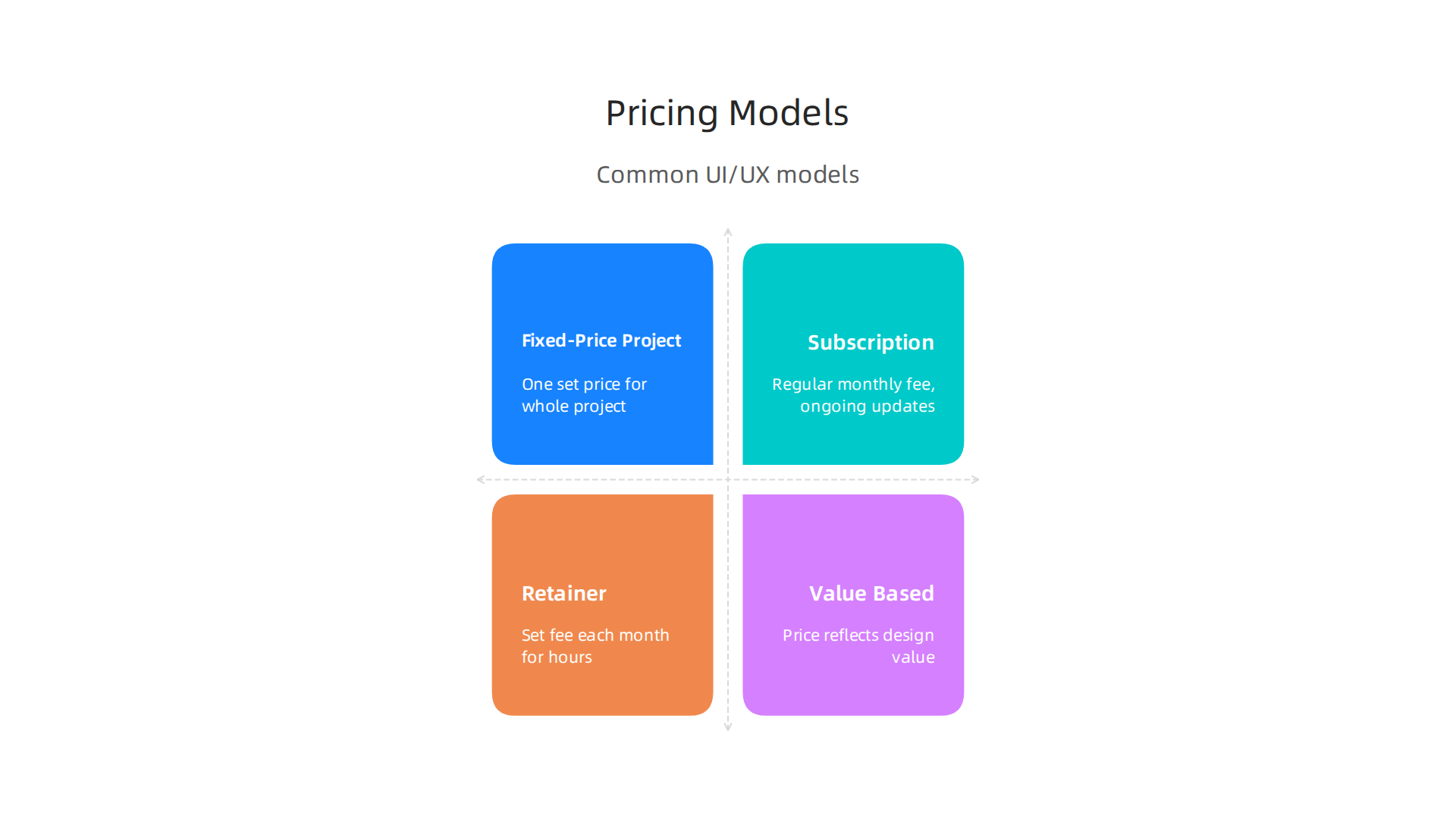
Fixed-Price Project
This is when a ui ux design agency gives you one set price for the whole project. You know exactly what you’ll pay from the start. This works well for projects with clear goals and a fixed scope, like building a simple brochure website. The good thing is budget control. The bad thing is that if you want to change things midway, it can cost extra.
Subscription or Productized Services
This model is becoming more popular in 2026. Instead of a big one-time payment, you pay a regular monthly fee, like a subscription. These services often include ongoing updates, maintenance, and small design changes. It helps small businesses get high-quality services without huge upfront costs. This is great for predictable budgets and continuous support, turning your website into a reliable tool for leads. Many companies offer productized website platforms for growth.
Retainer
With a retainer, you pay a set fee each month for a certain amount of work hours or services. It’s like having a design team on call. This is good for businesses that need ongoing design help, maybe for adding new features regularly or making frequent updates. It offers flexibility for continuous work.
Value-Based Pricing
Here, the price isn’t just about hours worked. It’s about the value the design brings to your business. For example, if a new website design is expected to bring in many more customers, the price might reflect that big gain. This model focuses on the results you get, like better conversion rates. A strong user experience (UX) can greatly boost your website’s performance, with some data showing good UX can increase conversion by 200-400% 40+ UX Statistics: ROI, Design Impact & Career Data (2026) – Colorlib. The median website conversion rate is around 2.35%, but top performers can hit over 11% Conversion Rate Benchmarks 2026: Industry and Channel Data. This shows how much a well-designed website can really help your bottom line.
How to Evaluate Quotes and Avoid Surprise Fees
When you get different quotes from ux design firms, it’s important to look closely. Don’t just pick the cheapest option. Here are tips:
- Ask for Clear Details: Make sure the quote clearly lists everything included. What pages, what features, how many revisions? The more detailed, the better.
- Understand the Scope: "Scope creep" happens when a project slowly grows beyond the original plan. This often leads to extra costs. Make sure you and the design agency agree on exactly what the project will include before it starts.
- Hidden Fees: Ask about potential extra costs. Are there fees for stock photos? What about ongoing hosting or maintenance after the website is live? Are there charges for meeting times or minor changes? Clear communication about these things upfront saves headaches later.
- Check for Transparency: Good agencies will be open about their pricing and what each part costs. If a quote seems too vague or too good to be true, be careful. For more on this, check out how to spot red flags in SEO packages for small businesses 2026 pricing transparency and red flags to watch.
What Small Businesses Should Budget For
For small and mid-sized businesses (SMBs) in 2026, setting a budget for ui ux design and development services depends on many things. A very simple website might cost less, while a complex site with many features, custom designs, and ongoing marketing will cost more.
Think about what your business needs. Do you need a simple online presence, or a powerful lead-generating machine? Investing in quality design is important because it directly impacts how many visitors turn into customers. Your website is a key tool for your business’s growth, and a well-planned budget ensures you get the best return on that investment.
After understanding the costs, the next big step is finding the right people to bring your website to life. Picking a great partner for your ui ux design and development services is like choosing a good builder for your home. You want someone reliable who can deliver what you need.
How to Vet and Choose a UI/UX + Development Partner
It’s super important to look closely at different companies and freelancers before you decide. You want to make sure they are a good fit for your business goals. Here’s a checklist of things to look for when choosing a ui ux design agency:
1. Check Their Past Work (Portfolio Signals)
A good design partner will have a strong portfolio, which is like a photo album of their past projects. Look for:
- Relevance: Have they worked on projects similar to yours? Do they understand your industry?
- Quality: Do their designs look clean, modern, and easy to use?
- Results: Do they talk about the success their designs brought to other clients, like more leads or happier customers? A good ui ux design agency focuses on what their work achieved.
2. Understand How They Work (Process Clarity)
Ask about their step-by-step process. A clear process shows they know what they’re doing.
- Planning: How do they start a project? Do they ask about your business goals and your customers?
- Design Steps: What stages do their ui ux design services go through? Do they involve you in checking their work along the way?
- Feedback: How do you give feedback, and how do they use it?
If you want to know more about how to find top talent, learn How to Spot a Great UIUX Designer Before You Hire One.
3. Clear Talk (Communication)
Good communication is key. You want a partner who talks to you clearly and regularly.
- Regular Updates: How often will they update you? Will it be by email, phone, or video calls?
- Easy to Reach: Can you easily get in touch with them when you have questions?
- Understanding: Do they listen to your ideas and explain things in a way you can understand, without too much technical talk?
4. What Results Do They Promise? (Case-Focused Outcomes)
Look for ux design firms that can show how their work helped other businesses. They should talk about actual results, not just pretty pictures. This is about them proving their designs help clients make more money or get more customers.
Questions to Ask About Ongoing Support and Guarantees
The work doesn’t stop when your website goes live. You’ll want to know about what happens next.
- Ongoing Support: Will they help you fix problems or make changes after the website is finished? Many businesses choose subscription models in 2026 for this reason, getting ongoing care without extra charges. This can include updates and security checks.
- Service Level Agreements (SLAs): This is a fancy term for a promise about how quickly they will respond to your issues. Ask if they have one and what it includes.
- Performance Guarantees: While no one can promise you’ll become a millionaire overnight, some agencies might offer guarantees related to website speed or basic functionality. Ask what kind of assurances they can give you about your website working well.
By asking these questions and looking at these points, you can pick a strong partner for your website project. It helps you find a team that truly understands what is ui design and how to make it work for your small business.
Ready to see your business grow with a powerful online presence?
Grow Your Traffic on Autopilot
Now that you have found a great partner for your website project, it’s time to think about how your site will actually be built. This means looking at the technical choices and what they mean for how well your website works. The right choices here make a big difference for your business.
Implementation: Tech Stacks, Performance, and Security Considerations
When you build a website, the "tech stack" is like the set of tools and programs used to put it together. Different tech stacks offer different benefits and drawbacks, especially for small and mid-sized businesses (SMBs) needing strong ui ux design and development services.
Choosing the Right Tech Tools
There are a few common ways to build websites today:
- CMS-driven (like WordPress): These are popular because they are easy to use. A Content Management System (CMS) lets you update your website yourself without needing to know a lot of code. This can lower the first cost of getting your website built. But, if not set up well, they can sometimes be slower. For businesses looking for a straightforward way to manage their online content, a good web design WordPress theme drive consistent lead generation can be very effective.
- Static-Site Generators: These build very fast websites. They make all the web pages ahead of time, so when someone visits, the pages load almost instantly. They are also very secure. The downside is that they can be harder to set up and update if you’re not a developer.
- Headless CMS: This is a bit more advanced. It separates the content from how it looks on your website. This gives a lot of flexibility and can lead to very fast and secure sites. But, these usually cost more to build because they are more complex.
The choice of your tech stack affects how much your website costs to build and keep running, and how fast it performs for your customers.
Making Your Website Fast and Smooth
A fast website is super important in 2026. People don’t like waiting, and search engines like Google rank faster sites higher. This is part of good ui ux design services. Here’s what makes a website quick:
- Caching: This means your website saves parts of its pages so they load faster the next time someone visits. It’s like having frequently used tools ready at hand.
- Content Delivery Networks (CDNs): These deliver your website’s content from a server closest to your visitor. So, if your customer is in New York and your server is in California, a CDN will serve content from a server closer to New York, making it much faster. Using a CDN is one of the best ways to ensure strong website performance, according to the Web Hosting Best Practices: The Complete 2026 Guide to Choosing and Managing Your Hosting.
- Optimizing Images: Big pictures can slow down your site. Making sure they are the right size and type helps a lot.
Keeping Your Website Safe (Security)
Protecting your website is a must. It builds trust with your customers and keeps your business safe. Here are some key security steps:
- HTTPS Everywhere: Make sure your website uses "HTTPS" for every page. This encrypts the information sent between your website and your visitors, keeping it private. Many experts agree that all websites should enforce HTTPS across the entire site, not just for logging in or making purchases.
- Regular Updates: Keep all your website software, themes, and plugins updated. Old software can have weak spots that hackers can use. Regularly updating your site’s software is a critical part of a Website Security Checklist 2026: 150-Point Guide.
- Strong Passwords and Two-Factor Authentication (2FA): Use complex passwords for logging into your website’s admin area and turn on 2FA for an extra layer of security.
- Backups: Always have copies of your website in case something goes wrong. Regular backups are a top tip in The Ultimate 2026 Guide to Choosing the Right Web Hosting.
- Firewall: Think of a firewall as a guard that protects your website from bad traffic.
- Follow Security Guides: Using guides like the NIST Cybersecurity Framework 2.0 for Small Business can help you set up good security practices.
By paying attention to these technical details, your ui ux design agency can build you a website that is not just beautiful, but also fast, safe, and ready to grow your business.
A fast and safe website is a great start, but it’s not the finish line. Think of your website like a garden. You don’t just plant it and walk away. You need to water it, weed it, and help it grow. The same is true for your website if you want it to keep bringing in new customers. This means always working to make it better and better.
Ongoing Maintenance, Optimization, and Growth: Turning a Site Into an Engine
Once your website is up and running, the real work of turning it into a lead-generating engine begins. This is where continuous changes and improvements come in. You want your site to get better over time, not just stay the same.
Always Making Your Website Better
Good ui ux design and development services don’t stop after the website is built. To keep leads coming in, you need to keep looking for ways to make your site more helpful and easier to use.
- A/B Testing: This is like trying out two different signs in your store to see which one brings in more customers. On a website, you might test two different headlines or two different button colors to see which one works best. This helps you understand what your visitors like most.
- Watching Your Website Data: Tools like Google Analytics show you how people use your site. You can see which pages they visit, how long they stay, and if they leave quickly (this is called "bounce rate"). By looking at these numbers, you can find weak spots and fix them. For example, the average website conversion rate is around 2.35% across all industries in 2026, but top websites convert much higher, sometimes over 11% 1. This shows how much room there is to improve!
- Improving User Experience (UX): This means always making your site easier and more enjoyable for visitors. When you improve UX, people are more likely to stay, explore, and become customers. Actually, good UX can boost your conversion rate by 200-400% 2. A great
ui ux design agencywill focus on this ongoing improvement, using what they learn from your website’s data. Check out how designing UX for trust transforms website visitors into customers.
One-Time Projects vs. Ongoing Help
Many businesses build a website once and then ignore it. This is like buying a car and never changing the oil. Over time, it stops working well. A website built as a one-time project can quickly become outdated and stop bringing in leads.
That’s why many small businesses are now choosing subscription-style services or "retainers." Instead of a big upfront payment and then nothing, you pay a regular monthly fee for ongoing ui ux design services, maintenance, and optimization. This gives you predictable costs and ensures your website is always getting better. Most small businesses in 2026 can expect to pay between $75 to $200 per month for professional website maintenance, while more comprehensive agency retainers can range from $500 to over $3,000 per month 3.
These services mean your website is constantly reviewed, updated, and improved to keep attracting new customers and supporting your business growth. It’s about turning your website from a simple online brochure into a true business engine.
Ready to make your website work harder for you?
Grow Your Traffic on Autopilot
Summary
This article explains why professional UI/UX design and development services matter for small and mid-sized businesses and how a website can become a 24/7 lead-generation engine rather than a static brochure. It covers core design principles—clarity, hierarchy, and usability—and walks through a practical project flow: discovery, prototyping and testing, design deliverables, and a smooth development handoff. You’ll learn common pricing models (fixed-price, subscription, retainer, value-based), realistic budgeting tips, and how to evaluate quotes to avoid surprise fees. The guide also covers vetting partners by portfolio, process, and communication, plus technical choices for CMS, static sites, or headless setups with performance and security best practices. Finally, it stresses that ongoing A/B testing, analytics monitoring, and regular maintenance are essential to continually improve conversions and keep your site secure and fast. After reading, you’ll know what to expect from a UI/UX + development engagement and how to choose and work with a partner to turn your site into a measurable growth tool.