
Choose the Right UI UX Designer Course to Boost Your Business Lead Generation
This article helps small and mid-sized business owners pick the right UI/UX designer course in 2026 so their website stops being a brochure and starts generatin…


Introduction
Does your website feel more like a digital brochure than a lead generating machine? For many small and mid sized business owners, that is the hard truth. Your site might look clean, but if it does not guide visitors to take action, it is not doing its job.
The shift from a "pretty site" to a high performance tool comes down to solid UI and UX design.
We have written extensively about how Wizard UI design boosts your small business lead generation, and the right training can help you apply these exact principles. Learning these skills is easier and more affordable than ever in 2026. A well chosen ui ux designer course teaches you how visitors think, what makes them click, and how to build trust through design.
If you want to know exactly which skills matter most, the learning roadmap from Coursera is a great place to start.
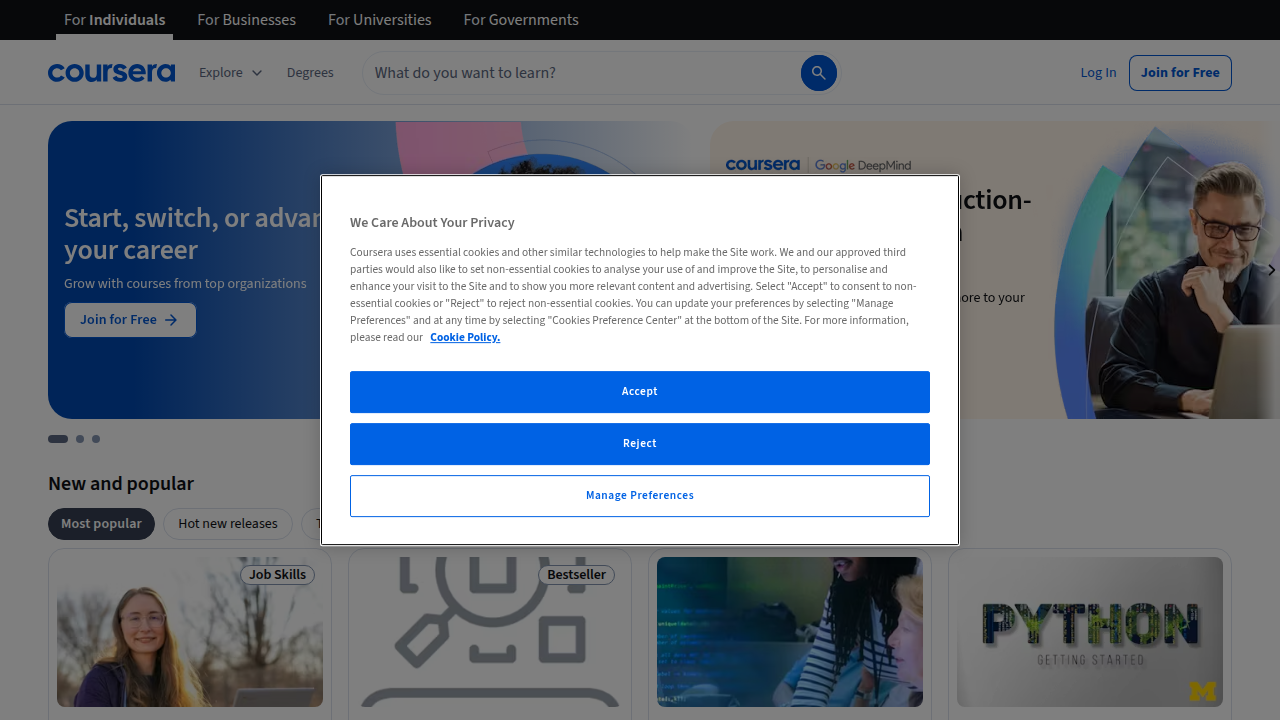
It covers the core tools and research methods you need to make an impact fast. As the experts at Designlab point out, the best courses in 2026 are packed with practical projects and AI integration.
You do not need a full design degree to see real results. Picking the right ui/ux designer course helps you build a website that actually earns its keep. Whether you are searching for a local ui/ux design course bangalore or a flexible online program, this guide will walk you through the best options.
Let us dive in and find the course that turns your website into a true business asset.
1. Google UX Design Professional Certificate
If you want a course that carries serious weight, start here. The Google UX Design Professional Certificate is one of the most trusted options in 2026. It is built for beginners, so you do not need any prior design experience. Google designed it to teach you the full end to end UX process.
Here is what makes it stand out. You learn how to do user research, sketch wireframes, build prototypes, and run usability tests. By the end of the program, you have a portfolio with three real projects. That portfolio is what you show to employers or clients.

According to Designlab, this certificate ranks among the top UX certifications available right now.
The price is another big win. You pay around $59 per month on Coursera, and most people finish in about six months. That is a fraction of what a university program costs. The flexible schedule works well if you are running a business or working a day job. If you want to understand how design thinking connects to better business results, our guide on how Wizard UI design boosts your small business lead generation will help you see the bigger picture.
This course gives you a recognized credential and real skills without breaking the bank. It is a smart first step toward building websites that actually turn visitors into customers.
2. Interaction Design Foundation (IDF) Membership
Not everyone wants to follow one single path. If you prefer to learn at your own pace and explore a wide range of topics, the Interaction Design Foundation (IDF) membership might be a better fit for you.
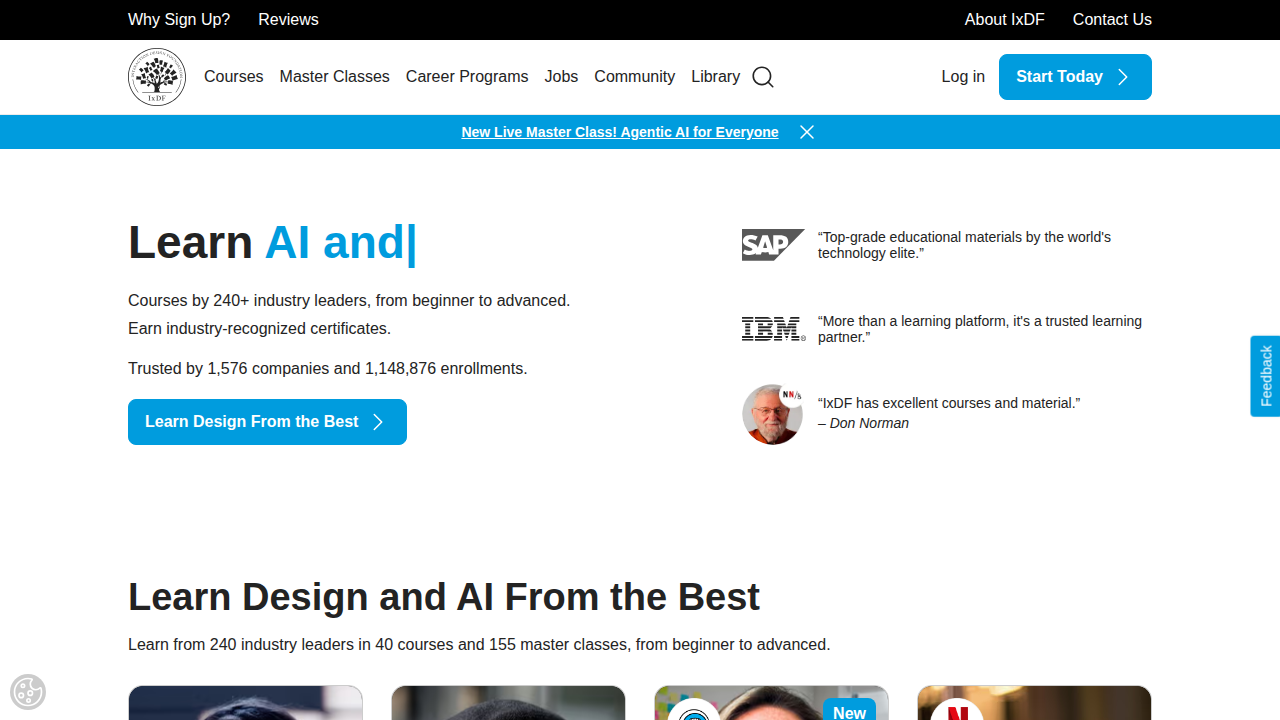
IDF gives you unlimited access to a huge library of UX courses taught by real industry experts.
Here is what makes IDF different from the Google certificate. Instead of paying per course, you pay a yearly membership fee. That fee lets you take every course they offer. You can study user research, interaction design, information architecture, and more. The Designlab review mentions IDF as a top choice for continuous learning.
IDF also has a strong community. You can join discussions, share your work, and get feedback from other designers. Peer review helps you see your work through someone else’s eyes. That is a skill every ui ux designer course should teach you.
The membership model works well for business owners who need flexibility. You can start a course, pause it, and jump back in later. No pressure to finish by a deadline. If you want to understand how strong design connects to real business results, our guide on why your small business needs a design team will show you the bigger picture.
IDF is not a quick bootcamp. It is a long term investment in your skills. For anyone looking for a ui/ux designer course that supports ongoing growth, this is a solid choice.
3. Coursera UI/UX Specialization by CalArts
Maybe you want something more traditional. Something with a university name behind it. The Coursera UI/UX Specialization from the California Institute of the Arts (CalArts) gives you exactly that.
This program is made up of four courses. You will learn visual elements of user interface design, UX design fundamentals, and web design strategy. The Lyssna review breaks down the full curriculum and shows how it builds your skills step by step.
What makes this ui ux designer course different? It focuses on design theory. You will not just learn how to use tools. You will understand why certain designs work and others do not. That kind of thinking helps you make better choices for your business website.
The specialization covers user research, visual design, and prototyping. Each course comes with a shareable certificate when you finish. That certificate can go on your LinkedIn profile or resume. The CourseHorse comparison lists the CalArts program as one of the top on-demand options for 2026.
Best of all, the schedule is flexible. You learn at your own pace. No live classes to catch. No deadlines to stress about. That matters when you are running a business and need to fit learning into your week.
Once you understand design theory, you can apply it directly to your own site. Our guide on what is UI design explains how these principles turn visitors into customers.
For anyone searching for a ui/ux designer course that feels like a real college experience without the full time commitment, this is a strong pick.
4. Udemy UI/UX Design Bootcamp
Maybe you learn best by building things. Not by sitting through weeks of theory before you touch a tool. The Udemy UI/UX Design Bootcamp is built for people who want to jump in and start creating.
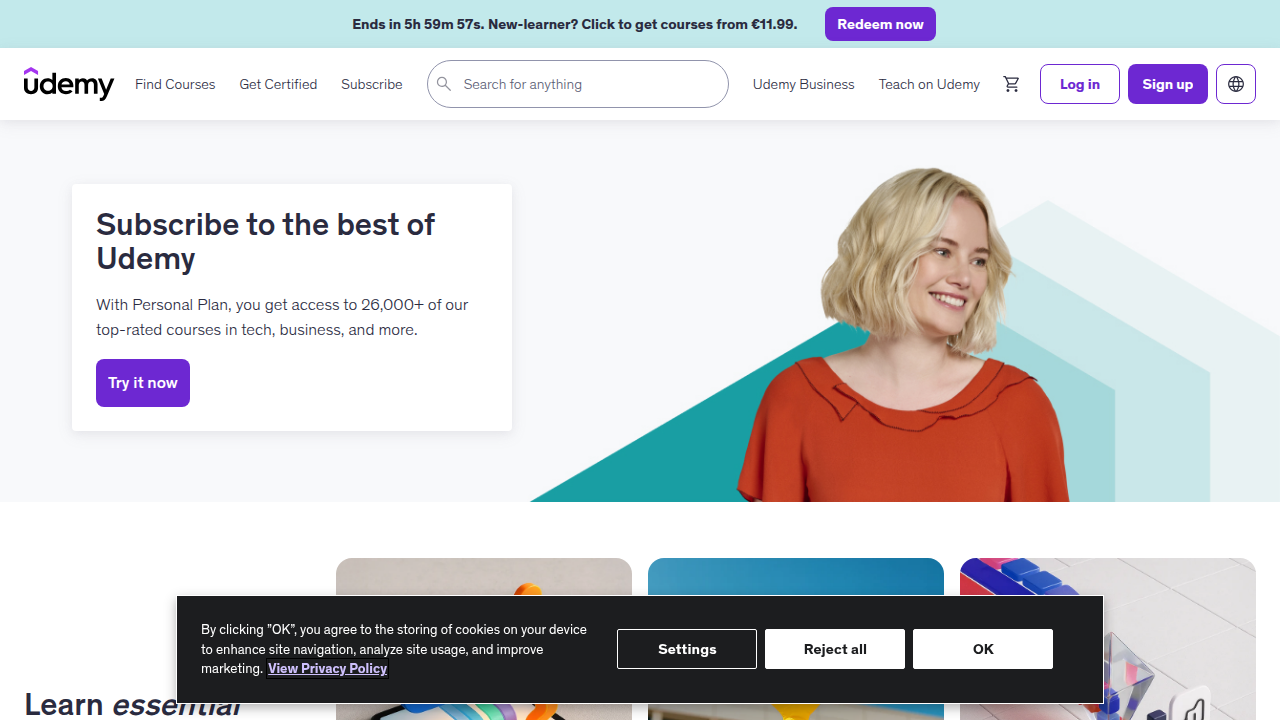
This course is highly practical. You work on real projects from the first lesson. You use Figma and Adobe XD to create wireframes, prototypes, and final designs.

The goal is to get you comfortable with the real workflow designers use every day. You do not just watch someone else do the work. You do it yourself.
The Designlab list of the best UX certificates in 2026 points out that hands-on practice is the key to building skills that stick. And the TOOLS.design comparison of online UX courses confirms that project based training leads to better results than passive learning alone.
Here is the best part. You pay once and own the course forever. No monthly fees. No renewal costs. You get lifetime access to all materials, and the instructor updates the content regularly to match the latest tools and trends. That means your learning never goes out of date.
The bootcamp covers the full design process. You learn user research, information architecture, visual design, and prototyping. You walk away knowing how to think like a designer, not just how to use software.
When you understand the design process, you can apply it directly to your own business website. That helps turn more visitors into customers. Our guide on how to make your small business website convert visitors to customers shows exactly how design decisions drive real revenue.
If you are looking for a ui ux designer course that blends affordability with practical skills and stays current year after year, this bootcamp is a smart choice.
5. Budget-Friendly Learning Paths: Mix Free & Paid Resources
What if you could learn UI/UX design without spending thousands of dollars? You can. In 2026, you have more free resources than ever to build real skills that help your small business grow.
Start with the tools that cost nothing. Figma is free for individual use and it is the same software professional designers use every day.
Watch the UI/UX Design Course For Beginners 2026 [FREE] on YouTube for a complete walkthrough. You learn color theory, wireframing, and prototyping without spending a cent. The TOOLS.design comparison of online UX courses confirms that free resources can build a strong foundation for beginners.
After you learn the basics with free content, invest a little to get credibility. A low-cost certification like the one CourseCareers offers at $499 gives you something to show clients or employers. The CourseCareers ranking of UI/UX courses puts it at the top for affordability and job outcomes in 2026.
This hybrid path works perfectly for small business owners. You get quick, actionable skills without a large upfront investment. When you understand design principles, you can apply them directly to your own website. Our guide on what is ui design explains the simple definition that boosts your bottom line.
If you prefer a done-for-you solution after you learn the basics, Weblish offers affordable web design and development. You can try Weblish with a free trial to see how easy it is to turn your new skills into a site that generates leads.
6. Best Free UI UX Resources for Beginners
Where do you start when you want to learn design but have zero budget? Actually, you have more free options than ever in 2026. The best part? You can build real skills without spending a dime.
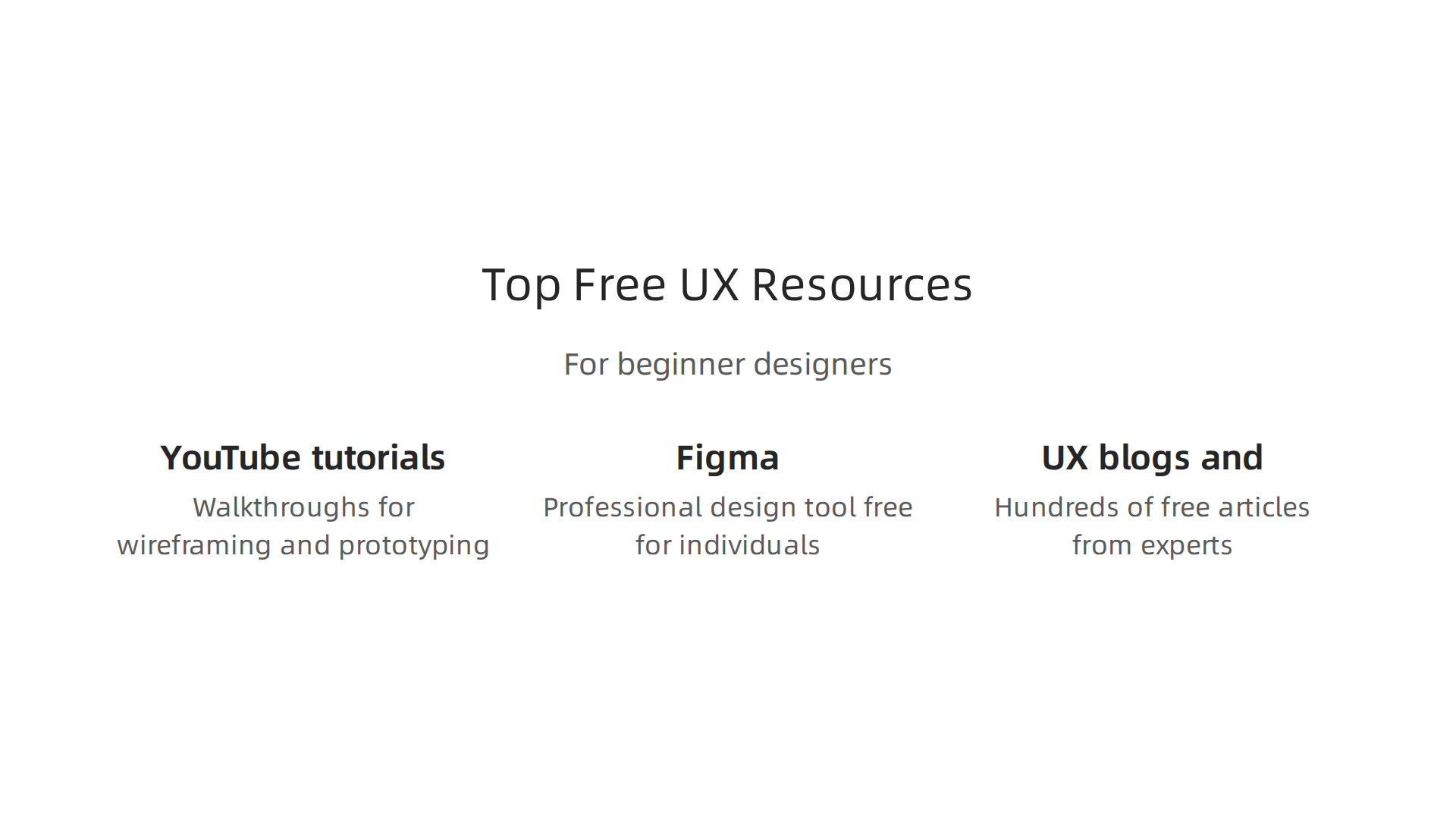
Here are the top free resources to kick off your ui ux designer course journey:
-
YouTube tutorials. The UI/UX Design Course For Beginners 2026 from Simplilearn gives a full walkthrough of wireframing, prototyping, and color theory. It is completely free and covers the same basics paid courses teach.
-
Figma. This professional design tool is free for individuals. You can open it right now and start practicing. No credit card needed.
-
UX blogs and guides. Websites like Nielsen Norman Group and UX Collective offer hundreds of free articles. TOOLS.design confirms that free resources build a strong foundation for beginners. The Designlab roundup of the best UX design courses also includes several free options.
These resources let you test your interest before you commit money. You learn the fundamentals of a ui/ux designer course at your own pace. If you discover you love design, you can later invest in a paid option like the one from CourseCareers (ranked #1 for affordability in 2026). If not, you wasted nothing.
Free learning also helps you understand what your small business website needs. When you grasp basic ui/ux design course principles, you spot problems on your own site instantly. Our guide on what is ui design explains how a simple concept can increase leads.
Start with free resources today. Build fundamentals first. Then decide if a paid ui/ux design course is right for your business goals.
7. How to Choose the Right UI UX Course for Your Goals
You tried free resources. Now you want a real course. But which one? Picking the right ui ux designer course can feel overwhelming. Let’s simplify it.
Start with four questions:
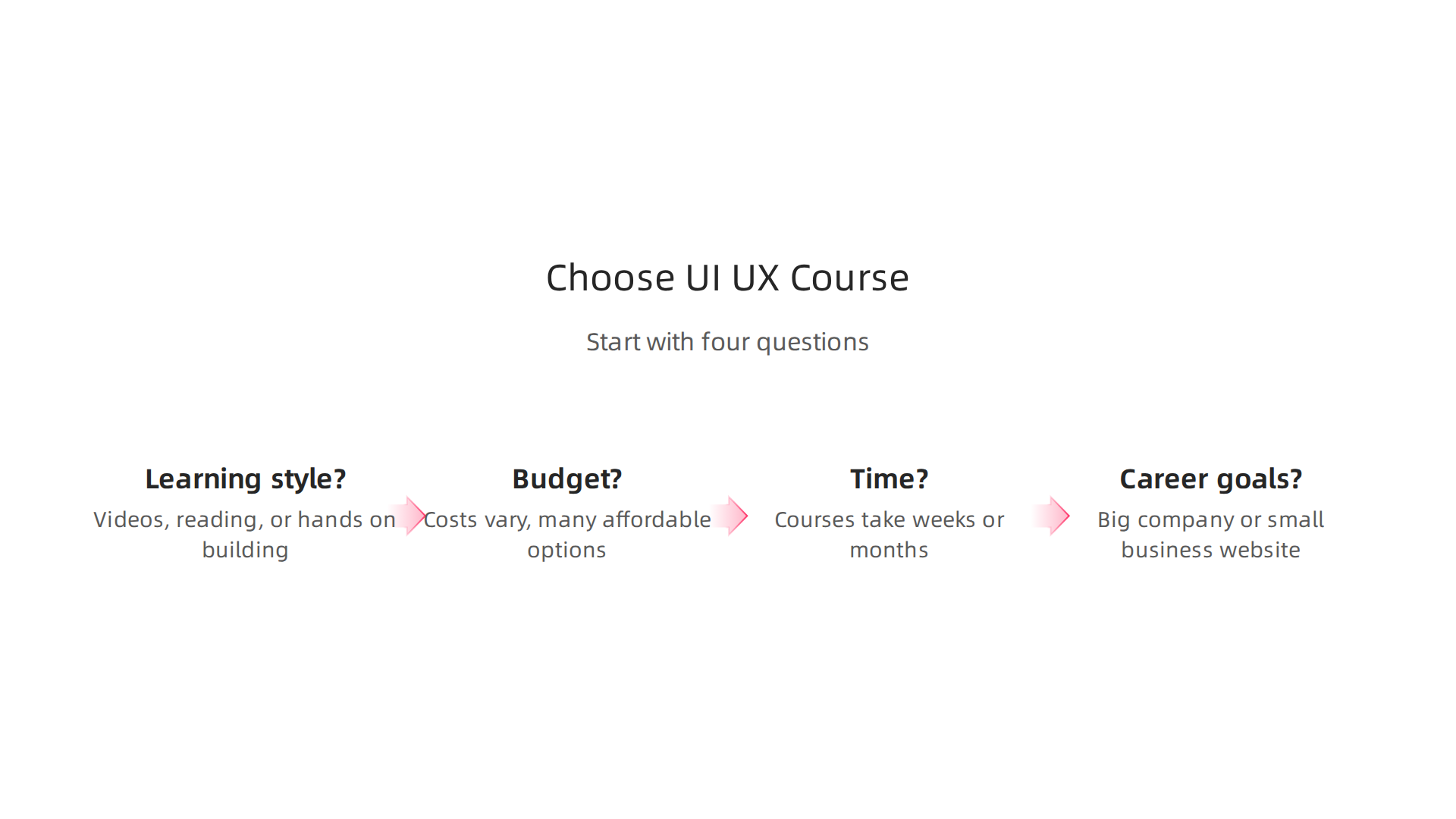
- What is your learning style? Do you prefer watching videos, reading guides, or building hands on? Some courses are self-paced. Others have live classes. Pick what fits how you learn.
- What is your budget? Costs vary a lot. Bootcamps can run thousands. The Designlab roundup of the best UX design courses for 2026 shows many affordable options too.
- How much time do you have? Some courses take six weeks. Others take six months. Be honest about your schedule.
- What are your career goals? Do you want to work for a big company or improve your small business website? A general ui/ux designer course works well for broad skills. A specialized ui/ux design course bangalore might help if you target that local market.
Now evaluate real quality. Read reviews from actual students. Watch free trial lessons before you pay. The best UI/UX design courses include portfolio projects. Why? Because employers and clients want to see your work, not just your certificate.
Remember, good design helps your business too. When you learn design principles, you can spot problems on your own site faster. Our guide on how to use design principle contrast to convert more website visitors shows how simple changes boost leads.
Ready to apply what you learn? You can build a high converting website without the hassle. Start building with Weblish free trial and get a site that turns visitors into customers.
8. The ROI of UI UX Certification for SMBs
Is paying for a ui ux designer course really worth it for a small business owner? Let’s look at the numbers. The return on investment is often faster than you think.
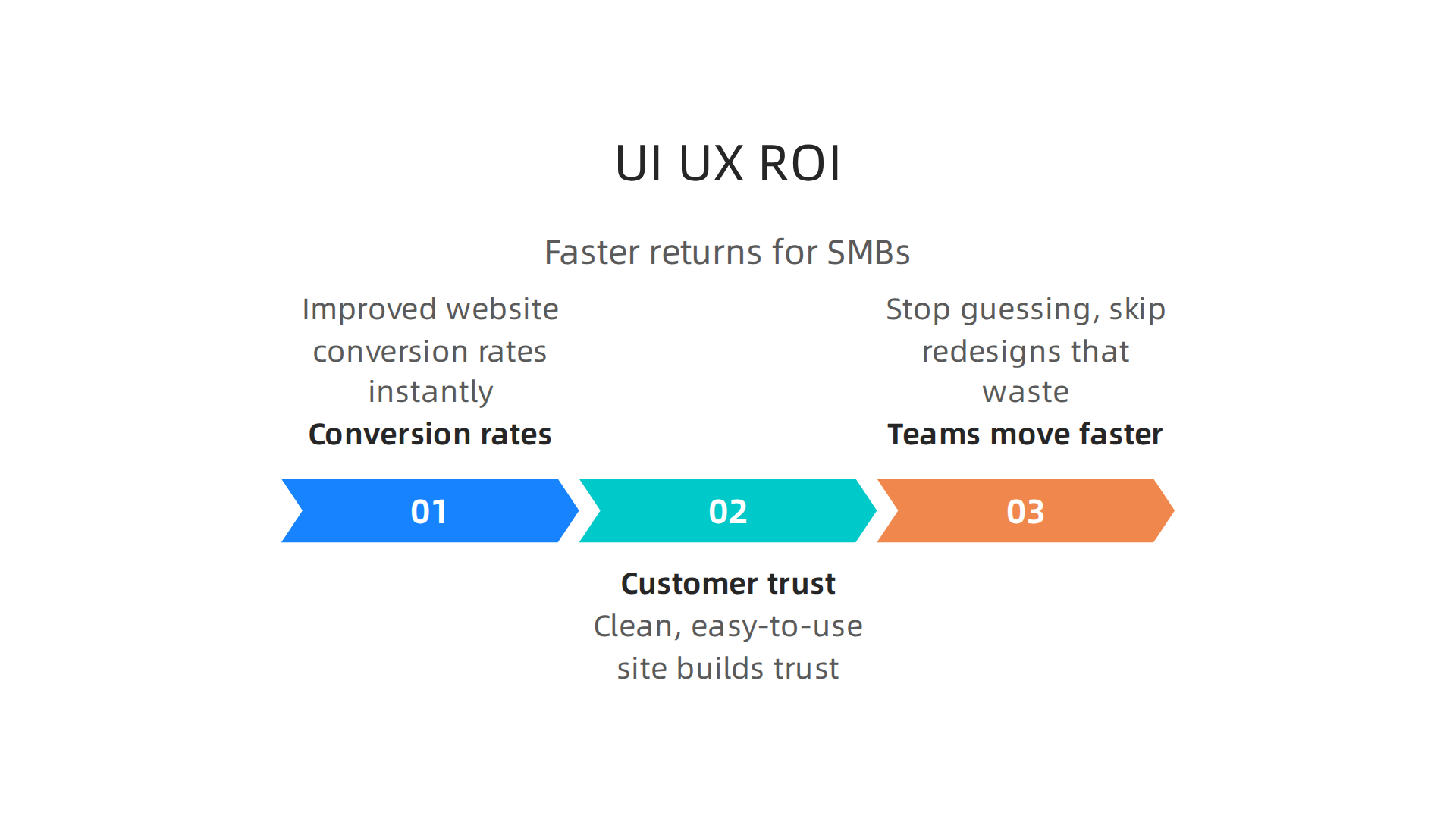
First, certification improves website conversion rates. When you understand good design, you spot problems immediately. A confusing button placement or a slow form costs you leads. After a ui/ux designer course, you fix those issues quickly. Even a 1 percent bump in conversion can mean thousands of dollars in extra revenue each year.

Second, customer trust grows. People judge your business by your website. A clean, easy to use site tells visitors you care about quality. That trust leads to more inquiries and sales.
Third, teams with UX training move faster. They stop guessing. They skip redesigns that waste time. A trained eye catches usability problems before they go live. This saves hours of developer time every month.
Now look at the market. The Bureau of Labor Statistics projects 7 percent growth for web developers and digital designers from 2024 to 2034, much faster than most careers. UX designers earn strong salaries too. One 2026 salary guide shows a median around $90,000 to $120,000 for UX roles. The cost of a ui ux designer course often pays for itself in just a few months of improved lead generation.
The bottom line? You don’t need to become a full time designer. Even basic certification helps you make smarter decisions. You will know what to ask when hiring help. You will see what is broken on your site. And you will have the skills to fix it.
Start seeing better results today. Learn how making your small business website convert visitors to customers can turn your site into a real lead machine.
9. Building a Complete Learning Path: Core Skills to Master
Now that you see the real return on a ui ux designer course, it is time to map out your learning journey. A solid learning path moves step by step from research to a working prototype. Let’s look at the skills you need and a realistic timeline for self-paced learners.
The Core Skills in Order
According to a 2026 guide on essential UX skills from Academy Class, the top abilities employers want are UX research, wireframing, prototyping, and visual design.
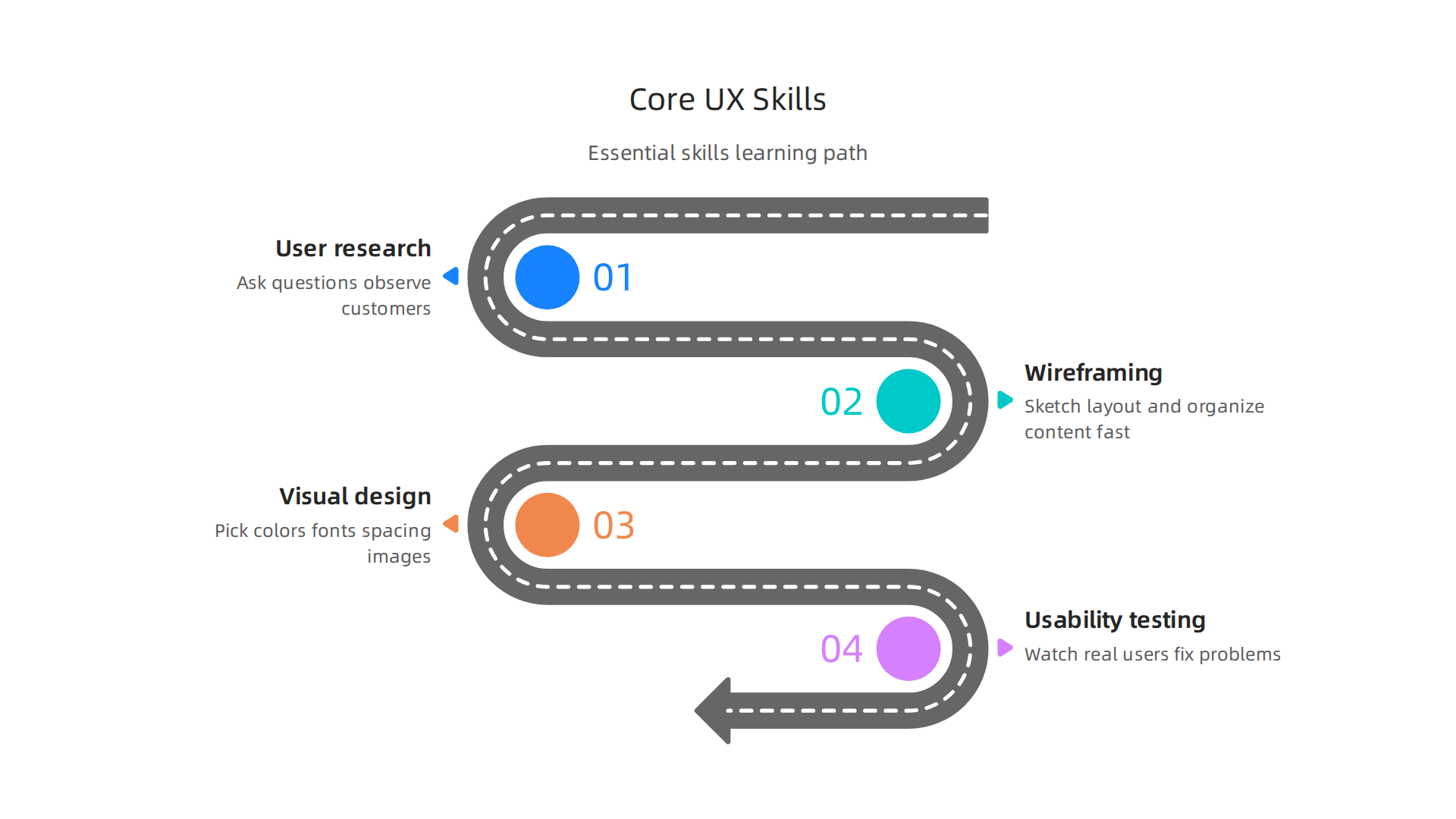
A well structured ui ux designer course will cover each one in the right order.
Start with user research. You learn to ask questions and observe your customers. This step makes sure you build something people actually need.
Next, master wireframing and information architecture. You sketch the layout of each page and organize the content so users find what they want fast. This is where you turn ideas into simple blueprints.
Then focus on visual design. You pick colors, fonts, spacing, and images that make your site look professional and trustworthy. Good visuals build credibility for your small business.
Finally, learn usability testing. You watch real users try your site and you fix the problems they hit. This skill saves you from wasting money on redesigns later.
Timeline for Self-Paced Learners
Most people can build these skills in about three to six months if they study consistently. Spend the first month on research basics. Dedicate months two and three to wireframing and visual design. Use month four for prototyping and testing. Many online ui/ux designer courses follow this exact flow.
If you plan to add design talent to your team later, read this guide on why your business needs a design team and how to build one. It will help you hire smarter after you know the skills yourself.
Your Next Step
You don’t need to become a full time designer. A focused ui ux designer course gives you the roadmap. Once you master the basics, you can apply them to your own site or hand the work to experts. If you prefer to focus on running your business while professionals handle design and lead generation, get started with Weblish by signing up and claiming your free trial. They will turn your new knowledge into a site that really works for you.
10. Next Steps: Turn Your Skills into Business Results with Weblish
You have learned the core skills from a solid ui ux designer course. Now it is time to put that knowledge to work for your small business. The goal is not just to design. The goal is to get more customers.
Start by applying your new understanding of user research. Look at your current website through the eyes of your customers. What confuses them? Where do they leave without taking action? The Bureau of Labor Statistics projects 7 percent job growth for digital designers through 2034. This industry is growing fast, and so is the expectation for websites that truly work.
Your new skills in wireframing and visual design help you spot the weak spots. But you do not need to build a new site from scratch alone. That is where Weblish comes in. Weblish gives you an intuitive platform to implement your UX improvements without the headache of coding or managing complex tools. You can take what you learned in your ui/ux designer course and see real changes fast.
For example, if your usability testing showed a confusing checkout flow, you can work with Weblish to fix it. If your research revealed that customers want clearer pricing, you can adjust the layout right away.
Before you commit to a full redesign, you can test your changes with a free trial. That way you see what works before you roll it out to everyone. If you are still dealing with a site that does not convert, learn how to fix your bored website and stop losing customers today.
The smartest move now is to combine your new expertise with a partner who handles the execution. Sign up for your free trial of Weblish and turn your education into a website that actually drives revenue.
Summary
This article helps small and mid-sized business owners pick the right UI/UX designer course in 2026 so their website stops being a brochure and starts generating leads. It reviews top options—Google UX Certificate, Interaction Design Foundation membership, CalArts specialization, and a practical Udemy bootcamp—plus budget-friendly paths that mix free tools like Figma and YouTube with low-cost certifications. You’ll learn which courses build a portfolio, how membership models support ongoing growth, and how hands-on projects accelerate skill retention. The guide also shows the core skills to master (research, wireframing, visual design, prototyping, testing), a realistic 3–6 month timeline, and how certification can pay for itself by boosting conversions. Finally, it explains how to apply what you learn to your site and suggests using Weblish to implement and test changes quickly.