How to Choose The Best Website Builder Wix vs Webflow Reviewed
Decide between wix vs webflow for your website. This guide compares webflow vs wix features pricing SEO and more. See how webflow vs squarespace differs and explore stunning webflow website examples.


Choosing the best website builder is indeed challenging, especially when you have to make choices between popular ones like Wix and Webflow. In this wix vs webflow analysis, we will examine how these platforms are situated regarding various needs, from launching a simple site as a beginner to designing complex, custom experiences as designers. We will also discuss webflow vs squarespace to elaborate further, stressing the areas of strength for each. Basically, the choice between wix and webflow is a trade-off between convenience and capability: Wix leads in rapid deployment through drag-and-drop user-friendliness, while Webflow is best for fine-tuning and scalability. An overall analysis of the platforms' essentials highlights Wix's higher standing in user-friendly templates and built-in apps, and Webflow's strengths in custom code and animations, whereas Squarespace strikes a balance with aesthetics and uncomplicated blogging tools. Our advice? If advanced design and SEO potential are your top concerns, Webflow is the way to go; choose Wix for fast trailblazing endeavors without coding; while Squarespace is for clean, template-driven workflows that suit creatives.
Table of Contents
- Wix vs Webflow: Overview and Search Intent Alignment – Key evaluative factors and profiles of the target audience.
- Webflow vs Wix: Feature Comparison at a Glance – A tabular representation of the functionalities.
- Pricing Comparison: Wix vs Webflow – Fees, plans, and sneak charges.
- SEO and Performance: Webflow vs Wix – The speed of the site, available tools, and optimization tips.
- Design Flexibility: CMS and Interactions Wix vs Webflow – The freedom of creativity and content management.
- Ecommerce: Webflow vs Wix – Web selling features and transaction costs.
- Learning Curve, Support, and Maintenance: Webflow vs Wix – How easy to use and what help resources are available.
- Webflow vs Squarespace: Where Does Squarespace Fit In? – Strengths, use scenarios, and migration.
- Webflow Website Examples: Inspiration – Sites to view for inspiration.
- Step by Step Comparison Workflow: Webflow vs Wix Decision Steps – Available guide for taking the right decision.
- Checklist: Choose Wix, Webflow, or Squarespace – Handful factors to consider.
- FAQs: Wix vs Webflow and Webflow vs Squarespace – Answers to common questions.
- Related Reading: Internal Resources – Other resources in our website.
- Related Reading: External Resources – Other helpful articles from the web.
- Webflow vs Wix: Pros and Cons Recap – Strengths and weaknesses summary.
- Example Project Walkthrough: Webflow vs Wix – Hands-on project examples.
- Conclusion: A Quick Recap Wix vs Webflow – Main points and advice.
Wix versus Webflow: A General View and Matching Search Intent
In case you are looking for wix vs webflow on Google, it is possible that you are a small business owner, a freelancer, or a hobbyist who is considering the options of starting an online presence without starting from scratch. This article can be read by those who are in the middle of a debate on whether to use the no-code easy or professional-grade tools, especially if you are interested in webflow vs squarespace as a diversity. We look through the essential aspects such as features, pricing, SEO efficiency, design options, ecommerce tools, and support that might help you in the decision you make.
As long as it is a hot topic in the wix vs webflow discussions, users ask for details about the platform which corresponds to their escalations ─ that is, Wix for rapid prototyping or Webflow for long-run customization. For example, it is the case of beginners who can take full advantage of the Wix user-friendly interface, as opposed to developers who find Webflow's code export function to be advantageous, as mentioned in this detailed 2025 comparison. Pricing is another primary aspect; Wix begins free but gives up limiting advanced features, on the contrary, along with plans concentrated on Webflow's scalability, the pricing plan is indeed an advantage. Under SEO performance measurement, we get as well; the unencumbered code of Webflow increases the rankings, as per this analysis on speed and SEO.
Before using this guide, it is good to start assessing your needs: Would you like a quick setup or comprehensive customization? Reroute through the sections relevant to your priorities, like ecommerce in the case of selling products. The checklist at the end will provide you with a personalized score. According to studies, the number of searches for wix vs webflow peaks during the solopreneurs' time, with Webflow making its way throughout the ranks for its advanced SEO tools, making this overview a way to make informed choices. You can also consult the content table to navigate easily or refer back to the pros/cons summary for a fast overview.

Webflow vs Wix: Feature Overview
Features are the cornerstone when looking at webflow vs wix. Wix takes the lead by providing not only hundreds of slide layouts but also various kinds of apps that can be used to create a simple and easy-to-use site, especially for portfolios or blogs. Webflow, however, does even better. It comes with visual design tools that completely mimic coding without the need of writing it, hence, it is the perfect solution for interactive sites. Squarespace, in particular, is the perfect choice for modern, mobile-friendly templates that prioritize visual aesthetics.
Here's a feature comparison table for wix vs webflow and including Squarespace:
| Feature | Wix | Webflow | Squarespace |
|---|---|---|---|
| Templates | 800+ drag-and-drop | 100+ customizable | 100+ stylish, industry-specific |
| Custom Code | Limited (via Velo) | Full CSS/JS integration | Basic embeds only |
| CMS | Basic collections | Dynamic content management | Structured blogging focus |
| SEO Tools | Built-in wizard | Advanced meta controls | Solid basics with analytics |
| Ecommerce | Integrated store | Robust with payments | Strong for small shops |
| Mobile Editing | App-based | Responsive designer | Automatic optimization |
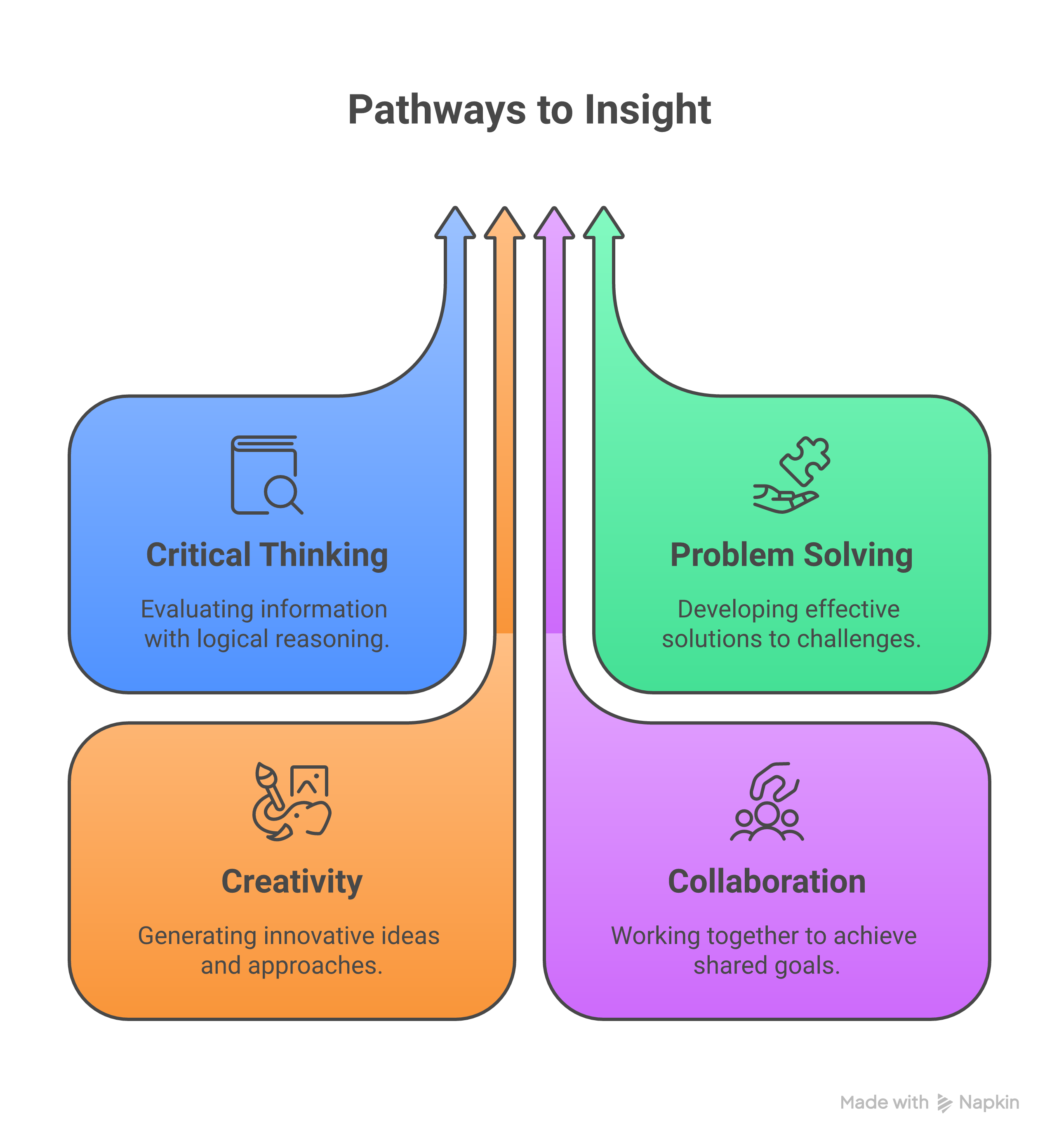
This table sheds light on why in the context of wix vs webflow, Webflow has the upper hand among the pros, as detailed in Edition's 2025 insights. Between webflow vs squarespace, the standout for creatives is clearly the appealing templates of Squarespace, points out this SEO builders review. The flexibility of Wix's app market completes the set, but Webflow's interactions for animations have the upper hand, as indicated by Wix's own comparison.
Pricing Review: Wix vs Webflow
Pricing definitely becomes a frequently debated issue during wix vs webflow talks. Firstly, the Wix plans go from the free option (with ads and no custom domain) to $16/month for Combo (basic sites) to $59/month for Business Unlimited (ecommerce). Webflow packs in at $14/month for Basic sites, while the higher tier CMS plans are $49/month, plus $29/month each for e-commerce sites. Regarding the enterprise options, these rates go even higher.
Wix, in addition to domain registration, comes with stock images as a dual cost option, and both plans charge $10-20/per year. Pixabay images for stock are an extra that you will need to consider as a weight for the total amount. Background plans associated with the Wix free plan limit bandwidth and storage as long as the user pushes for upgrades to professional features such as brand removal from Wix branding. Apart from the no-free-tier feature, Webflow's paid plans make available custom code and hosting. According to the findings in the project, the value in using Webflow over Wix can specifically be noticed by the companies that are on the way of growing. This elaboration about Webflow's comment about the high value of this builder is proof indeed that it is the best choice for businesses with a bright future.
Wix plans, in addition to the ones for the web page you already have, add SEO and analytics to the upgraded plans, but Webflow's plans have them from the beginning, which is the alternative guide of Webflow.
If you were to compare webflow with squarespace, both Squarespace plans at $16-49/month come equipped with unlimited storage; these plans overlap if you think about it. Lease problems? The Wix free plan gets to hide analytics. You generally need a little design skill with Webflow to do things to the max. Also, think about the transaction fees: Wix charges you 2.9% + 30¢, while Webflow through Stripe offers you the same rates. This 2026 comparison is a good example showing Webflow pricing to be fair and reflects the power for agencies.
SEO and Performance: Webflow vs Wix
Fast page loading speed is not only important for user experience but also for search engine rankings, and in wix vs webflow, slow speeds can lead to a huge loss of conversions of up to 7%, according to Google statistics. Webflow brings out the clean and semantic code, which is the main reason they load in 2 seconds on average compared to the bloated Wix sites with a template-heavy site that goes even more than 3 seconds.
SEO tools vary: Wix includes an integrated wizard for setting up meta tags (alt text), sitemaps, and SSL. Whereas, Webflow is the most suitable for technical SEO because it gives precise control over headers, robots.txt, and schema markup. In webflow vs wix, the choice is evident as Webflow with its better customization. As Flowzai's 2025 breakdown proves, with better customization, Wix is still within the game but has to do better than Webflow's clean code, talked about in Broworks' 2026 review.
SEO setup checklist:
- Wix: Integrate Google Analytics, use app to optimize images, dashboard submit sitemap.
- Webflow: Meta edit in designer, custom code JSON for structured data, speed test using GTmetrix.
- Both: SEO mobile-friendly and secured site with HTTPS.
For webflow vs squarespace, Squarespace's built-in tools are solid but they are not very flexible. Flowout's speed analysis and Postdigitalist's SEO test prove Webflow ranked first in 21 metrics.
Design Flexibility: CMS and Interactions Wix vs Webflow
Design options are the distinguishing factor between wix and webflow modes. Wix, through its drag-and-drop feature, lets you mix elements freely with 500+ templates, making it easy for anybody to use. Compared to Webflow, which enables users to mix layouts between different breakpoints and use CSS grids, thus merging style and functionality in the process to make unique layouts.
CMS comparison: Wix's goes with the flow for blogs or galleries, but the average user thinks it is stingy. Dynamic Webflow CMS is equipped with a membership filter that lets you handle thousands of items with relations, and it can be the power behind the membership website. In webflow vs wix, interactions like hover effects and scrolls in Webflow feel more native than in Wix, according to The Edition insights. Wix adds by using apps, as pointed out in Wix's blog, but it's more cumbersome.
When it comes to Webflow vs Squarespace, Squarespace's Fluid Engine drag-and-drop feature is available but has a limited number of animations. Enviznlabs' experience lauds Webflow's layout control as being great for advanced websites.
E-commerce: Webflow vs Wix
E-commerce features split between webflow and wix. The Wix store is a two-in-one platform that allows you to implement payment methods such as PayPal and Stripe, as well as manage your inventory through an inventory tracker, and use the abandoned cart recovery feature only on higher plans. TikTok. Webflow also does not charge extra than Stripe's 2.9% + 30¢ on the platform fee but allows you to add variables, subscriptions, and taxes to your products.

Transaction policies are one of the primary differences in Wix and Webflow. The Wix platform charges additional transaction fees of 0-2.9% on basic plans, while Webflow only passes through the processor fees. For growing businesses, API integrations offered by Webflow prevail, as per Noqode's 2026 comparison. Wix provides small merchants with a range of templates but deals with more traffic better by Webflow, according to Webflow's vs page.
In webflow vs squarespace, Squarespace's shipping tools are included in $26+ plans, but it also has a bandwidth cap. Itsbuzzinteractive's road to business mentions Webflow's customizable checkout as the main feature it lacks.
Learning Curve, Support, and Maintenance: Webflow vs Wix
The learning slope in wix vs webflow is really tough for Webflow; expect 20-40 hours to get the hang of its designer, compared to just 1-2 hours that Wix requires for the basics. Wix ADI is a builder that uses Artificial Intelligence technology to generate sites automatically, while Webflow is a power that is rewarded through practice.
Help: Wix provides 24/7 chat/email and forums; Webflow offers university tutorials, a community of experts, and access to paid ones. Maintenance on both is less—one manages everything with auto-updates, including the hosting aspect. Webflow vs Wix: Wix's minimalism is a big help for newcomers compared to Webflow's collection of tools, which is made for individuals with experience, as Flowzai presents. On the contrary, for webflow vs squarespace discussions, Squarespace's email support is quick to respond; however, it still does not have as many features as Webflow does. Flowout's scalability article notes that Webflow is easier in the long run.
Webflow vs Squarespace: What's the Role of Squarespace?
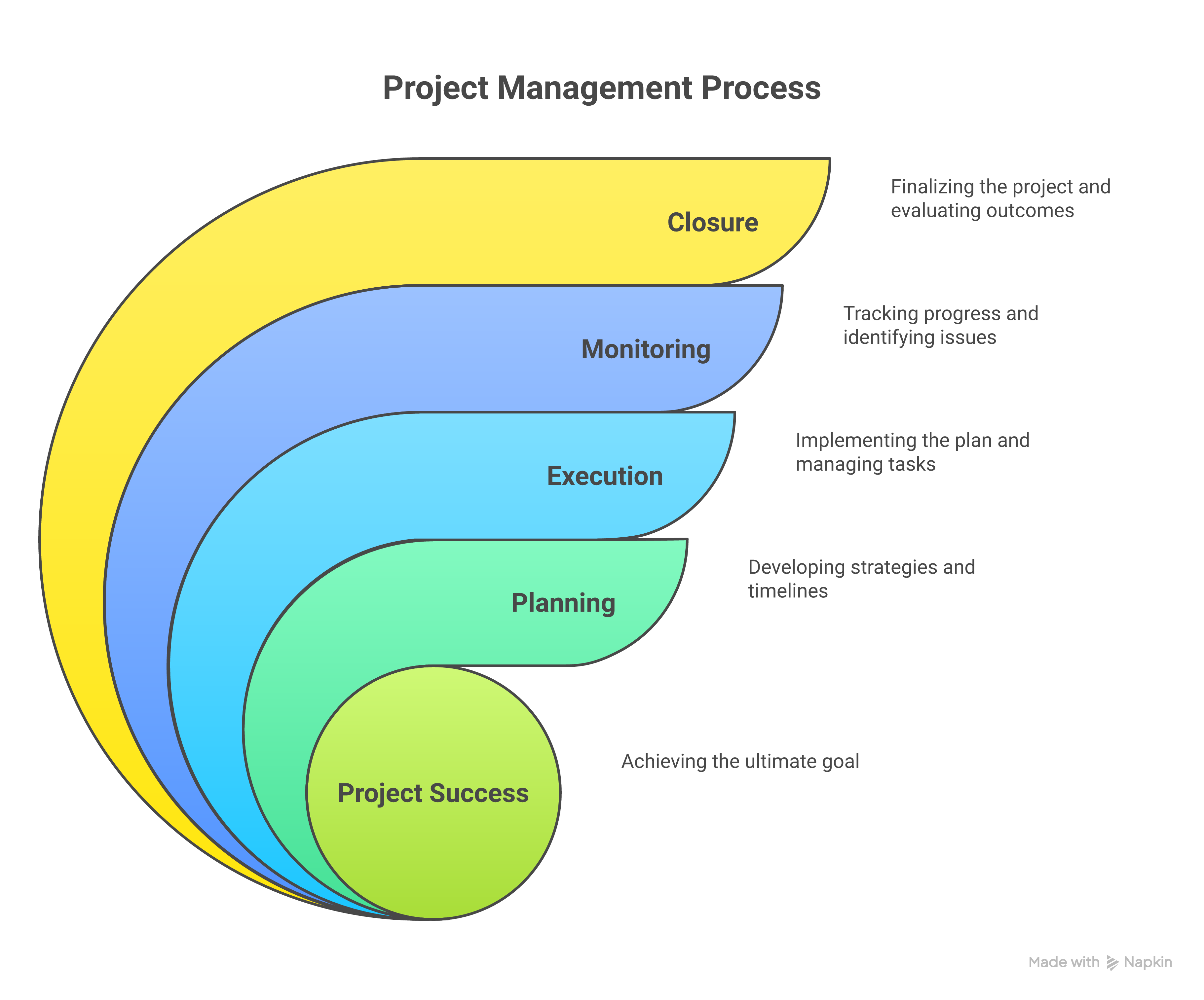
The main importance of Squarespace is its fantastic, pre-fabricated design templates that photographers, bands, and bloggers can use, making it a webflow vs squarespace battle that emphasizes simplicity over code. Select Squarespace for your project that requires integrated email campaigns and scheduling, starting at $16/month.
To overcome Squarespace situations: No-tech users who want a polished design without making changes. Migration? Export HTML from Wix and use CMS imports for Webflow. Webflow is more suited for growth, while Squarespace is perfect for maintaining sites without hassle. Postdigitalist's SEO review ranks Squarespace in the average middle. Broworks' vision for the future adds that switching from Squarespace to Webflow can be easier because of clean code.
Webflow Website Examples: Inspiration
Webflow website examples illustrate its flexibility. Consider Flowzai's portfolio site—admire the remarkably smooth parallax scroll and this custom CMS for case studies. Another example is Edition's agency page, which proves Webflow's capacity in animations; besides, it shows interactive timelines.
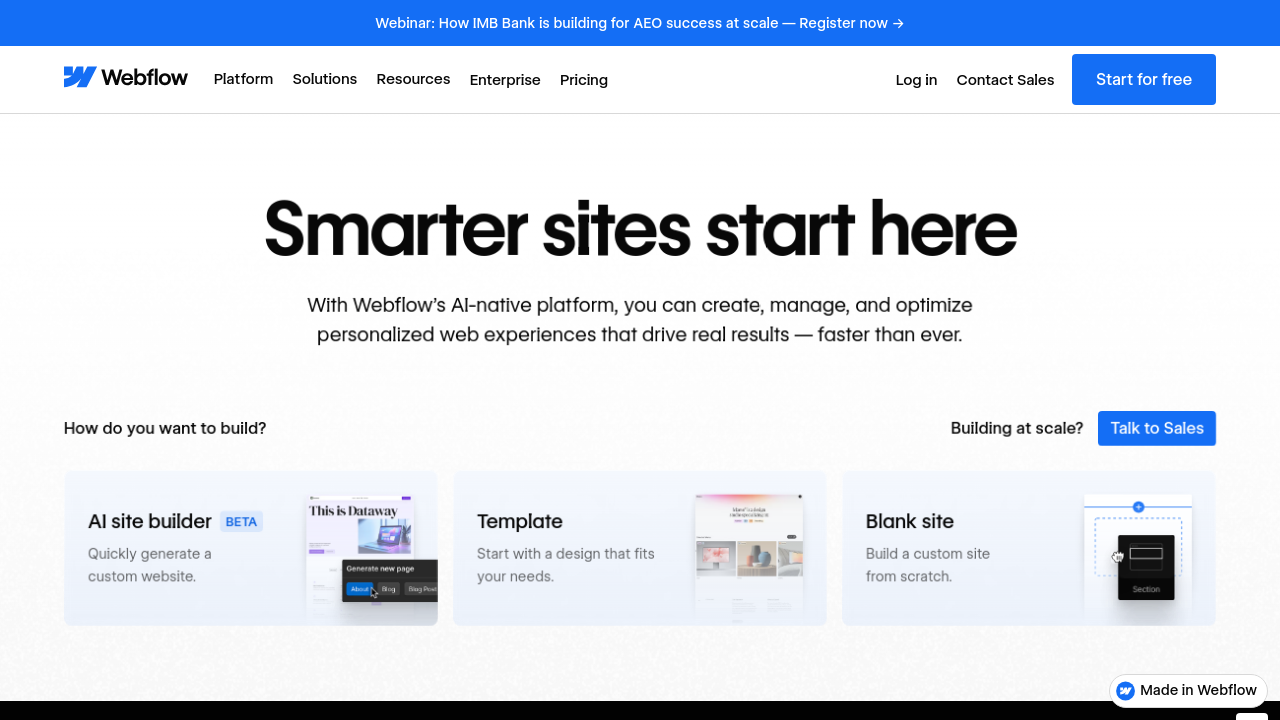
Online shopping, or e-commerce, is the name for the virtual store. In addition, you can use the demo of Noqode to try out the dynamic product filters. These webflow website examples motivate by fusing design and function, as Webflow's own showcase backs this up. For this matter, pros looking for creativity find such things that show the reasons for the migration to Webflow, as is the case in wix vs webflow.
Workflow of Comparison Step by Step: Webflow and Wix Decision Steps
The decision for the case of webflow vs wix consists of the following keys:
- State the goals: For a basic website? Try Wix. For specific requirements? Go for Webflow.
- Budget assessment: Do you have less than $20 per month? Go for Wix's free plan.
- Trial runs: Create a landing page on both.
- SEO evaluation: Tools to utilize for comparing page loads.
- Scale of plan: E-commerce expansion? Choose Webflow.
This is the workflow, which Enviznlabs' maze navigation challenges, that assures the justice of the fit. Use Webflow and Squarespace for template testing.
The Wizard: Which one for Webflow, Squarespace, or Wix
- Budget: Wix (cheap), Webflow (medium-high), Squarespace (medium)
- Design Skill: Beginner (Wix/Squarespace), Advanced (Webflow)
- SEO Needs: High (Webflow), Basic (Wix)
- E-commerce: Small (Wix), Complex (Webflow)
- Speed: Priority? Webflow wins.
Use this for clarity in the comparison of Wix and Webflow, which is based on the article Wix's Comparison.
Frequently Asked Questions: Webflow vs Squarespace and Wix vs Webflow
Is SEO of Webflow better than Wix? Yes, due to the fact of less code—Flowout states. Wix vs Webflow for beginners? The answer is Wix, according to ItsBuzz. Webflow or Squarespace for blogs? The advice is for blog space. Is it possible to switch from Wix to Webflow? Yes, it is possible to do so by exporting the content—Noqode instructions.
Related Reading: Internal Resources
- Our Guide to No-Code Tools: A deeper dive into builders like these.
- SEO Basics for Beginners: Suggestions that align with wix vs webflow discussions.
Related Reading: External Resources
- Webflow University Tutorials: Lessons are free and packed with hands-on learning.
- Squarespace vs Others Roundup: Broader comparisons.
Webflow vs Wix: Pros and Cons Recap
Wix advantages: User-friendly, inexpensive, many apps. Drawbacks: Restricted customization, average SEO. Webflow benefits: Versatile, quick, scalable. Drawbacks: Demands more effort, expensive. Maximize your knowledge on this topic wix vs webflow—Broworks recaps.
Example Project Walkthrough: Webflow vs Wix
For a portfolio: Wix—drag templates, add gallery (2 hours). Webflow—custom grid, animations (10 hours), but superior result. Ecommerce shop: Wix setup in days, whereas Webflow operates with API integrations. Edition's walkthrough proves Webflow has more advantages for professionals.
Conclusion: A Quick Recap Wix vs Webflow
In comparison, Wix is for practical, straightforward websites, while Webflow gets technical with SEO's intricate treatment. Design-heavy, SEO-focused projects would be the place to go for Webflow. Webflow vs squarespace gives an edge to Squarespace for aesthetics, and Webflow on the other hand for control. According to analyses like Flowzai's that validate the choices of Wix for beginners, Webflow for growth, Squarespace for creatives.
Feature Comparison Reminder
Wix (ease), Webflow (power), Squarespace (style) are the central discrepancies, as seen in our diagram and also found in Postdigitalist's tests.
Additional Reading Material
- Wix vs WordPress vs Squarespace Comparison: Which Website Builder Is The Best?
- Website Design Costs: How Much to Really Pay & Design Your Small Business
- Average Website Cost for Small Business Revealed: 2025 Website Design Pricing Guide
- Increase Your Traffic With On Page SEO Services: The Complete Guide
- Increase Your Sales With Magento SEO Services For Your Online Store
- Small Business Website Design Guide 2025: The Packages, Pricing, and Local Options Available
- Shopify Vs WordPress 2025 Owner's Full Guide For E-commerce Store