The Best Graphic Design Monitor for Color Accurate Work in 2026
This article explains why your monitor is one of the most important tools for graphic design and walks you through the best monitors for different budgets and w…

Why Your Monitor Matters for Graphic Design
Have you ever spent hours on a design, only to see it look completely different on someone else’s screen? You are not alone.

That small detail is exactly why choosing the right graphic design monitor matters more than you might think.
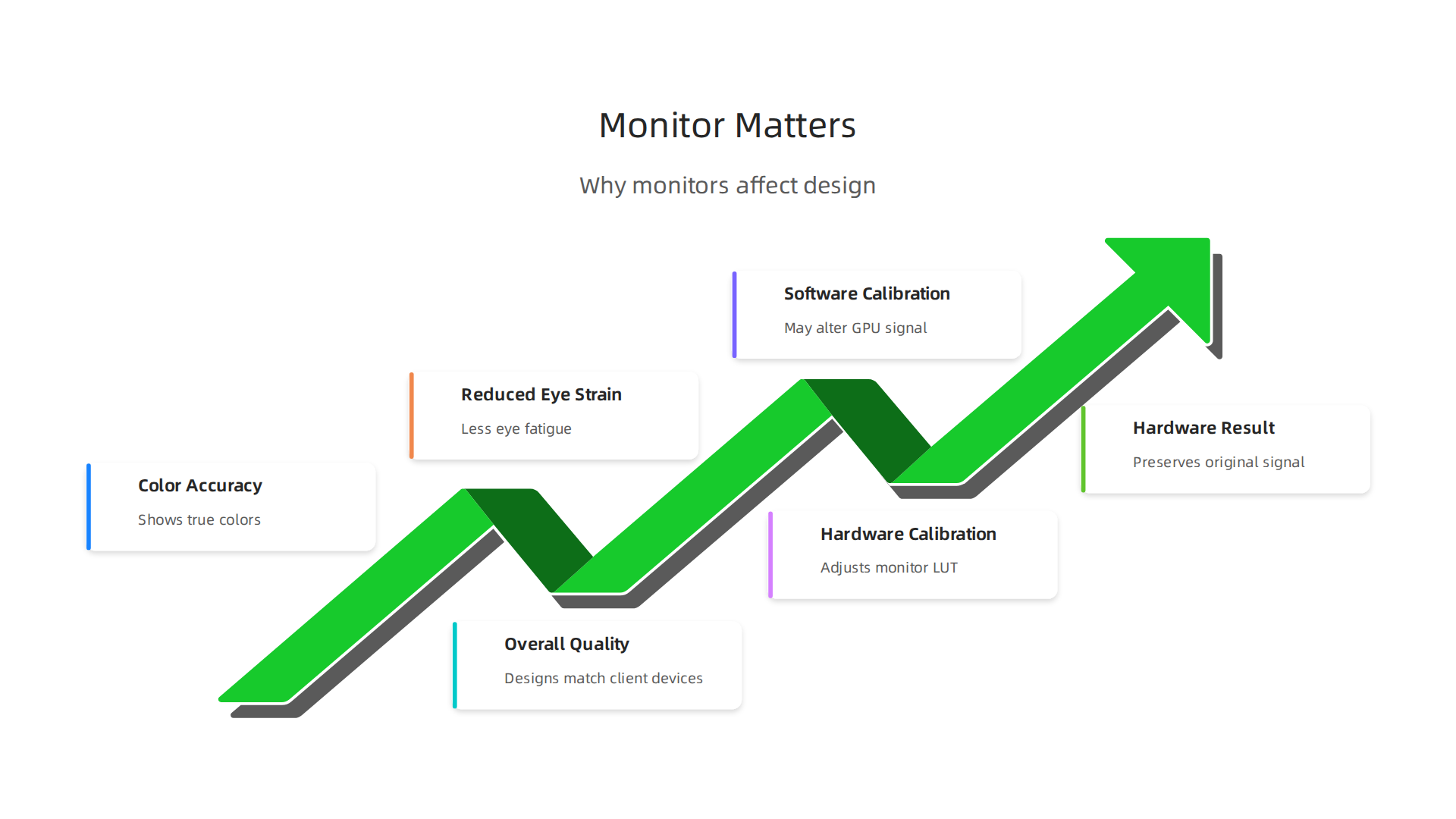
Your monitor is the window to your work. If the colors are off, your graphic design examples will look washed out or too vibrant on client devices. Experts agree that a good monitor directly affects color accuracy and overall design quality.
For instance, TechRadar tested the top picks and found that color space and accuracy are the most critical factors for creative professionals.
When your screen shows true colors, you save time redoing work and avoid embarrassing mismatches.
Here is the thing: using the wrong display also strains your eyes. After a long day of tweaking layers in design files, a poor screen can leave you tired and less productive. That is why choosing the right monitor reduces eye strain and helps you work longer without burning out.
The market in 2026 is full of options. It can feel overwhelming, especially if you also spend time studying graphic design books to improve your skills. But we have done the heavy lifting for you. Experts at Creative Bloq tested monitors for accuracy and picked models that deliver reliable results.
And BenQ highlights the importance of wide color gamut and even brightness for professional work. We have narrowed the best choices so you can stop guessing and start creating.
Still unsure where to start? A solid setup is only one piece of the puzzle. If you want to turn your designs into a consistent stream of clients, connect your website with Weblish and let our team handle the rest. We build high-performing sites that bring in leads while you focus on your craft.
1. Dell UltraSharp U2723QE – Best Overall Monitor for Color-Critical Work
If you want a graphic design monitor that delivers professional color right out of the box, the Dell UltraSharp U2723QE is our top pick.
What makes it special? IPS Black technology. This panel gives you deep blacks and wide viewing angles, so your shadows look rich and your colors stay consistent even when you shift in your chair. No more guessing if that dark gradient is crushed.
It also packs a 4K resolution (3840 x 2160) which is plenty sharp for editing design files and reviewing graphic design examples. And here is the real win: the built-in USB-C hub. You can connect your laptop, transfer data, and even charge it with a single cable. That cleans up your desk and speeds up your workflow.
Color accuracy? Dell claims a Delta E of less than 2 right from the factory. In plain English, that means the colors you see are incredibly close to the real values. Many reviewers at RTINGS.com compared the Dell U2723QE to the Apple Studio Display and found that while the Apple has slightly better text clarity at 5K, the Dell offers a more versatile set of inputs and a much lower price.
For most graphic designers, the U2723QE gives you 95% of the performance for about half the cost. It is a smart choice if you are building your studio on a budget but still need reliable color for client work.
Once your monitor is dialed in, the next step is making sure your website shows off your designs in the best light. A clean, fast site converts visitors into clients. If you want to build that without the headache, connect your website with Weblish and let our team handle the rest. We focus on design and performance so you can focus on creating.
2. ASUS ProArt PA279CV – Best Value 4K Monitor for Designers
Not everyone has $1,000 to spend on a graphic design monitor. If you want professional color without breaking the bank, the ASUS ProArt PA279CV is the best value pick for 2026.
Here is what makes it special. Every unit ships factory-calibrated with Calman certification. That is a big deal. It means ASUS tests each monitor and provides a calibration report right in the box. You get a Delta E of less than 2 from the start, so your design files look accurate immediately.
The color coverage is solid too. It hits 100% sRGB and 100% Rec. 709, with strong Adobe RGB and DCI-P3 coverage. This is enough for most client work, product packaging, and digital design projects. You can review graphic design examples without worrying about weird color shifts.
The stand is another win. You get full tilt, swivel, pivot, and height adjustment. That helps you find a comfortable view for long editing sessions. The 27-inch 4K IPS panel also gives you wide viewing angles and sharp text.
ASUS also includes ProArt Preset and ProArt Palette software. These let you quickly switch color modes and fine-tune settings without touching physical buttons. It saves time when you move between projects.
At around $400 to $500, this monitor gives you near-professional quality. Reviewers at Creative Bloq ranked the ASUS ProArt PA279CV as a top affordable choice for graphic artists in 2026. It is an excellent pick when you need a reliable second screen or you are just starting your design studio.
Once your monitor is set up, make sure your website shows your work in the best light. A fast, polished site turns visitors into clients. Connect your website with Weblish and let our team build a site that matches your design quality.
3. Apple Studio Display – Best Monitor for Mac Users
If you live in the Apple ecosystem, the choice gets easier. The Apple Studio Display is built for Mac users who want everything to just work. No dongles. No driver issues. No fiddling with settings.
Here is what makes it special for designers. The 27-inch 5K display gives you incredible text clarity. When you are staring at design files all day, that sharpness reduces eye strain and lets you see every pixel detail. According to comparisons, the Apple Studio Display has a 5K resolution with noticeably better text clarity than 4K monitors. That extra resolution matters when you are judging tiny typography or fine lines in your graphic design examples.
The built-in webcam and six-speaker sound system are nice bonuses for video calls with clients. But the real win is how it connects to your Mac. One single Thunderbolt cable carries video, audio, and power. It also charges your MacBook at the same time. No cable mess.
And the color accuracy? It is excellent right out of the box. Apple calibrates these displays for consistency, so your design files look the same on screen as they do when printed. The P3 wide color gamut covers the colors you use in modern digital work.
The tradeoff is price. The Apple Studio Display starts around $1,600. That is a lot more than the ASUS ProArt we just covered. But if you already use a Mac and you value a clean desk setup with flawless integration, this monitor pays for itself in saved time and fewer headaches.
Once you have a great monitor to view your work, make sure your website shows off that same design quality. If you want a site that turns visitors into clients, check out our guide on graphic design principles that turn your website into a lead generator. And when you are ready to grow your traffic on autopilot, connect your website with Weblish and let us build a site as sharp as your eye for design.
4. BenQ PD3220U – Best Monitor for Graphic Design and Video Editing
What if you need a monitor that works perfectly with both a PC and a Mac? Or maybe you want Thunderbolt 3 but need a bigger screen than the Apple Studio Display. The BenQ PD3220U is built for designers and editors who need flexibility without sacrificing color quality.
Display quality you can trust
This monitor has a 32-inch 4K IPS panel. The extra size is a game changer. You can open large design files and still have room for your toolbars and palettes. It covers 95% of DCI-P3. That is the wide color space used in modern video and digital work. BenQ focuses on making professional monitors that prioritize color accuracy and connectivity.
Workflow features that save time
The BenQ PD3220U includes Thunderbolt 3 and a built-in KVM switch. If you use a laptop for design and a desktop for rendering, this monitor makes life easy. You can control both computers with one keyboard and mouse. No more reaching behind your desk to swap cables. If you are building a portfolio of graphic design examples, this smooth setup helps you stay in the creative zone.
Made for Mac users too
Apple users, do not worry. The BenQ PD3220U has a dedicated M-Book mode. This mode adjusts the color profile to match your MacBook screen exactly. When you move your design files between your Mac and this monitor, the colors stay consistent. No surprises. This makes it a strong alternative if you want the Mac experience on a larger screen.
Once you have the right hardware, make sure your online presence is just as sharp. Apply those design skills to a website that actively brings in leads. Our guide on 9 graphic design ideas for small business websites that generate leads is a great place to start.
Then, let Weblish handle the rest. Connect your website with Weblish and grow your traffic on autopilot.
5. LG 27UK850-W – Best Budget-Friendly 4K Monitor
Designing on a laptop screen is cramped. And those cheap office monitors? The colors are never right. If you are an entry-level designer working with a tight budget, the LG 27UK850-W gives you professional-grade features without breaking the bank.
Display quality on a budget
This monitor packs a 27-inch 4K IPS panel with HDR10 support. That means you get sharp detail and vibrant colors for under $500. The IPS technology keeps colors consistent even when you view the screen from an angle. For basic design work, social media graphics, and editing product photos, it delivers solid performance. Many affordable monitors sacrifice color accuracy and treat it as an option, but the LG 27UK850-W is known as one of the best budget-friendly options for creators in 2026 RTINGS.com.
USB-C changes everything
Here is the feature that surprises most people. The USB-C port delivers 60W of power right to your laptop. You plug in one cable and your laptop charges while the monitor displays your design files. No separate power brick needed. This keeps your desk clean and your workflow fast.
Who should buy this monitor?
This is the perfect starting point for freelance designers, students, or anyone building their first professional setup. You get 4K resolution, HDR, and a modern USB-C connection at the price of an average office monitor. When you are ready to upgrade your skills next, learn how the right graphic design principles can turn your website into a powerful lead generator.
And when you need more than design skills to grow your business, let Weblish handle the rest. Connect your website with Weblish and grow your traffic on autopilot.
6. EIZO ColorEdge CS2740 – Best for Professional Color-Critical Work
The LG we just covered is a great starting point. But what if your work demands absolute color accuracy? If you are a photographer, print designer, or prepress specialist, the EIZO ColorEdge CS2740 is a different class of tool. It is built for one purpose: showing colors exactly as they are.
Hardware calibration changes the game
Most monitors rely on software to adjust colors. That approach can alter the signal from your graphics card and introduce banding or loss of detail. The EIZO CS2740 uses hardware calibration with a built-in sensor. This system adjusts the monitor’s internal lookup table directly, so the original signal stays clean.
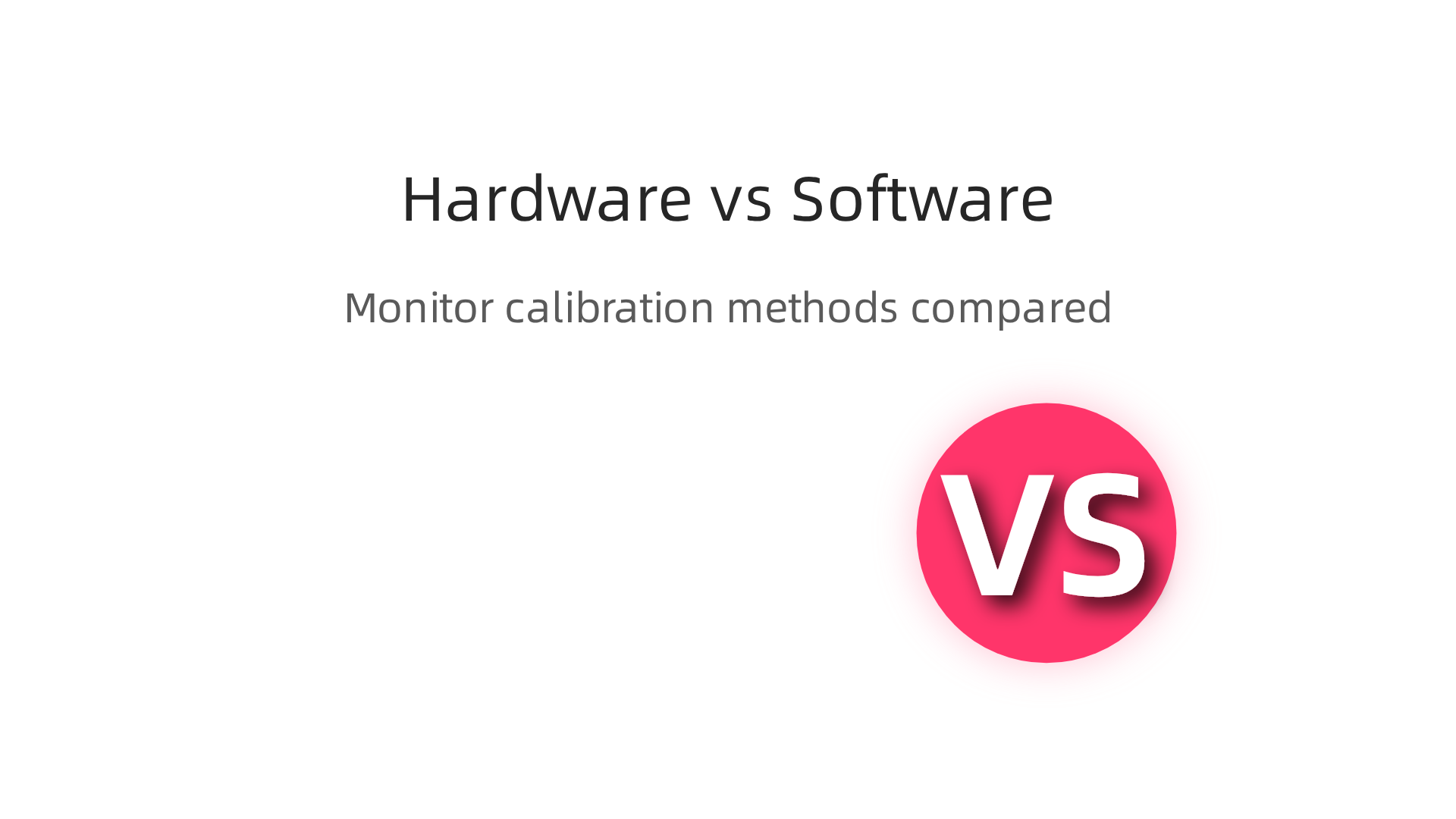
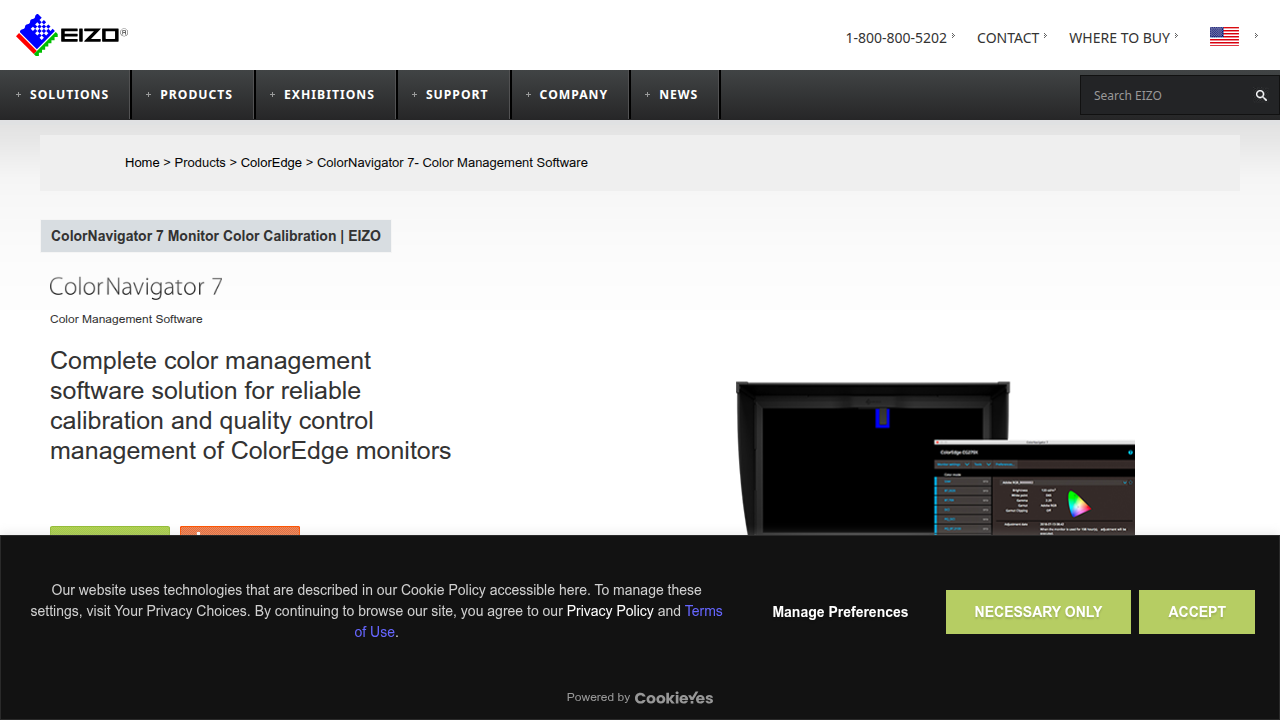
EIZO’s free software, ColorNavigator 7, lets you schedule calibrations and complete them in about 90 seconds EIZO features page.
If you share design files with a print shop or collaborate with other ColorEdge users, everyone can match the same color standard.
Color coverage that leaves nothing out
The 27-inch 4K IPS panel covers 100 percent of sRGB and 98 percent of DCI-P3. That wide gamut means deep reds, rich greens, and blues that really pop. For print work, this monitor is tested and proven. Independent reviewers from PRAD have confirmed its strong performance for creative professionals EIZO test reports.
Who needs this monitor?
This graphic design monitor is not for everyone. It is for professionals who cannot afford color mistakes. If your clients expect proof-ready prints, or if you retouch photos for a living, the EIZO CS2740 pays for itself. It is also excellent for understanding higher end graphic design examples where every shade matters.
When you pair a monitor this accurate with strong graphic design principles that turn your website into a lead generator, your work looks professional everywhere.
And when you are ready to put that quality to work attracting clients, let Weblish help. Connect your website with Weblish and grow your traffic on autopilot.
7. Samsung Odyssey Neo G8 – Best High-Refresh Monitor for Designers Who Also Game
What if you need a monitor that does double duty? You spend your day working in design files, but when the work day ends, you want to jump into a game without switching setups.

The Samsung Odyssey Neo G8 handles both roles surprisingly well.
Speed and sharpness in one package
This 32-inch monitor delivers 4K resolution at a blazing 240Hz refresh rate. That combination is rare. You get the pixel density needed for detailed graphic design work, plus the fluid motion gamers crave. The VA panel uses Mini-LED technology with Quantum HDR2000, which means excellent contrast and peak brightness that makes both text and game worlds pop. Reviews from T3 praise its premium image quality, while Techaeris highlights the 1000R curvature that wraps the screen around you.
Where it fits in your workflow
The Neo G8 is not meant for color-critical print work like the EIZO we covered earlier. But for general graphic design, web design, and UI work, it performs beautifully. The 4K panel gives you plenty of screen real estate for toolbars, layers, and reference images. And when you need a break, the high refresh rate makes gaming buttery smooth.
If your current monitor leaves you feeling stuck between work and play, this Samsung might be the perfect middle ground. And when you are ready to make your design work visible to the world, check out how to make your small business website convert visitors to customers so your projects actually drive results.
Connect your website with Weblish and grow your traffic on autopilot
8. ViewSonic VP2785-2K – Best 2K Monitor for Precise Color Matching
What if you want professional color accuracy but don’t have a thousand dollars to spend? The ViewSonic VP2785-2K gives you exactly that. It is a budget-friendly option that still delivers the kind of precision serious designers rely on.
Sharp resolution without the 4K price tag
This 27-inch monitor runs at 2560×1440 resolution. That is the sweet spot. You get plenty of screen real estate for your toolbars, layers, and design files without needing a top-tier graphics card to drive it. The IPS panel covers 100% of the sRGB color space and includes hardware calibration through ViewSonic’s own Colorbration system. That means you can calibrate the monitor itself, not just your computer, for more consistent color across your workflow. Tech experts at Creative Bloq note that this level of accuracy makes it a strong pick for graphic artists who need reliable color reproduction.
The smart pick for accurate design work
If you work with brand colors, product shots, or any project where matching a specific shade matters, this ViewSonic delivers. It also supports 10-bit color through 8-bit plus FRC, which helps gradients look smoother and more natural. For a complete rundown of what to look for in a graphic design monitor, the BenQ guide explains why color accuracy and consistency software matter so much.
This monitor gives you professional-grade calibration at a fraction of the cost of high-end models. You can get your design files looking exactly right without emptying your wallet.
Of course, making your designs look perfect on screen is only half the battle. You also need a website that shows off your work and brings in clients. That is where Weblish comes in. Connect your website with Weblish and grow your traffic on autopilot so your precise designs actually get seen by the right people.
9. How to Set Up Your Monitor for Optimal Color Accuracy – Accessories and Tips
You picked a great graphic design monitor. Now comes the part that really matters: setting it up right. Most monitors look decent out of the box, but they are not accurate. Colors can be too warm, too cool, or just off. That is a problem when you work on design files where a specific shade matters.
Here is how to fix that.
Use a calibration device
The most important tool you can buy is a hardware calibrator. Devices like the SpyderX or the i1Display Pro are the industry standard.
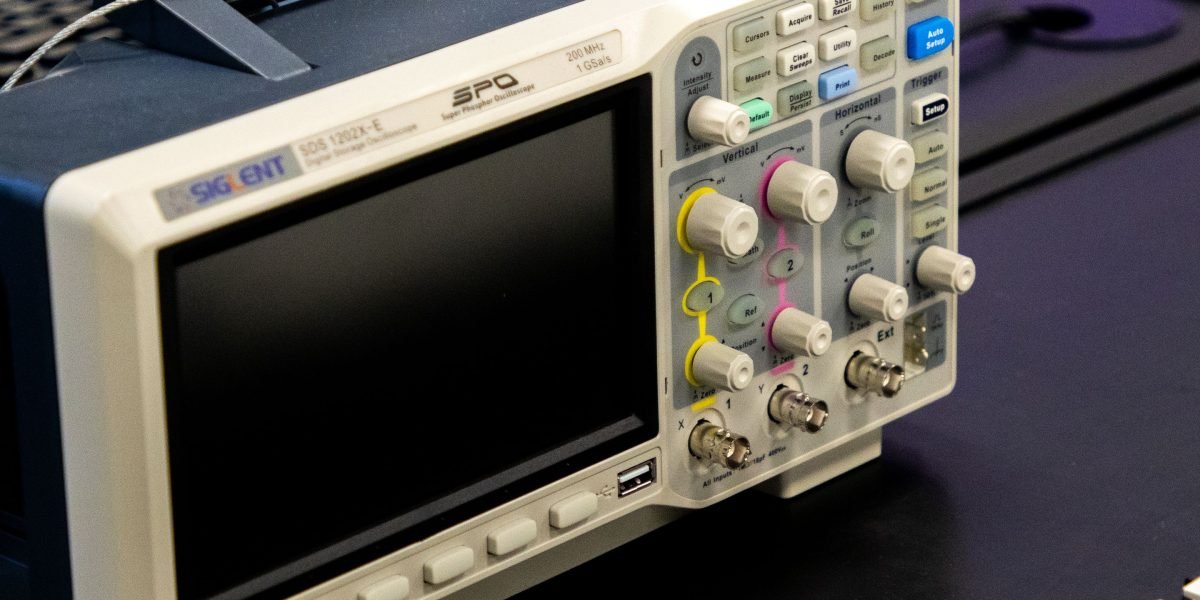
They measure your screen and create a color profile that matches your monitor to real-world color. Some high-end monitors, like those from EIZO, include their own calibration software called ColorNavigator. It can adjust your monitor in about 90 seconds, as shown on the EIZO ColorEdge CS2740 features page. You can also use free tools like DisplayCAL if you are on a budget. The community at DisplayCAL forums shares tips for applying manual corrections after calibration.
Control your lighting
The light in your room changes how you see colors on screen. Direct sunlight or harsh overhead lights create glare and wash out your display. Use soft, indirect lighting instead. A bias light behind your monitor helps your eyes see contrast more accurately. Keep your room’s wall color neutral, not bright white or dark. That alone helps a ton.
Sync color across all devices
Your monitor might be perfect, but if your laptop or tablet shows colors differently, your design work can look wrong everywhere else. Use software tools like ColorNavigator or built-in OS color management to keep things consistent. For a quick refresher on design principles that make your work look good on any screen, check out this guide on graphic design principles that turn your website into a lead generator.
Once your monitor shows true colors, your next step is getting those designs in front of clients. Connect your website with Weblish and grow your traffic on autopilot so your accurate work actually brings in business.
Summary
This article explains why your monitor is one of the most important tools for graphic design and walks you through the best monitors for different budgets and workflows in 2026. It covers why color accuracy, wide color gamut, resolution, and connectivity matter, and profiles top picks like the Dell UltraSharp U2723QE, ASUS ProArt PA279CV, Apple Studio Display, BenQ PD3220U, LG 27UK850-W, EIZO ColorEdge CS2740, Samsung Odyssey Neo G8, and ViewSonic VP2785-2K. For each model the guide summarizes who it’s best for—budget starters, Mac users, color-critical professionals, multi-machine workflows, and designers who game—and highlights features like USB-C/Thunderbolt, hardware calibration, and KVM switches. The article also gives practical setup advice: use a hardware calibrator, control room lighting, and sync color profiles across devices. Reading this will help you pick the right monitor for your projects, set it up for reliable color, reduce eye strain, and make better choices about spending and workflow so your designs look the same for clients and in print.