How to improve WordPress SEO for Higher Rankings and a Faster Website
Master how to improve WordPress SEO with our comprehensive guide. Discover practical steps to speed up your WordPress website, optimize Core Web Vitals, and boost search rankings. Learn to enhance performance or get help from a website speed optimization service.


Living in a modern digital age where fast and user-friendly websites are a priority for search engines like Google, it is vital to learn how to effectively improve WordPress SEO as a site owner. Pages that load slowly may repel users, and consequently, affect your rankings, but by concentrating on Core Web Vitals—metrics that assess loading speed, interaction, and visual stability—you can not only improve visibility but also keep users interested. This article elucidates the most practical, real-life steps to improve WordPress SEO, for instance, increasing the speed of the web page, optimizing images, and adjusting the backend properly. Whether you are a newbie or you have a little experience, this article will provide you with useful and actionable tips to increase the power of your WordPress site and hence rise ever higher in search engine results.

Introduction
Being a WordPress user means that you have a strength to stand on when it comes to content creation, but if you do not apply the right changes, it can still be lower than others in the search results. The coding of WordPress SEO is not only the matter of words; it is equal to a seamless experience that the search engines are rewarded with higher positions. For example, sites that load quickly encounter around 32% lesser bounce rates and more positive conversion rates. Here is where the Core Web Vitals come into play, because they help Google to check the quality of the experience for real users. Should your website be poor on Largest Contentful Paint (LCP), First Input Delay (FID), or Cumulative Layout Shift (CLS), you might suffer from traffic loss even with excellent content. The good part is that. Simple operations such as image compression and caching can have a transformative impact on your WordPress SEO and speed up WordPress website. In this one, we will deal with both technical solutions and routine maintenance, helping you to keep out of the embarrassing situations such as the installation of bloated plugins or the use of unoptimized hosting.
Core Web Vitals are the tools Google uses to evaluate your site's performance for users, which is closely related to improve WordPress SEO. LCP tracks the time for the main content to load—strive for a result of less than 2.5 seconds. FID measures how much time is required to respond to clicks, and ideally, it should be less than 100 ms, whereas CLS controls the surprising shifts on elements, which has to be less than 0.1. Poor scores in these vitals signal to search engines that a site is not user-friendly, therefore rankings will be lower.
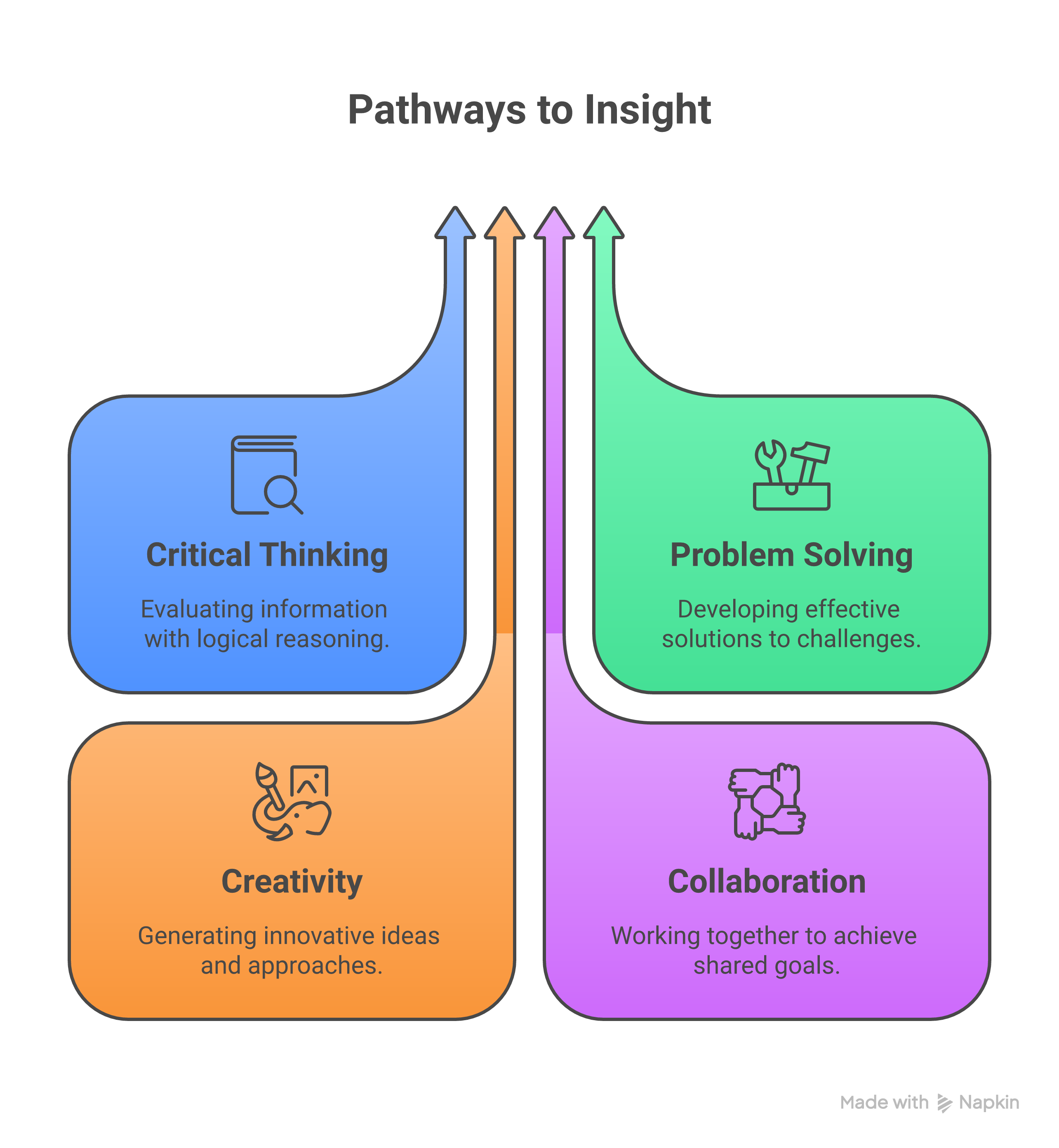
To improve WordPress SEO with these vitals, the first step is to install a good plugin and select an SEO-friendly theme. As stated in a detailed guide, here are some techniques to speed up WordPress website: A good idea is to pick a lightweight theme, which will immediately eliminate high load times. Again, best practices for WordPress SEO highlight the importance of evaluating the speed of your site with free tools. For more information, refer to Boral Agency's WordPress SEO guide where Core Web Vitals are linked with overall strategy.
Common issues include render-blocking JavaScript or excessively large images, while alternatives like CSS minification can resolve them. Fixing these problems will not only help you improve WordPress SEO but also customer satisfaction, motivating them to stay longer and share your site.
| Core Web Vital | Metric Goal | Impact on WordPress SEO |
|---|---|---|
| Largest Contentful Paint (LCP) | Under 2.5 seconds | Faster main content loading boosts rankings and reduces bounce rates |
| First Input Delay (FID) | Under 100 ms | Improves interactivity, signaling better user experience to Google |
| Cumulative Layout Shift (CLS) | Under 0.1 | Prevents frustrating shifts, leading to higher engagement metrics |
The table above depicts that achieving these target values can result in a significant transformation in site performance, contributing to website speed optimization service.
Essential Technical Hacks to Speed Up Your WordPress Website
One of the most straightforward methods to improve your WordPress SEO is by accelerating your WordPress website with technical changes. Slow websites are troublesome for users and are thus punished by algorithms that prefer faster loading. The first thing you should do is update to the latest PHP version, as PHP 8.0 or higher can reduce loading time by 20-30%. Besides, you can get rid of unused plugins, since they add unnecessary code.
Just by enacting browser caching, visitors' devices will store files locally, which thus reduces the number of requests sent to the server. Tools like WP Super Cache are available to help do this easily. A more on this is the post at weDevs where caching is mentioned as a must-do. On the other hand, AIOSEO's ultimate WordPress SEO guide recommends deferring non-critical JavaScript to avoid rendering issues.
Lazy loading moves pictures that are out of the viewport area until they are needed, which can save a couple of seconds from the page speed. If you have a database that is full of trash, you can keep it clean regularly using utility applications such as WP-Optimize. These methodical procedures can not only speed up your WordPress website, but also improve your WordPress SEO scores directly in tools like Google PageSpeed Insights.
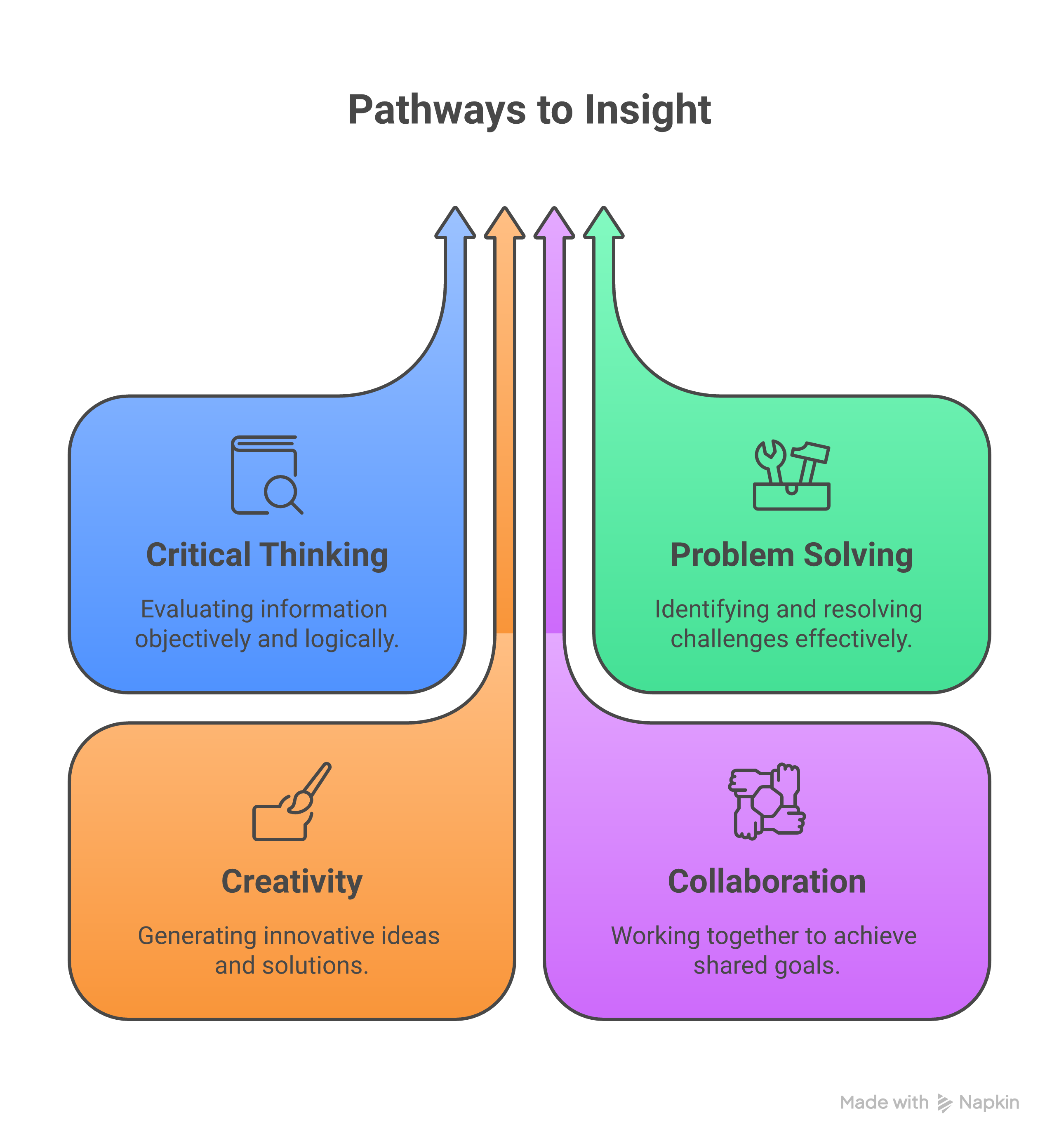
Optimize Images and Media
Images tend to be the largest culprits of speed-related problems, so optimizing them is very important for improving WordPress SEO. Large files can make LCP exceed limits, hurting rankings. Compress images without losing quality using tools like TinyPNG or Smush plugin—aim for under 100KB per image.
For faster page loading, convert images to modern formats like WebP that are 25-35% faster than JPEG. In WordPress, the switching of images is practically done automatically through plugins. You can learn more about image strategies in detail from the Elementor's WordPress SEO guide that you should check for tips. The article Coalition Technologies' tips for WordPress SEO in 2026 gives notable mention of the need to set image sizes to display correctly.
To this end, apart from the images that need an 'alt text' for the search engine optimization and the accessibility, it is also important to make sure that descriptions of the images are embedded with keywords in a natural way. Although it is generally advised that you should not auto-embed videos from external sites as they load slowly—a better alternative would be to host them on your server or to use YouTube embeds strategically. These changes will not only speed up your WordPress website but will also facilitate the crawling of content.
| Optimization Technique | Tool/Method | Expected Speed Gain |
|---|---|---|
| Image Compression | Smush or Imagify Plugin | 50-70% file size reduction |
| WebP Conversion | Built-in WordPress support | 25-35% faster loading |
| Lazy Loading | Native in WordPress 5.5+ | 40% of media loads deferred |
On-Page Improvements for WordPress SEO
The primary aspect of improving WordPress SEO is on-page elements. Titles should be crafted as concisely as possible having your main keyword located in it, for instance, "How to Speed Up WordPress Website in 2026." Descriptions should capitalize on persuasion to gain more clicks and be around 150-160 characters long.
Use header tags (H1 for titles, H2/H3 for sections) to structure the content. Incorporate keywords naturally—target "improve WordPress SEO" in intros and conclusions. Internal linking distributes authority; link to related posts with descriptive anchors.
To add schema markup, simply utilize plugins such as Yoast SEO to implement rich snippets. According to WPAstra's beginner's guide to WordPress SEO, one of the methods of doing this includes optimizing your URLs (e.g., /improve-wordpress-seo/). Belov Digital's comprehensive guide reiterates the significance of mobile responsiveness through themes such as Astra.
Permalinks should be clean and keyword-rich. These on-page tweaks, in combination with speed improvements, increase the relevance of your site.
Content Refresh
Fresh content serves as a way to show Google that the site is alive, resulting in the directing to the right path for improving WordPress SEO. Bring in new content every year on old posts—refresh stats, add new sections, or improve readability. Aim for a 300+ word count per post but give importance to value instead of the fluff.
Actually, adjust for user intent like for example: If they're looking to "speed up WordPress website," the step-by-step fixes should be provided. Use bullet points and subheads for instant reading of the articles. Transform the same content into guides or infographics.
Check the page analytics for poor performance and refresh them. Jetpack's 11 steps to improve SEO includes content audits. With the linking of Laura Jawad's WordPress SEO practices, you will get ideas for refreshing.
Host, CDN and Backend Tuning
Your hosting decision affects everything—choose managed WordPress hosts like SiteGround for quicker speeds. A CDN like Cloudflare boosts global content delivery, thus improving latency.
For backend tuning, focus on database optimization, enabling GZIP compression as well as moving to SSD storage if HDD is currently employed. Boral Agency's optimization guide details CDN benefits. WeDevs' checklist features a list of trustworthy hosts.
Did you know? If you want to lift the post revision limits and include an object caching Redis, you got to get that advanced tuning.
Structured Data, Internal Links and Sitemaps
Rich results on Google for your pages may occur through the visualizing of structured data via JSON-LD as well as improving the visibility of parts of your content, for example, snippets on search engine results. You can easily implement structured data using plugins for articles and products.
An effective internal link structure and interlinking other posts – 3-5 links in every post. Add the XML sitemap through Yoast to Google Search Console.
You can better understand schema implementation through Elementor's guide. AIOSEO's ultimate guide provides a detailed explanation of sitemaps that you can use to make crawling easier.
Engaging a Website Speed Optimization Service
If doing it yourself seems tough, a website speed optimization service which is a considerable attribute can help you out of difficult situations like custom code audits. They use tools such as GTmetrix to make in-depth analysis and can increase usual scores by over 50%.

It includes costs of site size from $500-$5000. The package often comes with customer support. Coalition Technologies' 2026 tips tell you the right time to depart. WPAstra's guide does a better job of the comparison.
Look for actors who make WordPress their primary focus. In this case, you are guaranteed that Core Web Vitals stands out on your website.
Tools and Measurements
Keeping track of your progress with Google PageSpeed Insights for Core Web Vitals scores is paramount. GTmetrix and WebPageTest provide comprehensive reports.
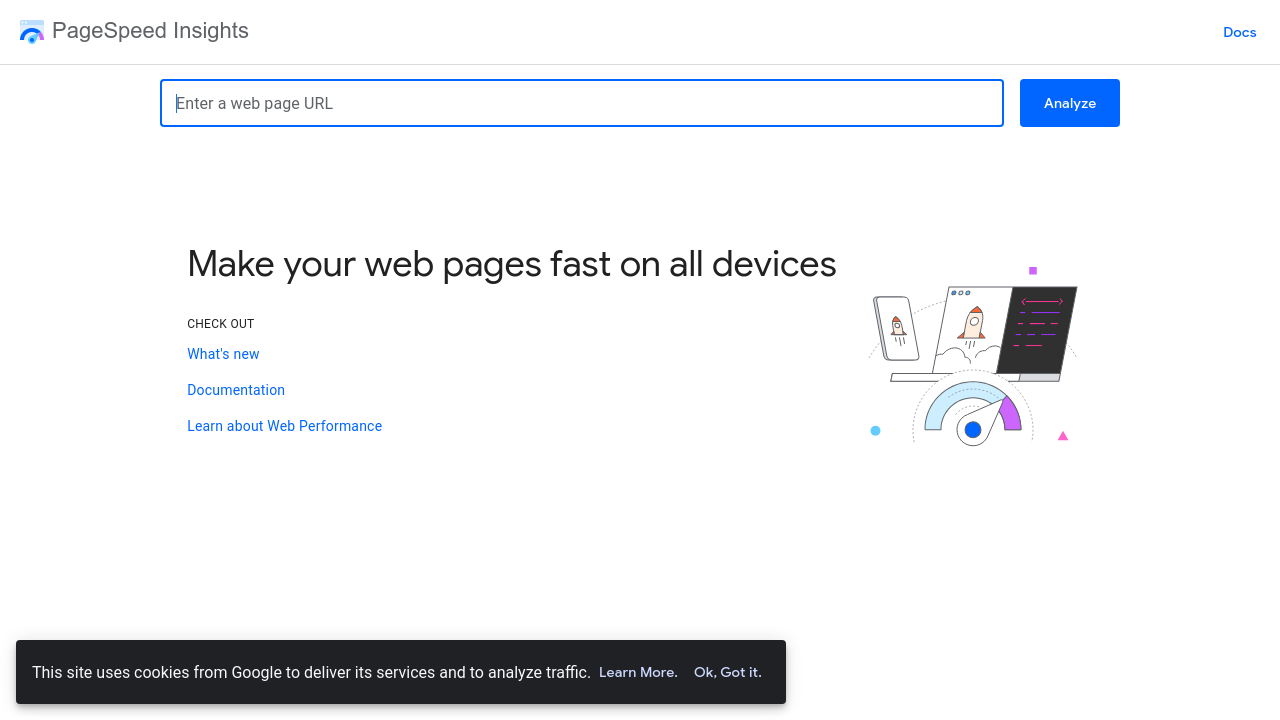
Use Google Analytics for real data on metrics like page load time that impact bounce rates. You should monitor via Search Console as well for any SEO impacts.
Belov Digital's guide has got these tools on the list. You can also watch this YouTube short on WordPress SEO optimization to learn more about it.
Plugin and Service Comparisons
Choosing the right plugins is irrelevant. Yoast vs. Rank Math: Both manage SEO operations, though Rank Math is the better option when it comes to speeding up the process.
With caching, WP Rocket comes out as a winner against free choices. Its performance is far better than W3 Total Cache's except for simplicity.
Keywords: improve wordpress seo, speed up wordpress website, website speed optimization service

| Plugin/Service | Key Feature | Best For | Cost |
|---|---|---|---|
| Yoast SEO | On-page optimization, sitemaps | Beginners improving WordPress SEO | Free/Premium $99/year |
| WP Rocket | Caching, minification to speed up WordPress website | Speed-focused sites | $59/year |
| Cloudflare CDN | Global delivery, security | High-traffic sites | Free/Pro $20/month |
| Website Speed Optimization Service (e.g., via agencies) | Custom audits | Complex needs | $1000+ one-time |
The comparison provided helps one in picking the right tools for effective WordPress SEO advancement.
Step-by-Step Implementation Plan
- Perform PageSpeed Insights audit to detect LCP issues.
- Upgrade PHP and deactivate unnecessary plugins, which is the first step in WordPress website speed enhancement.
- Resize images and allow lazy loading.
- Incorporate caching and CDN.
- Introduce schema and internal links.
- Revise content and submit the sitemap accordingly.
- Conduct weekly monitoring and make adjustments if necessary.
The sequence of operations can be established by following Jetpack's steps. Laura Jawad's recommended practices additionally comprise on-page methods.
Checklist for SEO Improvement
- [ ] Use an SEO-friendly theme and hosting.
- [ ] Install a caching plugin to speed up the WordPress website.
- [ ] Compress all images.
- [ ] Optimize titles, metadata, and headers.
- [ ] Have a structured data implementation.
- [ ] Introduce internal links.
- [ ] Refresh the content frequently.
- [ ] Keep an eye on Core Web Vitals.
Add a page on expanding with Boral Agency's guide to the above.
Real-World Examples and Case Studies
Keywords: improve wordpress seo, speed up wordpress website, website speed optimization service
A blog's transition to Cloudflare CDN and the improvement of load times that dropped from 5 to 1.5 seconds increased organic traffic by 40% as stated in the example of Coalition. The case is also available on the e-commerce site which, after enlisting the help of a website speed optimization service, was able to capitalize on LCP and ranked among the first sites for speed up WordPress website queries, according to Elementor's examples.
Through their regular efforts to improve WordPress SEO, measurable returns are evident.
Frequently Asked Questions
What does WordPress SEO mean? WordPress SEO is the set of tools that you can use to boost the visibility of your WordPress site on various search engines such as Google. These include the right selection of keywords, good site speed, and logical site structure. Really good guides like AIOSEO's are great resources.
Why are Core Web Vitals important? They are the indicators of the overall user experience, thus influencing SEO ranking. Slow vitals are detrimental to SEO, as covered in WPAstra's guide.
How does website speed affect SEO? More speed means higher ranks and more visitors. For instance, improving your WordPress website speed can significantly cut bounce rates by 30%, according to WeDevs' checklist.
When should I hire a website speed optimization service? If the scores still remain under 70 after the basic checks, specialists can make their investigations deeper – refer to Belov Digital's advice.
Resources for Further Reading
Keywords: improve wordpress seo, speed up wordpress website, website speed optimization service
To have a more comprehensive view, you can read the articles on How to Improve SEO on WordPress, WordPress SEO Best Practices, and Boral Agency's Guide. Another source that you can check is WeDevs' Checklist where it provides a source, and also the AIOSEO's Ultimate Guide which is the ultimate guide. Then, the Elementor's Beginner Guide is also very resourceful as well as the Coalition Technologies' 2026 Tips and WPAstra's Step-by-Step which is the ultimate guide. Belov Digital's Complete Guide and this YouTube Short are equally the best sources that you can get complete information and a short video about WordPress SEO improvements.
Continual maintenance entails conducting monthly checks and making updates to the plugins and themes to help improve WordPress SEO. Use the Search Console tool to monitor the positions after you have made the changes. If there are no improvements in your traffic within 3 months, consider collaboration with a speed optimization service which has a focus on specific expert adjustments to help speed up WordPress website. By following through with these far-reaching measures, you will make sizable amendments to the effectiveness of your WordPress site in such a manner that the on-page SEO will likely improve for a longer period of time.
Similar Material
- The Indispensable Role Played By The WordPress SEO Services In The Growth Of Your Business
- The Comprehensive Guide on WordPress Development Services for 2025: Quality Web Design Service
- WordPress Maintenance Plan Complete Guide: The Pricing, Perks & the Top Services in 2024
- WordPress Migration Service Guide for Wix and Squarespace Users
- Shopify vs WordPress 2025 Full Guide for Ecommerce Store Owners
- Wix vs WordPress 2025 Complete Guide Including Squarespace and Webflow Comparison
- Best Blog Sites 2025 Brief Guide To The Most Top Blogging Platforms And CMS