
Find Leads and Verify Identities with a Face Search Engine in 2026
This article explains what face search engines are, how they work, and why they matter for small and mid-sized businesses looking to verify identities and gener…


Introduction
You have a customer’s photo but no name. You need to verify an identity or find a new lead.

A regular image search won’t cut it. That’s why a face search engine is becoming essential for small and mid-sized businesses in 2026. These tools use AI to match faces across the internet with much higher accuracy than general reverse image search.
Unlike general search tools like Ecosia, Qwant, or GWA, which are great for text and generic images, a face search engine is purpose-built for facial matching. It can help you identify prospects, verify identities, and uncover new leads from a single photo.
In this guide, we’ll explain how face search technology works, list the best tools available in 2026, and share actionable strategies for SMBs. We’ll also show how you can combine face search with your existing lead generation efforts. According to NIST’s face recognition accuracy benchmarks, top algorithms now exceed 99% accuracy with good quality images. That makes face search a reliable option for business use.
For more on how different search tools compare for business growth, check out our article on alternative search engines for small businesses.

Now, let’s explore how face search engines actually work and how you can start using them today. If you want to turn your website into a consistent lead generation engine while you focus on closing deals, consider a service like Grow Your Traffic on Autopilot.
What Is a Face Search Engine and How Does It Work?
A face search engine is an AI-powered tool that can find someone using just a photo of their face. Instead of searching by keywords or hashtags, you upload an image, and the tool scans a database or the web for matching faces. Think of it as a detective that never sleeps and remembers every face it has seen.
So how does it actually work under the hood? The process involves three main steps.
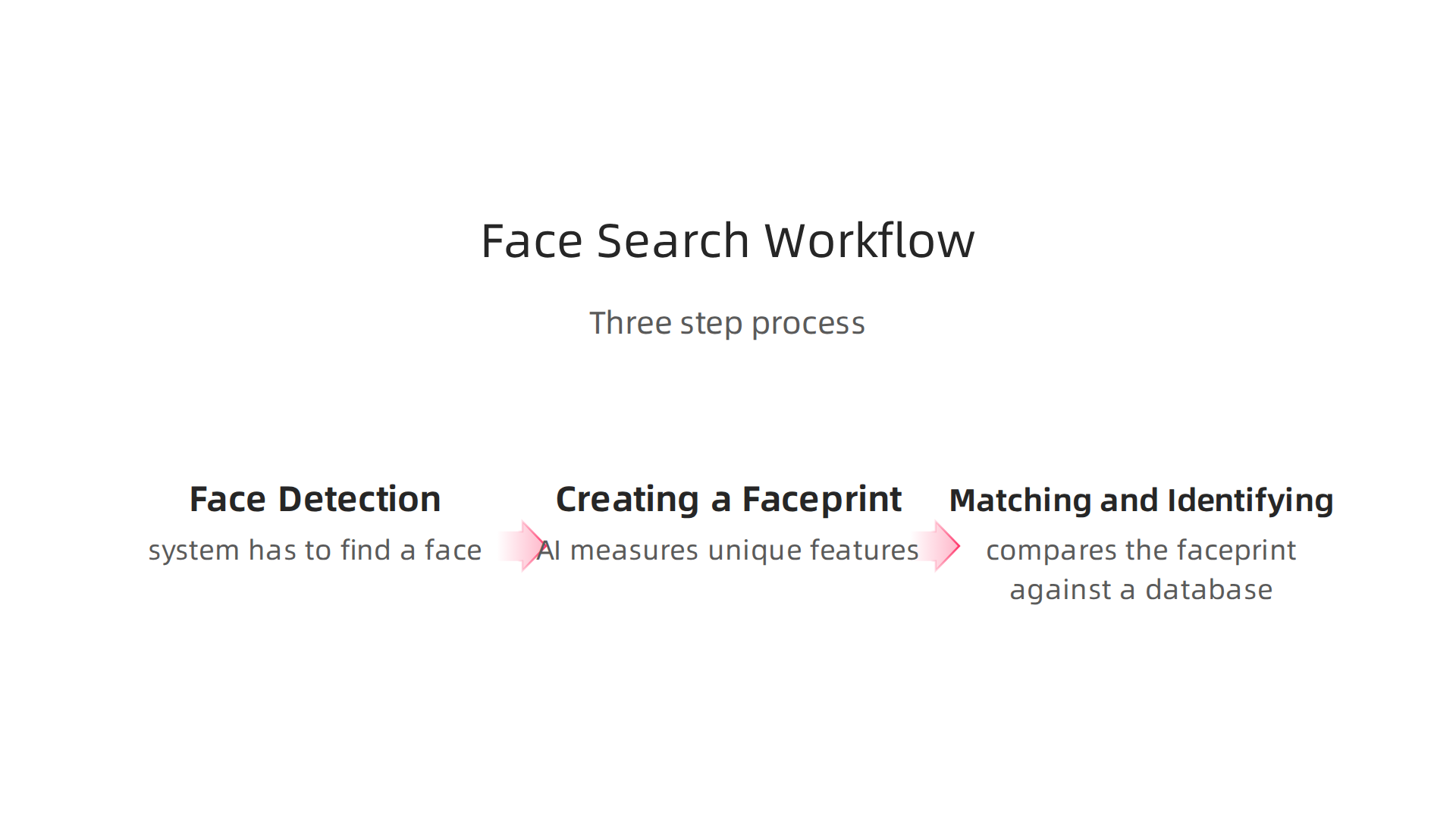
Step 1: Face Detection
First, the system has to find a face in your image. It scans the whole picture looking for any area that looks like a human face. This step is handled by a deep learning model that has been trained on millions of face photos. According to a 2026 guide on facial recognition technology, fast and precise detection is critical because if the system misses the face, nothing else works.
Step 2: Creating a Faceprint
Once the face is found, the AI measures unique features. It looks at the distance between your eyes, the shape of your jaw, the contour of your nose, and hundreds of other details. All these measurements are turned into a digital code called a faceprint. This is like a fingerprint, but for your face.
The AI uses a neural network to convert the face image into a set of numbers, known as an embedding. Faces that belong to the same person end up with similar numbers. The whole process happens in milliseconds.
Step 3: Matching and Identifying
Finally, the system compares the faceprint against a database of known faces. If it finds a close match, you get a result. This can be a 1:1 check (does this photo match the ID card?) or a 1:N search (find this person among thousands of faces in a database).
Tools like GWA Search, Ecosia Search Engine, and Qwant Search Engine are great for finding text or scenery images. But they are not built for facial matching. They can’t reliably tell if two different photos show the same person. That is why a purpose-built face search engine is so valuable for verifying identities and finding leads.
For more on how different search tools can help your business grow, check out our comparison of the best search engines for small business lead generation. Knowing the right tool for the job saves you time and gets better results.
Top Face Search Engine Tools in 2026
So you know how a face search engine works. Now the real question: which tool should you actually use? The market has several strong options, each with different strengths for small and mid-sized businesses. Your choice depends on how often you need to search, how much you can spend, and what kind of accuracy you require.
Let’s walk through the top contenders side by side.
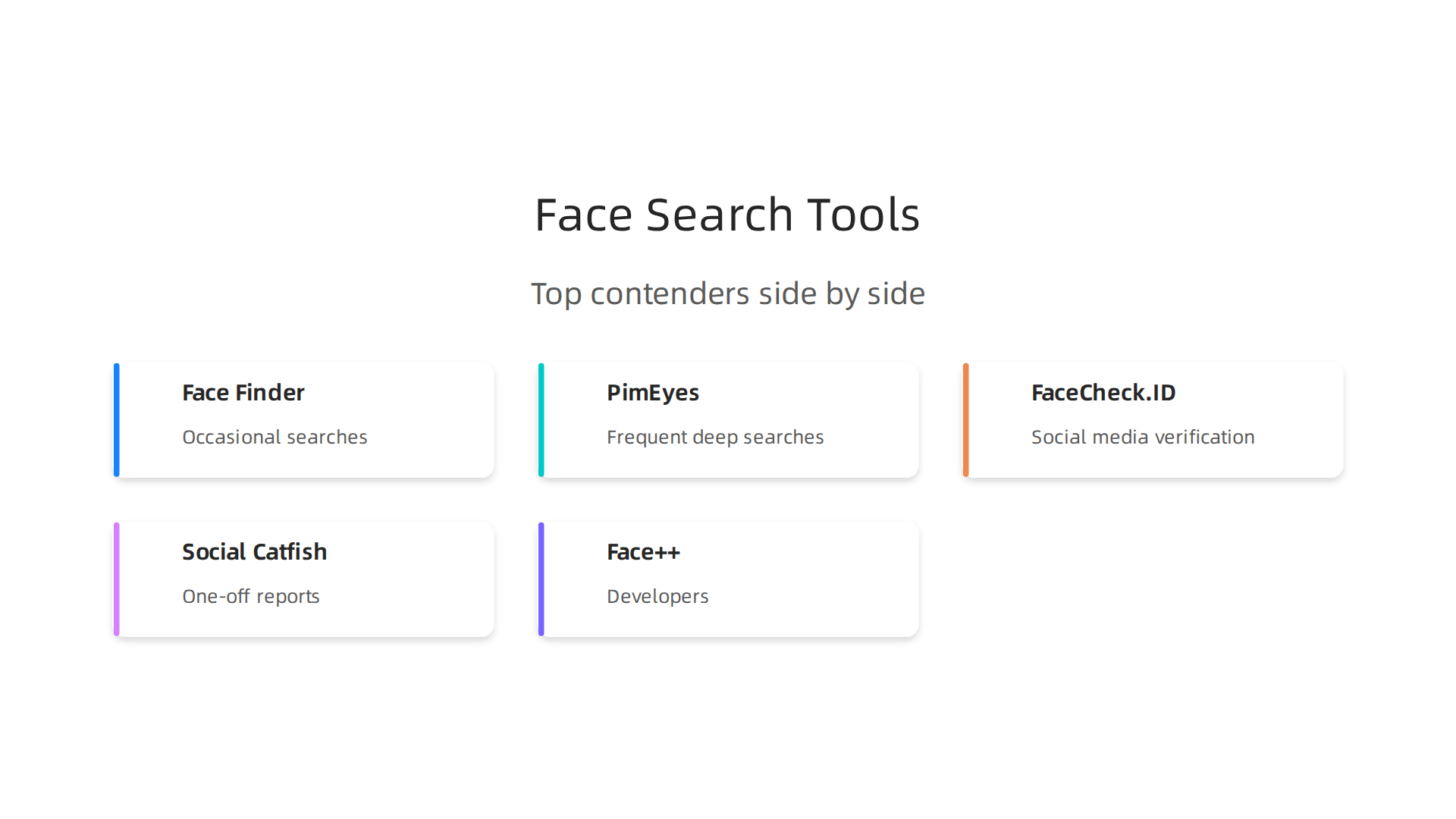
Face Finder – Best Overall for Most SMBs
Face Finder tops many 2026 comparisons for good reason. It uses a pay-per-search model, which means you only pay when you need it. That’s great if you run occasional checks rather than daily monitoring. According to an expert comparison of the best face search tools in 2026, Face Finder delivers excellent accuracy even with blurry or poorly lit photos.
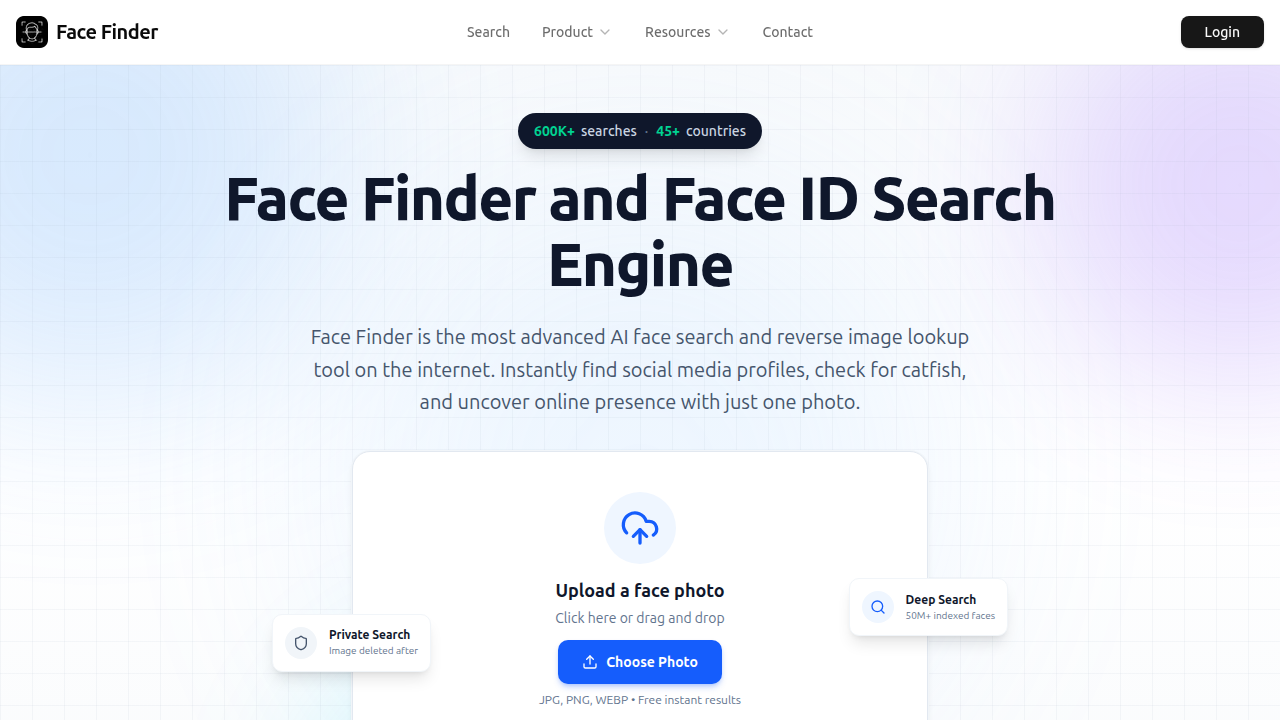
It also does not store your images, which adds a solid layer of privacy. Pricing starts around $7 per search, with discounts for bulk purchases.
PimEyes – Maximum Database Coverage
If you need the largest search index available, PimEyes is your option.
It operates on a subscription model, starting at $29.99 per month for basic access. Premium tiers go up to $79.99 or more. PimEyes scans a massive database of publicly available images and returns results in seconds. The downside is the cost — it’s not ideal if you only need occasional searches. But for businesses that verify identities regularly, the coverage can be worth the monthly commitment.
FaceCheck.ID – Best for Social Media and Catfish Detection
FaceCheck.ID specializes in finding profiles across social media platforms like Instagram, Facebook, LinkedIn, and dating sites.
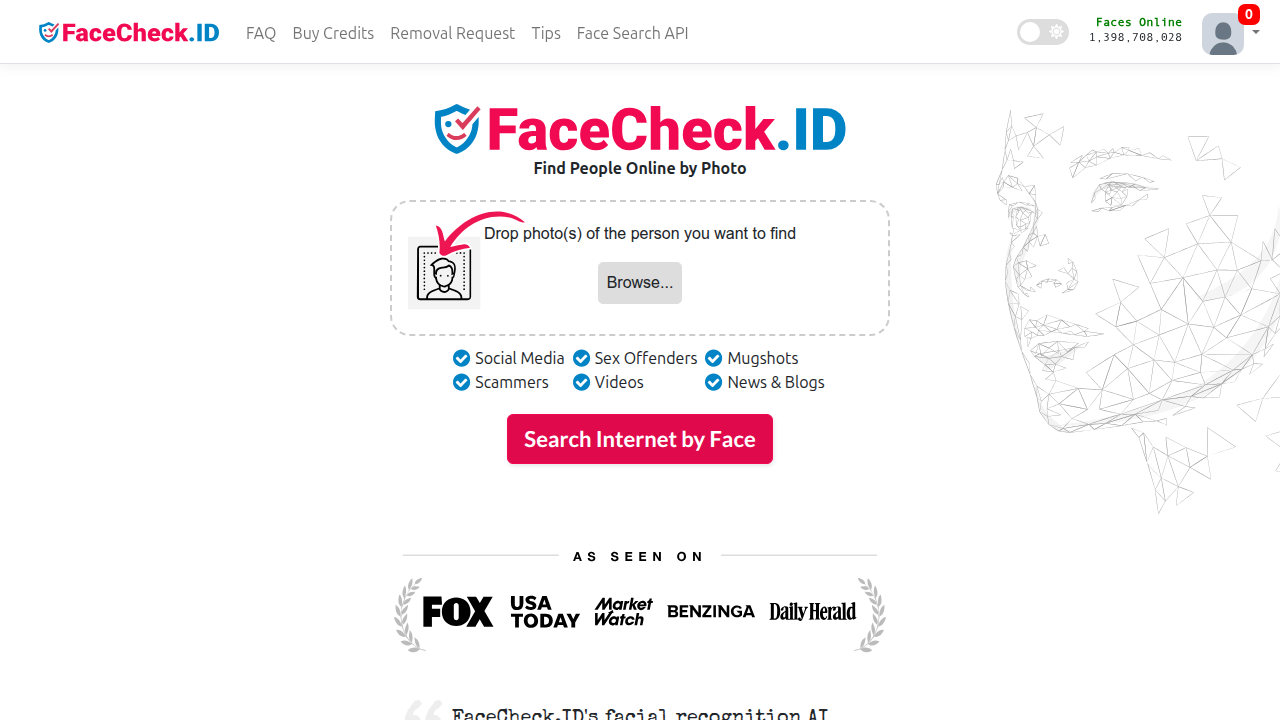
It uses a credit-based system. Free users get limited searches, and paid plans start around $9.99 for a small package. The algorithms are tuned to catch photos commonly used in scams, which makes this tool especially useful for businesses that deal with online transactions or dating apps. The interface supports over 16 languages, so it works well for global teams.
Social Catfish – Pay-Per-Report Simplicity
Social Catfish offers both pay-per-report options (around $5.99 for basic searches) and subscription plans at $26.99 per month for unlimited access. It’s straightforward: upload a photo, get a report. No complicated setup. This tool is popular among SMBs that need quick verification without learning a new system.
API Tools for Developers – Face++, Azure, and Amazon Rekognition
If your business needs to integrate facial recognition into your own app or site, API solutions like Face++, Microsoft Azure Face API, and Amazon Rekognition are worth exploring. Face++ offers a free tier and paid plans starting at $100 per day for heavy usage. Azure gives you 30,000 free requests per month. Amazon Rekognition charges as low as $0.10 per 1,000 images. These are not face search engines you browse manually — they are developer tools that let you build search into your product. For most SMBs without a dev team, the consumer tools above are a better fit.
Quick Comparison Table
| Tool | Best For | Pricing Starting At | Standout Feature |
|---|---|---|---|
| Face Finder | Occasional searches | $7 per search | Pay-per-search, no image storage |
| PimEyes | Frequent deep searches | $29.99/month | Largest database coverage |
| FaceCheck.ID | Social media verification | $9.99/pack | Catfish detection, multilingual |
| Social Catfish | One-off reports | $5.99/report | Easy, no learning curve |
| Face++ | Developers | Free tier | Advanced emotion and liveness detection |
How to Pick the Right One
Start by asking yourself a few questions. How many searches will you run per month? Do you need real-time alerts or just one-time checks? Is your team non-technical or does it include developers? Face Finder works well for most SMBs because it balances cost, accuracy, and privacy. PimEyes is better for heavy users who need the widest reach. FaceCheck.ID shines when you’re dealing with dating or social media scenarios.
Once you have the right search tool, the next step is getting more visitors to your website so you can use that data to convert leads. That’s where a solid traffic strategy comes in. If you want help turning your site into a consistent lead generation engine, you can Grow Your Traffic on Autopilot with Weblish. Our team handles web design, SEO, and content so you can focus on running your business.
How to Use Face Search Engines for Lead Generation
Having the right tool is half the battle. The other half is knowing how to use it to actually grow your business. A face search engine isn’t just for catching scammers or finding old friends. It’s a powerful, underused lead generation tool that can help you turn a single name or face into a full contact profile, score your leads more accurately, and personalize your outreach like never before.
Let me show you three practical ways SMBs are using face search for lead gen right now in 2026.
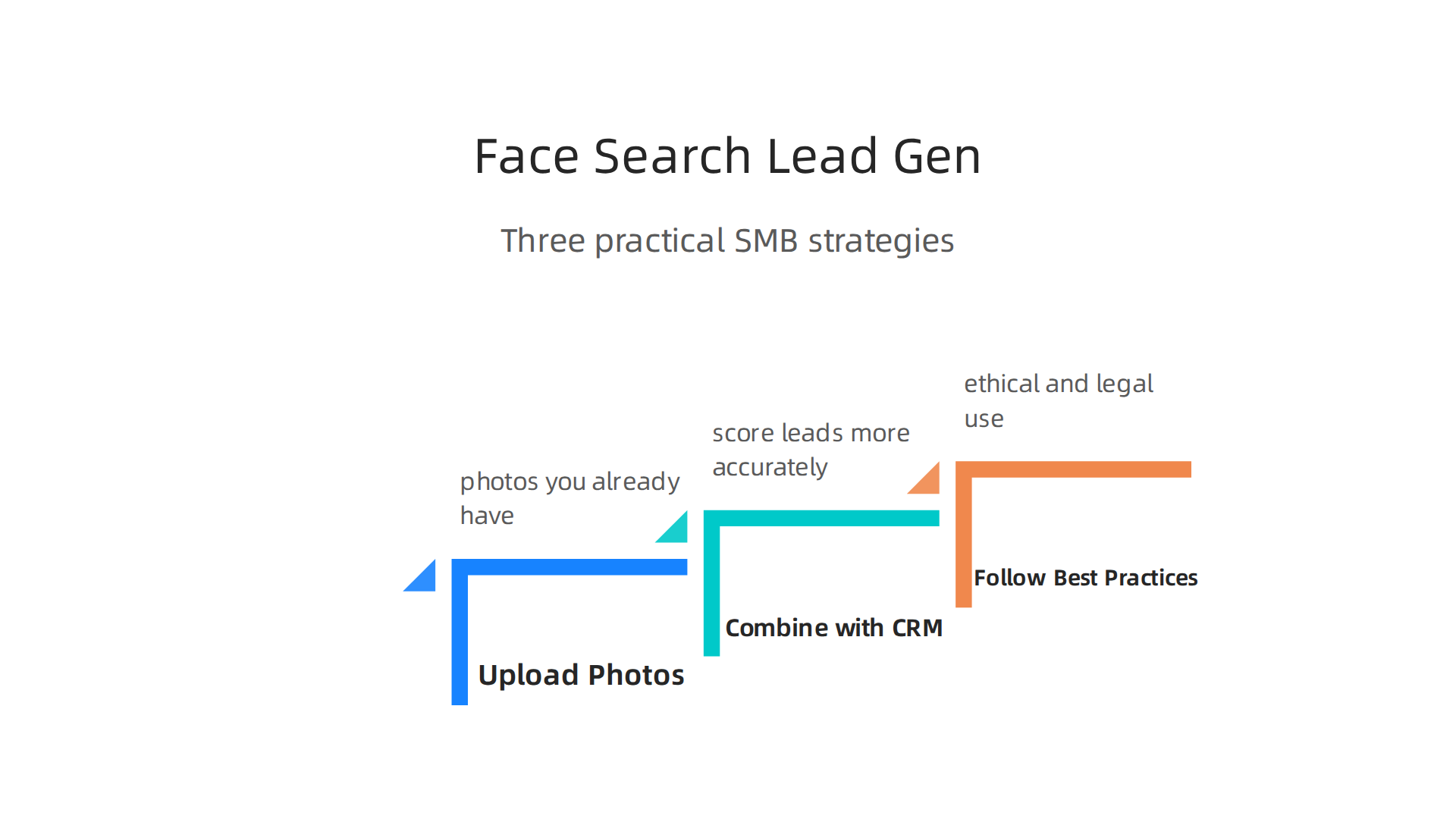
Upload Photos You Already Have
You already have a goldmine of images. Think about it. Every conference, trade show, networking event, or webinar you’ve hosted or attended. You probably have photos with prospects, attendees, or industry influencers.

Instead of letting those pictures sit on your phone, upload them to your face search engine.
Here’s the process. Take a photo of someone you met at a trade show. Run it through a face search tool. Within seconds, you’ll see their LinkedIn profile, personal website, maybe even their Twitter or TikTok accounts. Now you have a direct line of communication that goes beyond a crumpled business card.
This alone can turn a cold outreach into a warm conversation. You already met them. Now you can reference the event in your first email. That personal touch makes all the difference.
Combine Face Search with Your CRM
This is where face search gets really powerful. Most small businesses don’t score their leads based on visual data. They miss a big opportunity.
Imagine this. You have a CRM with hundreds of contacts. Some are warm prospects. Others went cold years ago. You can use face search to re-engage dormant leads. Run a photo of a past contact who stopped responding. You might find they changed jobs, got promoted, or started a new company. That information gives you a perfect reason to reach out again.
You can also score leads based on their online footprint. A prospect with a strong, professional LinkedIn presence and multiple social profiles is probably more serious than someone with almost no digital trail. Combine face search results with your existing lead scoring criteria for a much fuller picture. This approach fits perfectly into a broader strategy for small business website conversion.
Follow Best Practices for Ethical Use
Face search is a tool. Like any tool, it depends on how you use it. Always follow these simple rules.
First, only use images you have a legitimate right to search with. Avoid using photos you found randomly online, especially of private individuals. Stick with images from public events, your own marketing content, or explicit permission from the person.
Second, comply with privacy laws. GDPR in Europe, CCPA in California, and similar regulations apply here. Never store or share face search results without a clear business purpose. Many face search tools, like Face Finder, do not store your images after the search. That’s a good privacy practice to look for.
Third, be transparent. If someone asks how you found their online profile, be honest. Explain that you used a public face search tool to confirm their identity. Honesty builds trust. It’s also the smart play for your reputation.
Turn a Face into a Lead
Using a face search engine for lead generation takes a bit of practice, but the results speak for themselves. When you combine visual search with smart CRM integration and ethical practices, you turn a simple photo into a door opener. Some businesses have seen significant ROI by applying these tactics to their existing event and conference photos. For a deeper look at how other companies have succeeded, read this lead generation case study that shows how aligning content with search intent transformed a website into a lead gen engine.
Now that you know how to generate leads with face search, you need a website that can actually convert those leads into paying customers. That’s where a solid strategy comes in.
Reverse Image Search vs. Face Search: Key Differences
You might think reverse image search and face search are the same thing. They both let you upload a picture and find matches online. But the way they work is very different. And understanding that difference can save you time and help you pick the right tool for your business.
Reverse Image Search Matches Whole Images
Tools like Google Images or TinEye use reverse image search. When you upload a photo, the tool looks at the entire image. It checks for similar colors, shapes, patterns, and layouts. It matches the whole scene or object. For example, if you upload a picture of a red car in front of a brick wall, the search will try to find other images that look like that exact composition.
This is great for finding where a specific photo appears online. But it is not great for finding people. If you upload a group photo from a conference, reverse image search might not help you identify a single person in the crowd. It sees the whole picture, not the individual faces.
Face Search Focuses Only on Facial Features
A face search engine works differently. It uses specialized algorithms that look only at the human face. It ignores the background, the body, and everything else in the image. As IBM explains in its overview of computer vision, facial recognition technology captures the geometry of a face and spots key patterns like the distance between the eyes, the shape of the nose, and the contour of the lips. The tool creates a unique "faceprint" and compares it against billions of indexed faces online.
This means you can upload a photo of one person taken at a crowded event, and the face search engine will find that same person in other photos, even if the backgrounds are completely different. That is the superpower of face search. It is built to identify people, not objects.
Why This Matters for Your Business
When you are trying to find a prospect or verify a lead, reverse image search can be hit or miss. A face search engine is purpose-built for the task. Think of it like using the right tool in a toolbox. You would not use a hammer to screw in a nail. Similarly, you would not use a general search engine like Ecosia or Qwant when you need to match a specific face across the web. Those search engines are designed for text and general images, not facial recognition. A dedicated face search engine is what you need.
Knowing this difference helps you make smarter choices. For a broader look at which search engines actually work best for finding customers, check out this guide on the best search engine for small business lead generation.
Choose the Right Tool for the Job
Face search and reverse image search serve different purposes. One matches scenes. The other matches faces. When you need to turn a face into a qualified lead, go with a face search engine. It is faster, more accurate, and built exactly for what you need.
To make the most of your lead generation efforts, consider a service that combines smart tools with expert strategy. Grow Your Traffic on Autopilot with Weblish and let a dedicated team handle the rest.
Privacy, Ethics, and Legal Considerations
Face search technology is powerful. But with that power comes real responsibility. As a small business owner, you need to think about privacy, consent, and the law before you start using a face search engine to find leads.

Privacy Starts with Consent and Data Retention
When you upload a photo to a face search engine, you are sharing someone’s biometric data. That data is sensitive. In many places, you cannot collect or use it without clear permission from the person. You also need to decide how long you keep that data. Holding onto faceprints longer than necessary increases your risk. A responsible face search tool will give you control over data deletion and will ask for consent upfront.
Regulations Are Getting Stricter in 2026
The legal landscape around biometric data has changed fast. In the European Union, the AI Act now bans some uses of biometric categorization. For example, you cannot use a system that infers a person’s race, political opinions, or sexual orientation from their face. The AI Act also restricts real-time facial recognition in public spaces. As the European Union explains in its AI Act overview, prohibited practices include untargeted scraping of the internet to build facial recognition databases and emotion recognition in workplaces.
In the United States, state laws like the California Consumer Privacy Act (CCPA) and the Colorado Privacy Act treat biometric identifiers as sensitive data. That means you need explicit consent before you collect or sell that data. Other states are following. By 2026, 20 U.S. states have comprehensive privacy laws, and many require risk assessments for any automated decision-making that uses biometric data.
How to Stay Compliant and Ethical
You do not need to become a lawyer overnight. But you do need to choose a face search engine that takes compliance seriously. Look for tools that:
- Ask for consent before processing any face
- Let you set automatic deletion schedules for stored faceprints
- Follow GDPR, CCPA, and the EU AI Act standards
- Offer clear privacy policies and data handling practices
Also, be transparent with your own customers. Tell them how you use face search and why. If you are looking for a private way to search without leaving a trail, you might want to check out why your business needs a private search engine in 2026. It covers how to protect your own data while searching online.
The Bottom Line on Ethics
Using a face search engine the right way means respecting people’s privacy and following the law. When you pick a provider that values ethics and compliance, you protect your business and build trust with your leads. That trust is worth more than any shortcut.
Integrating Face Search into Your Digital Marketing Toolkit
Now you understand the ethics and legal side. Let’s talk about the fun part. How do you actually use a face search engine as part of your marketing?
The answer is simpler than you think. Face search data can make your customer profiles much richer. And that helps you run smarter ad campaigns.
Start with customer profiles
When someone shares a photo with your business, you already have their permission to use it ethically. A face search engine can help you find where else that person appears online. Maybe they are active on LinkedIn. Maybe they share content on a niche forum. Every piece of data helps you understand who they really are.
Once you know their interests, job, and online behavior, you can build a much more detailed lead profile. That profile feeds into your ad targeting. Instead of guessing who might buy from you, you know exactly who is worth pursuing.
Connect face search to your existing tools through APIs
Most modern face search engines offer APIs. An API is a simple way to connect one software tool to another. You can link a face search engine directly to your CRM or marketing automation platform.
Imagine this workflow. A new lead uploads a photo through a form on your website. Your face search engine scans that photo and finds public profiles. It sends the data straight to your CRM. Your CRM scores the lead based on new information. Your email automation tool sends a personalized follow-up. All of this happens without you touching anything.
That is the power of integration. It saves hours of manual research and makes your follow-ups feel personal and timely. If you want to see how other businesses have built similar automated workflows, check out these proven digital marketing strategies for SMB growth.
Start small, measure, then scale
Do not try to build a perfect system on day one. Pick one small pilot project. Maybe test face search on leads from a single landing page. Track how many extra leads you convert. Measure your time savings.
Once you see numbers you trust, expand to more pages, more lead sources, and more automation. According to recent lead generation case studies from 2026, combining intent-based marketing with automation can significantly improve conversion rates. The key is testing first, then scaling what works.
If all of this sounds like a lot of technical work, you are not alone. Many small business owners feel the same way. That is why a service like Weblish handles your website, SEO, and marketing automation so you can focus on running your business. Get started with Weblish by signing up and claiming your free trial.
Here is a quick checklist to get started:
- Choose a face search engine that offers a solid API
- Map out one simple workflow (photo upload → search → CRM update)
- Test with 20 to 50 leads
- Review results and refine
- Scale to more channels once you see ROI
Make your marketing smarter, not harder
Face search is not a magic bullet. But when you use it the right way, it gives you a huge advantage. You stop wasting time on bad leads. You focus on real people who are ready to hear from you.
The best part? You do not have to figure it out alone. You can grow your traffic on autopilot with AI-powered tools that do the heavy lifting for you. Start with one small integration, measure the results, and watch your lead quality improve.
Expert Tips for Maximizing Face Search Accuracy
Your face search engine is only as good as the photos you feed it.
Think of it like cooking. Even the best recipe fails with bad ingredients.

Here is how to give your searches the best chance of success.
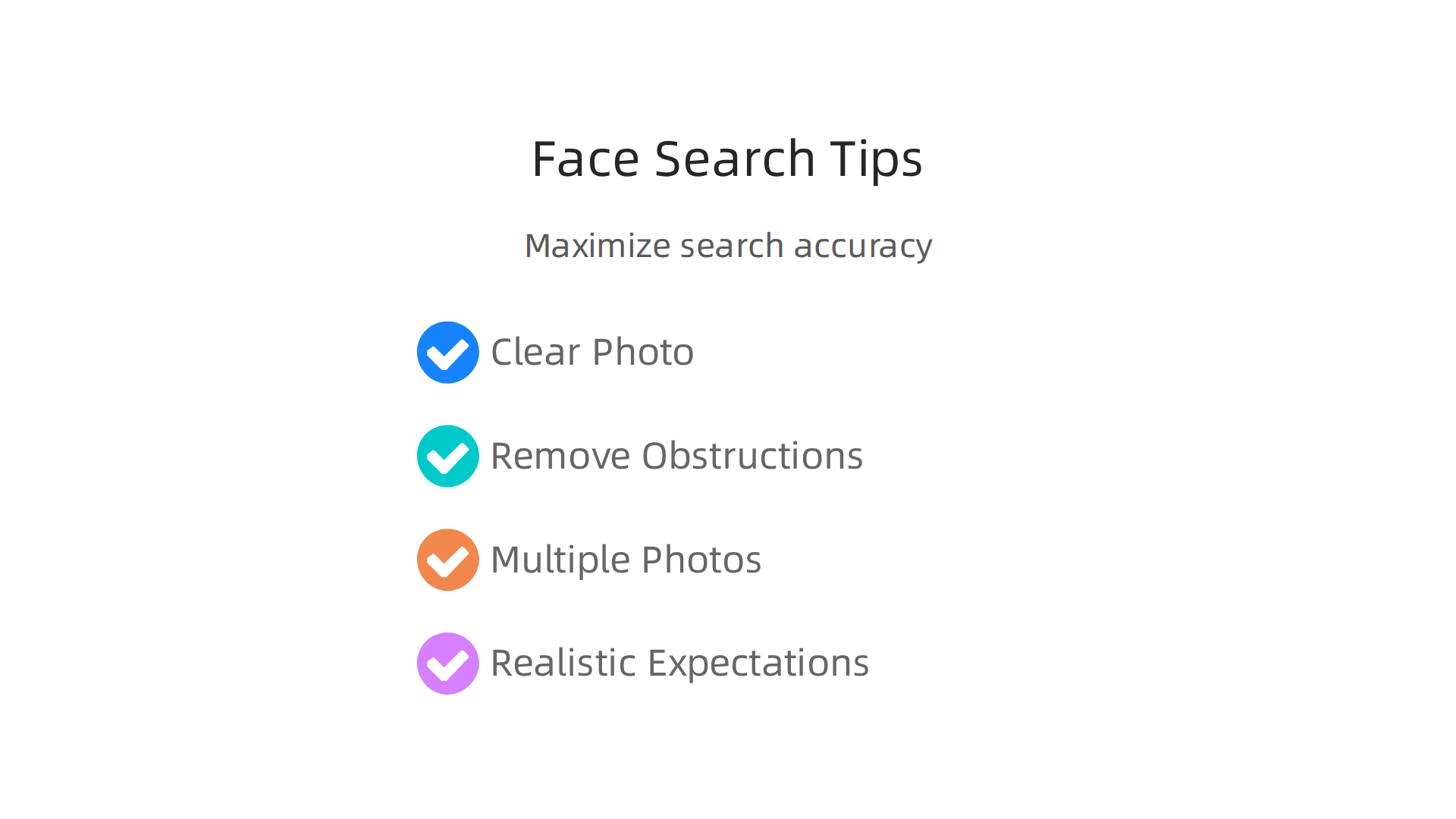
Start with the clearest photo you can find
Image quality matters more than anything else. According to a 2026 analysis of face search technology from FaceFinder, the most accurate algorithms exceed 99% accuracy with high-quality images. But real-world accuracy drops fast with blurry, low-resolution, or poorly lit photos.
What makes a good source photo? Choose one that is front-facing, has even lighting, and shows the full face with both eyes clearly visible. Avoid photos with harsh shadows, backlighting, or motion blur. If the face is smaller than 100×100 pixels in the image, the algorithm has very little to work with. Larger is always better.
Remove anything that blocks the face
Sunglasses, masks, heavy hats, or scarves all confuse a face search engine. Even a pair of clear glasses can cause problems if the lighting creates glare. Whenever possible, use a photo where the person is not wearing accessories that cover key facial features. If you have multiple photos, pick the one with the fewest obstructions.
Do not rely on a single photo
Sometimes your best photo fails to find a match. That does not mean the person is invisible online. Try a different angle. A side profile or a three-quarter view might catch a match the front-facing shot missed. This is where batch processing becomes your friend. Upload several photos at once. Let the engine compare across all of them. Algorithms use confidence scores to rank matches. If two low-confidence matches point to the same person, that is stronger evidence than a single high-confidence match.
Keep your expectations realistic
In perfect lab conditions, NIST tests show that top algorithms are over 99.5% accurate. But out in the real world, with everyday photos, accuracy often lands between 85% and 95%. Do not treat a face search result as absolute proof. Use it as a strong signal, then verify through other sources.
Mastering these tips will make your face search engine work harder for you. Once you have accurate results, the next step is putting that data to use. That is where tools like Weblish help you turn insights into sales. If you want to explore other ways to find the right audience, take a look at these best search engine options for small business lead generation in 2026.
Summary
This article explains what face search engines are, how they work, and why they matter for small and mid-sized businesses looking to verify identities and generate leads from a single photo. It breaks down the three technical steps—face detection, faceprint creation, and matching—and compares leading 2026 tools (Face Finder, PimEyes, FaceCheck.ID, Social Catfish) and developer APIs (Face++, Azure, Amazon Rekognition). The guide shows practical ways to turn event photos and existing images into qualified leads by integrating face search with CRMs and marketing automation, while emphasizing ethical use, consent, and compliance with GDPR, CCPA and the EU AI Act. You’ll get actionable selection criteria, accuracy expectations, pricing examples, a pilot checklist, and tips to improve matching success so you can safely add face search to your marketing stack and convert visual data into real conversations and sales.