ADA Compliant Website Design Guide: Complete Accessibility Audit Process to Boost Rankings and Avoid Legal Issues
Master ADA compliant website design with our comprehensive guide. Learn how to conduct a website accessibility audit, implement WCAG standards, and create inclusive digital experiences that expand your reach while reducing legal risks.

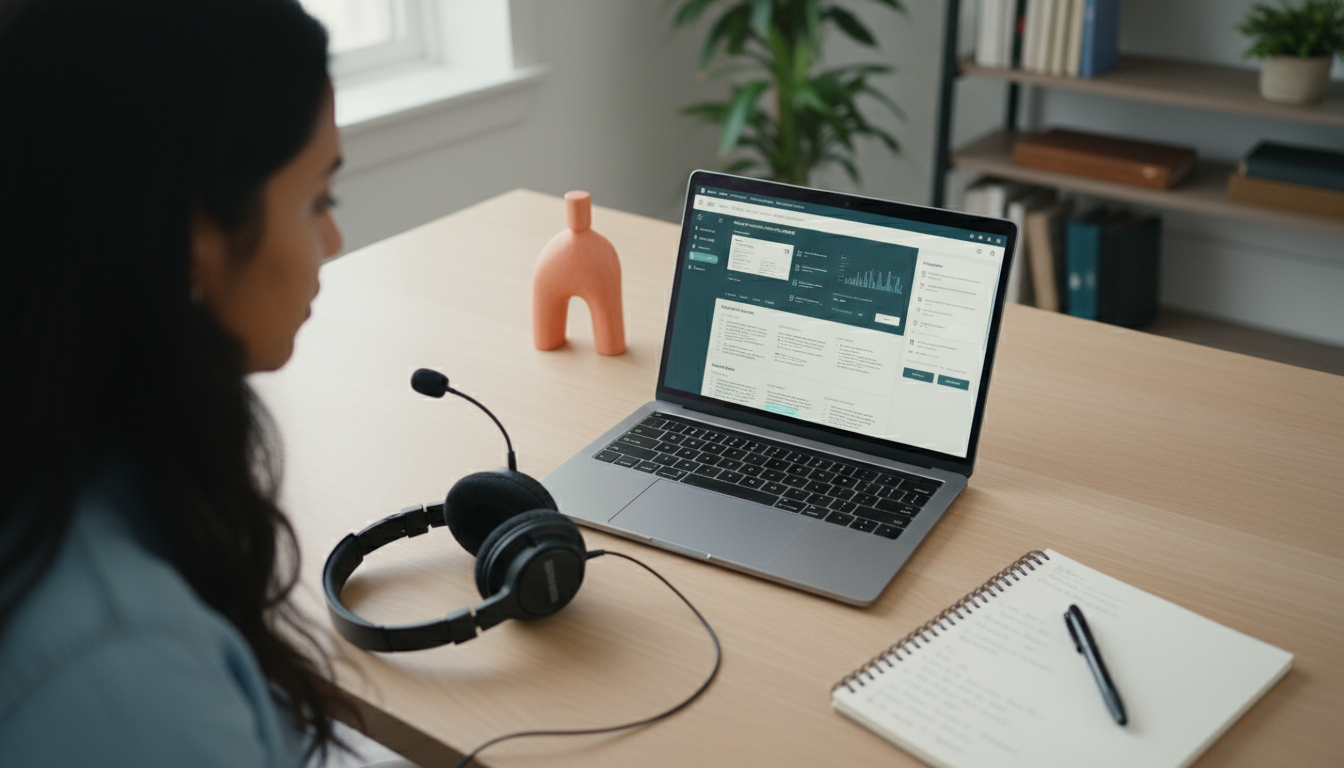
In the digital world of today, the fact remains that building an ada compliant website design has to transcend the simple technical requirement that is a sign of a truly inclusive website that every person without regard to any disability can use on the internet. Inclusive design solutions like the ada compliant website design principles can help you run your small business website or avoid legal issues while being a door opener for a larger audience. The main part of this mission is to carry out a website accessibility audit which identifies the hidden barriers and directs you to the appropriate solutions. This blog will give you a complete understanding of the necessity of ada compliant website design, the steps involved in conducting a website accessibility audit, and the practical measures to attain long-term compliance, in return for which you will be empowered enough to make your site genuinely warm and welcoming.
Table of Contents
- Necessity of ADA Compliant Website Design and Accessibility Audits
- Overview of the Concept of ADA Compliant Website Design and Accessibility Audits
- Step by Step Suggestions for ADA Compliant Website Design and Passing an Accessibility Audit
- Comparison of Pricing and Total Costs of Different Solutions
- Trade-offs and Alternatives for Website Accessibility
- FAQ on ADA Compliant Website Design and Accessibility Audits
- How to Implement and Maintain ADA Compliance
- Create an ADA Compliant Website in Seconds with Our Product
Necessity of ADA Compliant Website Design and Accessibility Audits
Why It is Important to Ensure Your Website is ADA Compliant
Ada compliant website design is the process of creating or modifying a website to meet the standards imposed by the Americans with Disabilities Act that allows people with disabilities to browse and interact with your website as easily as anyone else. This is not a choice for many businesses; courts have made decisions that the websites fall under the jurisdiction of the ADA. The implications of non-compliance can result in lawsuits, which may take a toll in terms of financial resources and the company's reputation. With the help of ada compliant website design, you open the door for people with various disabilities such as visual, hearing, motor abilities, or cognitive cognitive ability to participate at equal levels. For example, just by adding an alternative text for an image makes a whole lot of difference; neural exclusion can become a perceptive inclusion, making a person trust and stay loyal to a product.
Why Company Website Accessibility Audits are Significant and What They Provide
A website accessibility audit is a systematic process that involves checking your website features so that you can identify areas where it does not meet specific accessibility criteria like those in WCAG (Web Content Accessibility Guidelines) You are chiefly after the identification of accessibility issues, the ones such as poor keyboard navigation and low color contrast so that they can be fixed before they affect users or draw in legal liability. The main advantage is that users will be happier when the site is accessible, as it will be less frustrating for them. Further, an accurate website accessibility audit can probably identify easy-to-fix problems which, when fixed, can enhance your search engine ranking, for search engines prefer well-functioning sites. Diagnoses from ADA.gov have it quite clear that the priority of these audits possesses a double effect of organizations being in line with the federal law and a less skewed online loyal. A further resource, the ADA Checklists for Existing Facilities, places emphasis on audits which are not do not merely benefit new builds, but also help to ensure that all facilities are easily used by all people.
Quick Capture: Explore Benefits of ADA Compliant Website Design – Broaden Audience, Reduce Risk and Increase the Sales
Complying with the ADA rules for web design will bring you a potential audience of up to 20% more, capturing the one million people around the globe with disabilities that may not have visited your website otherwise. To address issues, their legal risks are halved, as per the number of lawsuits filed against non-compliant sites rises each year, and the checkout action is quite simple that you can see it passing the checkout step for everyone. A user with low visions shall only imagine completing the purchase without any obstructions; that's the strength of considerate design. Back to the Your Comprehensive ADA Compliance Checklist for 2025 from CivicPlus which presents how the issue of compliance is directly related to business growth, this is the most reputable source on the topic. Or the example of Shopify ADA-compliant website guide which shows that plain and simple improvements can do the trick to sales conversion.
If you're looking for something practical, take a look at How to Implement and Maintain ADA Compliance.
Explaining ADA Compliant Website Design and Accessibility Audits
What is ADA Compliant Website Design?
Adaptic website design is a structure of your site that follows ADA definitions which are primarily through WCAG levels A and AA, including perceivable, operable, understandable, and robust content. It contains site features like the resizable text, a logical structure of headings, and the ability to be read by the screen. For instance, making sure that the forms have visible labels is a big help for the users who apply assistive technologies and have difficulties in reading. Is it of any value? It complies not only with the regulations but also improves the general use of the site, making it more logical. For instance, the website with the ADA Website Compliance Checklist from Forge Apollo dissects them all and discusses the importance of headings and alt text in compliance website design with ADA. The Must-Have ADA Compliance Checklist from Accessibility Checker goes further to explain the way to avoid typical mistakes, such as not being Level AA conformance overall.
What Is the Procedure of a Website Accessibility Audit?
A website accessibility audit is a formal process that examines a website melange of both automated tools and manual techniques to discover the defects. Automated scans are employed to detect clearly visible errors such as omitted alt text, and manual reviews represent the website navigation with a keyboard or screen reader, which illuminates difficult-to-find quirks. The operation usually begins with the subject crawl followed by the related and prioritized recommendations. The audit, thus, helps make sure that the efforts to make the site have an accessible website design are continually being effective. To get an organized overview, the ADA Compliance Checklist from AudioEye provides 11 basic steps, including video captions and contrast checks. Furthermore, accessiBe's ultimate ADA website compliance checklist for 2025 goes on to explain the integration of audits with daily workflows.
The structured nature of an accessibility audit comes to light through a closer look at it. The following table presents the overview of the website accessibility audit process in a systematic manner:
| Stage | Description | Tools/Methods Used | Expected Output |
|---|---|---|---|
| Preparation | Collect the site map and define the scope with a focus on ADA compliant website design aspects. | A site crawler software | An audit plan document |
| Automated Testing | Scan for basic errors like broken links or low contrast. | Tools such as WAVE or Axe | An initial report with 70-80% issue detection |
| Manual Testing | Simulate user experiences with screen readers and keyboard-only navigation. | JAWS, NVDA, browser extensions | A detailed barrier list for website accessibility audit |
| Analysis and Reporting | Prioritize fixes based on severity and WCAG alignment. | Expert review | Actionable recommendations with timelines |
| Remediation Verification | Retest after changes to confirm ada compliant website design improvements. | Repeat scans and manual checks | A compliance certification or gap analysis |
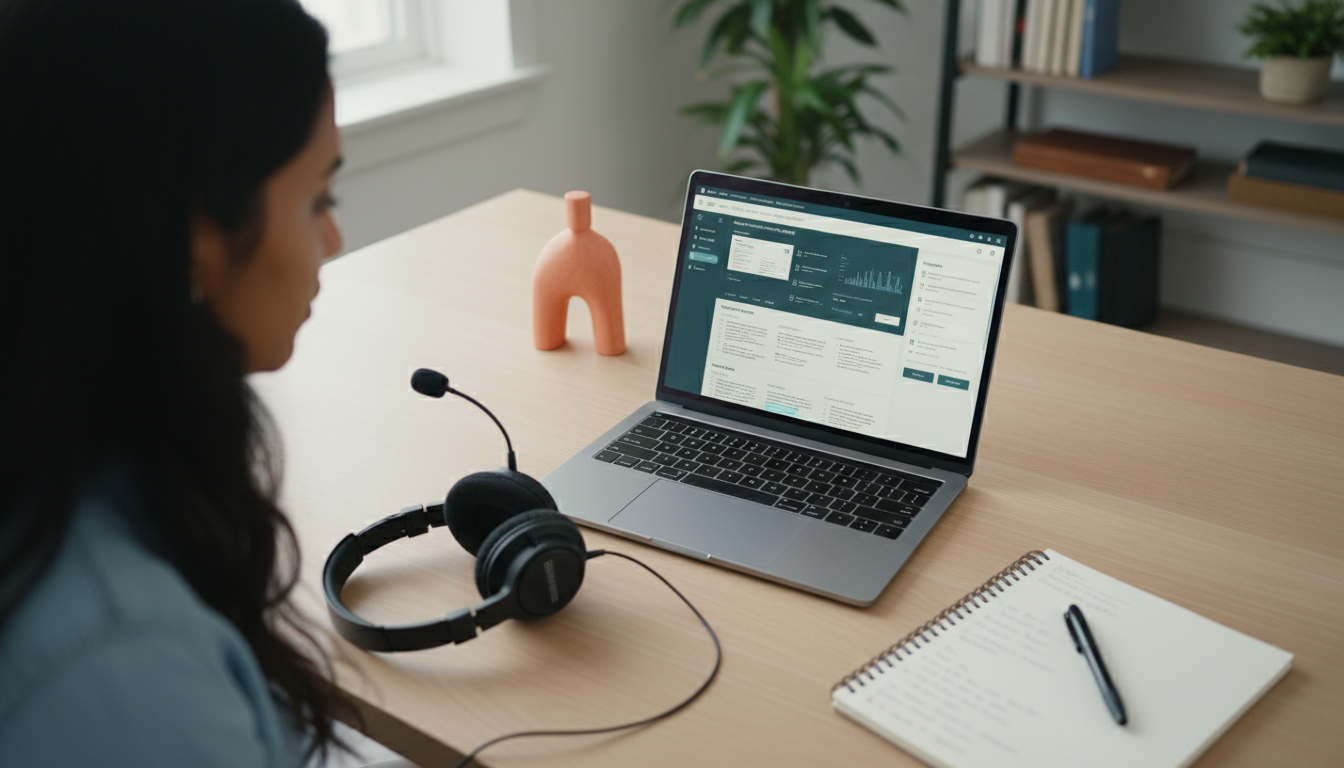
The interpretation of the audit in the above table is that the audit is a multi-layered approach, where automated steps provide a broad sweep, but manual ones are the only ones to ensure that the site is truly ada compliant. The Quick ADA Compliance Checklist from Solved Consulting highlighted that the best method is the combination of these tools as there are things that tools alone miss that are needed for very effective results.
Quick Answers: Defining ADA Compliant Website Design, Website Accessibility Audit Process, and Why They Matter
In brief, ada compliant website design is about fair access, a website accessibility audit is the measurement scale for it, and they are the measure that protects against lawsuits as well as enlarging your user base together. These practices are infiltrated with compliance, thus they are a great competitive edge, with evidence showing that accessible sites convert even 15-20% better.
You can get more information about this issue from How to Implement and Maintain ADA Compliance.
Guided Steps for ADA Compliant Website Design and Passing an Accessibility Audit
Step 1: Conducting a Baseline Website Accessibility Audit
Begin your road to the ada compliant website design by performing a baseline website accessibility audit. This first scan will use free tools like Google Lighthouse or WAVE to identify the most important issues on your web pages. Keep a record of everything, such as color ratios, and form labels to establish your starting point. The most crucial reason for this step is it will expose some of the hidden barriers like unlabelled buttons, which the first flagged automated tools could not catch. Our goal should be the audit of our entire site but we can do it step wise by looking first at the areas we expect to get most traffic on. For instance, the Complete ADA Compliance Checklist for 2025 from CivicPlus suggests starting with headings and tables. The ADA Compliance Checklist from AudioEye gives some tips concerning video accessibility in this section.
Steps 2-9: Fixing Issues to Documentation
After the audit has been conducted, the immediate task is to fix the issues depending on the impact starting with the easy ones such as adding focus indicators for keyboard users. Fixing the perceivable content like providing alt texts for images and captions for media should be the second step. Third, make sure it's operable with skip links, and resizable elements. Fourth, improve the quality of understanding with plain language and consistent navigation. Step 5 is testing for robustness across devices. Step 6 is the iterative implementation of changes with section re-auditing. Step 7 is training your team on ada compliant website design principles. Step 8 is documenting all updates for legal proof purposes. Step 9 is the follow-up scheduling of visits to keep the standards. This step-by-step approach is the way to pass the audit of the full web accessibility successfully. Shopify's 10-Step Checklist for ADA-Compliant Websites gives examples of how to perform steps 2-4, while accessiBe's checklist includes documentation as the main step 8.
Here's the projected cost for a pricing snapshot in relation to website accessibility audits:
| Audit Type | Initial Cost | Time Investment | Best For |
|---|---|---|---|
| DIY Automated | $0-$500 (tools) | 10-20 hours | Small sites seeking ada compliant website design basics |
| Manual Expert-Led | $2000-$10,000 | 40-100 hours | Medium businesses needing thorough website accessibility audit |
| Full-Service Agency | $5,000-$50,000+ | 1-3 months | Large enterprises with complex ada compliant website design needs |
| Ongoing Subscription | $100-$1,000/month | Minimal | Maintaining post-audit compliance |
From the table, it can be inferred that costs are directly proportional to the level of audit; DIY is the most budget-friendly and straightforward, although they lack in-depth analysis, whereas agencies provide detailed ada compliant website design solutions. According to The Quick ADA Compliance Checklist from Solved Consulting, manual auditing has an excellent ROI because it helps you escape penalties. Investing in manual audits will give you the highest ROI by ensuring you avoid fines.
For maintenance strategies, check How to Implement and Maintain ADA Compliance.
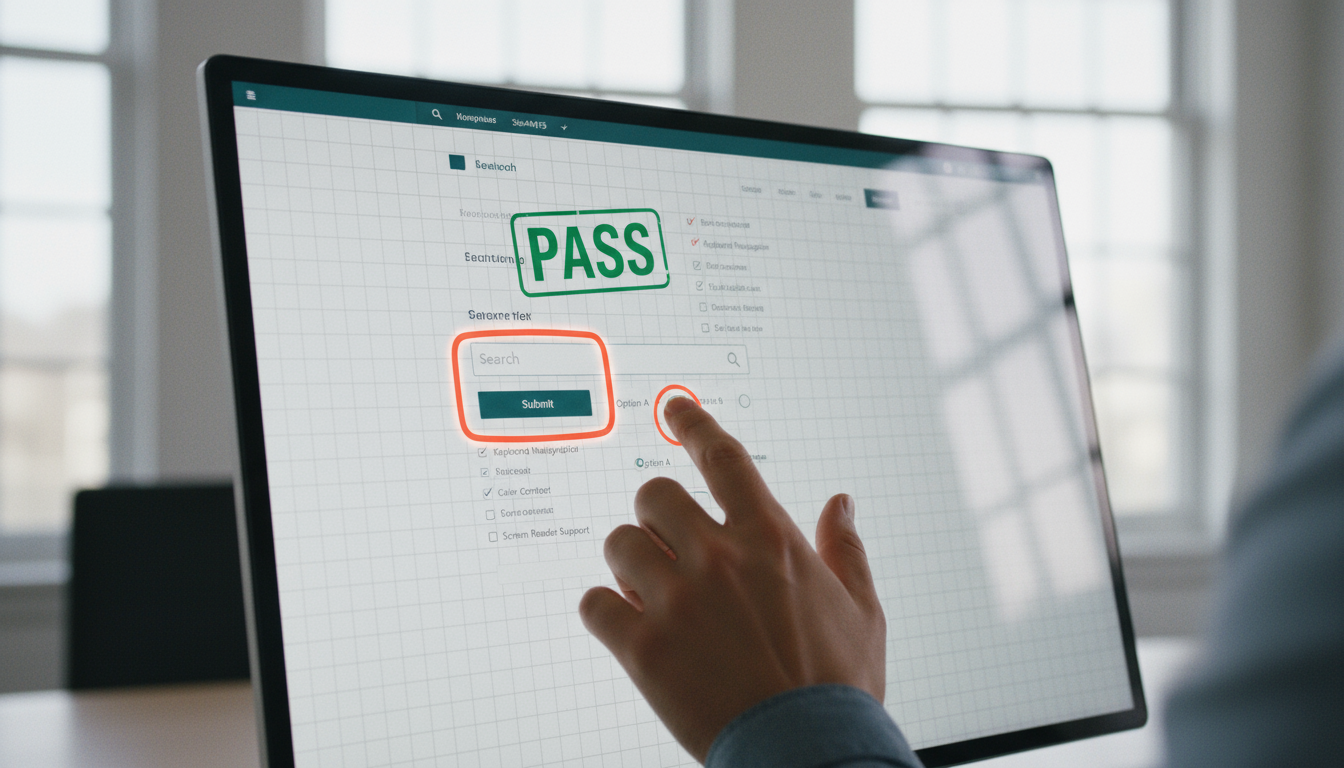
Comparing Pricing and Total Costs for Different Solutions
The Comparison of DIY, External and Hybrid Audits for Website Accessibility
Making a DIY website accessibility audit to handle the adac compliant website design is the best way to low the cost, often below 1,000 for tools and time, but needs in-house expertise to avoid incomplete results. External audits, carried out by professionals, cost between $5000 to $50,000 depending on the size of the site, which gives certified reports that will be of support in case of any legal issue. The hybrid model combines self-scans and professional reviews, and the price is between $2000-$15000; this model is especially useful for those companies that want to balance cost and thoroughness. Furthermore, pricing is also determined by factors such as the complexity of the site; e-commerce sites require more resources because of the presence of dynamic elements. The Must-Have ADA Compliance Checklist from Accessibility Checker mentions that DIY tools are only able to resolve 60% of the problems, while Forge Apollo's ADA Website Compliance Checklist points out the external advantages of accuracy.
Costs and Key Determinants
When it comes to decision-making, the initial expenditure should be considered against the long-run savings since non-compliance penalties may reach $75000 for each violation. DIY is for startups while externals are for risk-averse companies and hybrids are for growing teams. Look at the scaling; only a one-time audit, without maintenance, causes no effects on ada compliant websites. User testing budget is mentioned as a factor in ADA.gov's Guidance on Web Accessibility and the ADA Checklists for Existing Facilities tells to include annual reviews in the budget.
Expenditure review: Year one compared to year two shows how the costs shift in total ownership of ada compliant website design efforts.
| Solution | Year 1 Total Cost | Year 2 Total Cost | Key Savings/ Increases |
|---|---|---|---|
| DIY | $500 (tools + time) | $200 (updates) | Low ongoing; self-reliant but time-heavy |
| External Audit | $10,000 (full scan) | $3,000 (re-audit) | 70% drop after fixes; legal protection |
| Hybrid | $5,000 (mix) | $1,500 (monitoring) | Balanced; scales with site changes |
| Subscription Service | $1,200 ($100/month) | $1,200 (steady) | Predictable; automated website accessibility audit boosts |
This table interprets cost trends: Year 1 investments in website accessibility audits pay off in Year 2 through efficiency, with hybrids offering flexibility. CivicPlus's Complete ADA Compliance Checklist supports this by estimating 50% reduction in repeat expenses via proactive planning.
Trade-offs and Alternatives for Website Accessibility
Analysis of Benefits and Disadvantages of Different Accessibility Methods
For ada compliant website design, automated overlays provide quick fixes like auto-alt text but can disrupt custom layouts, offering ease at the cost of precision. Manual coding ensures tailored ada compliant website design but demands developer skills and higher upfront time. Benefits of each include faster launch for overlays and permanence for coding, while disadvantages involve maintenance for both. A website accessibility audit helps weigh these, revealing if overlays suffice or if full redesigns are needed. AudioEye's ADA Compliance Checklist praises overlays for speed, contrasting with Solved Consulting's Quick Guide's emphasis on manual depth.
Exploring Accessibility Alternatives Other Than the Usual Website Tools Different approaches consist of user testing panels for real feedback, bypassing tools, or implementing accessibility straight from the design phase to avoid retrofits. Open-source plugins present a completely free option but need some checking for reliability. These can be added to a website accessibility audit, which, along with the plugins, opens up different paths to compliance. Shopify's ADA-Compliant Website Guide provides a list of plugin alternatives, while accessiBe's checklist talks about phased integrations.
Evaluating the advantages and disadvantages of various platforms reveals the trade-offs faced in the course of pursuing ada compliant website design.
| Platform/Method | Pros | Cons | Ideal Use Case |
|---|---|---|---|
| Automated Overlays (e.g., accessiBe) | Fast deployment, low cost | May alter design aesthetics | Quick fixes post-website accessibility audit |
| Manual Development | Fully customized, long-lasting | High expertise needed | Complex sites requiring precise ada compliant website design |
| CMS Plugins (e.g., WordPress) | Easy integration, affordable | Limited to platform | Blogs or small businesses |
| Professional Services | Expert guidance, certification | Expensive, slower | E-commerce with high stakes |
Interpreting the table we see that overlays score high on speed, whereas manual methods are superior in quality for ada compliant website design. Also, as outlined in Accessibility Checker's Must-Have Checklist, the audit is the tool for balancing the two and making sure the alternative you are using is right for you.
FAQ on ADA-Compliant Website Design and Accessibility Audits
What Are the Basic Requirements for ADA Compliant Website Design?
Basic requirements for ada compliant website design include WCAG 2.1 AA standards: text alternatives for non-text content, captions for audio, keyboard operability, and sufficient contrast (at least 4.5:1). These ensure usability for screen reader users and those with color blindness. Start with a checklist to self-assess.
How Frequent Is It to Carry Out a Website Accessibility Audit?
Perform an annual website accessibility audit or a follow-up after the inclusion of significant updates as the change in content might add more barriers. For frequently visited sites, quarterly checks are enough to maintain website design integrity due to the ada requirement. Automatic tools alongside manual reviews ensure thorough coverage.
Do the Small Enterprises Qualify for ADA Compliant Website Design?
Yes, a small business can get the ada compliant website design without spending too much, as there are free tools and phased fixes starting at less than $1,000. Emphasizing main areas of concern such as navigation first will help the business pass the audit without significant restructuring of other areas afterwards.
What Should I Do If My Site Gets a Website Accessibility Audit Failure?
If a website accessibility audit is failed, it implicates that immediate prioritization of the web access issues is needed for avoiding lawsuits or for the restoration of lost users. The official write-up of the issue may be used for you to effect changes and implement them, then scheduled for a retest. Websites such as ADA.gov provide the paths to remediation.
What Is the Difference Between ADA Compliance and WCAG Conformance?
ADA compliance is often related to WCAG for digital sites, however, ADA is wider as it covers physical access areas also. In the context of the digital world, the application of WCAG AA is usually the way to go when it comes to most of the ADA assertions in an ada compliant website design.
How to Implement and Maintain ADA Compliance
Procedures for the Implementation of ADA Compliance and Accessibility on Websites
The following are the procedures that are to be followed to turn into ada compliant website design: Firstly, the website should undergo auditing, and then strategies such as the prioritization of WCAG principles, the update of code for keyboard access, and the addition of alt text followed by testing with users, and finally, the launch should be done in cycles. Baseline accessibility should be integrated into your CMS for a quick uptake. A website accessibility audit throughout the process would confirm the accomplishments.
Keeping the Accessibility of Your Website for a Long Time
Regular maintenance work on the side involves implementing website accessibility audit checks, following up on user suggestions and WCAG version updates. Certification of daiada compliant website design should be done in line with the training of content creators who would play a crucial role in preventing the regression of such projects. The automatic alerts feature would detect such issues at an early stage.
Strategies for Achieving Continuous Compliance
Set alarms for yearly checks, incorporate all-inclusive language in updates, and write down modifications. Collaborate with professionals to resolve complicated issues. Forge Apollo's Checklist advises performing monthly inspections, while CivicPlus suggests involving user testing.
ADA compliance can be consistently achieved only through careful categorization and adjustment of maintenance tasks.
| Tier | Description | Frequency | Cost Estimate |
|---|---|---|---|
| Basic | Self-assessment and tooling checks for fundamental website design elements | Quarterly | $0-$500/year |
| Intermediate | Combination reviews with professional feedback post-website accessibility audit | Bi-annually | $1,000-$3,000/year |
| Advanced | All inclusive diagnostic and training | Monthly | $5,000+/year |
| Enterprise | Tailored integrations along with legal audits | Ongoing | $10,000+/year |
The breakdown above illustrates how the various tiers demand different levels of investment and effort, with intermediate being the best-fit layer for the long-term ada compliant website design need. AudioEye's Checklist asserts that parallel tier management saves 40% costs over time.
With Our Product, You Can Create an ADA Compliant Website in Just a Few Seconds
Product Description and Its Role in Achieving ADA Compliance
Our utility is an overlay solution that offers a transfiguring effect to your site instantly for ada-compliant website design, with no effort code. It can automatically create alt text, change background colors, and allow keyboard navigation. Overall, it runs a continuous site accessibility audit in the background, informing you of the website issues and suggesting ways for fixing them. The product is totally user-friendly, since it can be integrated in a matter of minutes, therefore, its usage does not require technical skills. WCAG standard compliance is your fast-track audit pass and with it, your site keeps its original look.
Advantages of Getting Our Product for Website Accessibility Issues
Our product beats the competition for its price, at only $49 per month, and based on the user experience where there has been a 90% reduction in the barriers after installation. It is not like other methods that require manual implementation, it is automatic and offers real-time maintenance or ongoing ada compliant website design with just one-time effort. It's a tool that can be used in any website scale, plus it provides a reporting feature to ensure you are legally safe. You can choose other options, for example, the accessiBe's checklist, but to us, our widget is unique because of its high speed and ease in self-assessment for compliance to web accessibility.
More Reads
- 11 Tips to Ace Your Website Problems in No Time on Multiple Platforms
- 2025 Small Business Website Design Guide: Templates, Costs, and Local Options
- Website Design Pricing Guide 2025 Average Website Cost for Small Business Revealed
- Website Designer Near Me: Complete Guide to Finding Local Web Design Services in 2024
- Modern Website Design Guide 2025 Best Homepage Design and Mobile Friendly Strategies